When I used OS X as my main OS, I used iPhoto to manage my photo collection. One feature that I like the most is the photos are sorted by the date taken. I could not find a similar photo management program on Windows.
If you’re thinking about purchasing a new GPU, we’d greatly appreciate it if you used our Amazon Associate links. The price you pay will be exactly the same, but Amazon provides us with a small commission for each purchase. It’s a simple way to support our site and helps us keep creating useful content for you. Recommended GPUs: RTX 5090, RTX 5080, and RTX 5070. #ad
What I want to do is simple. I want to sort my photos into directory structure by year, month and day. I found an application that does this and more. It’s called AmoK Exif Sorter. It’s written in Java, so it’s available for Windows, Mac and Linux. Here are the steps I did to sort my photos.
- Create a directory called Unsorted and move the photos you want to sort into this folder.
- Create a directory called Sorted for the destination.
- Run AmoK Exif Sorter.
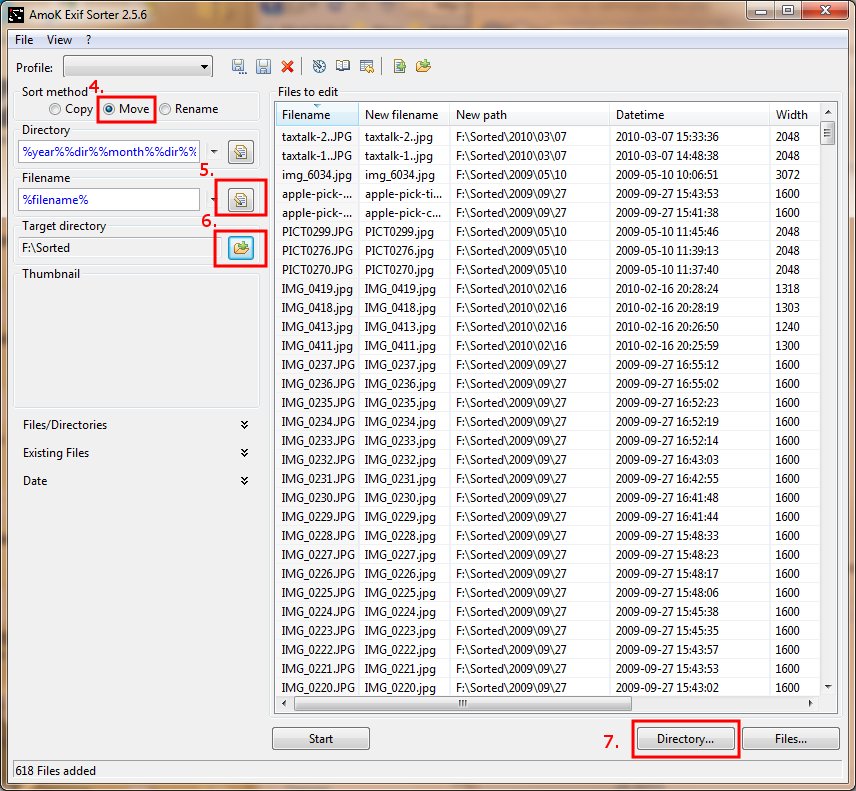
- Click on Move in the Sort method.
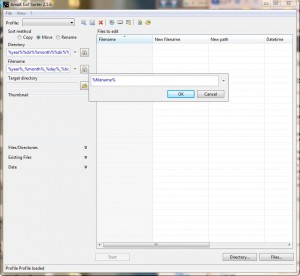
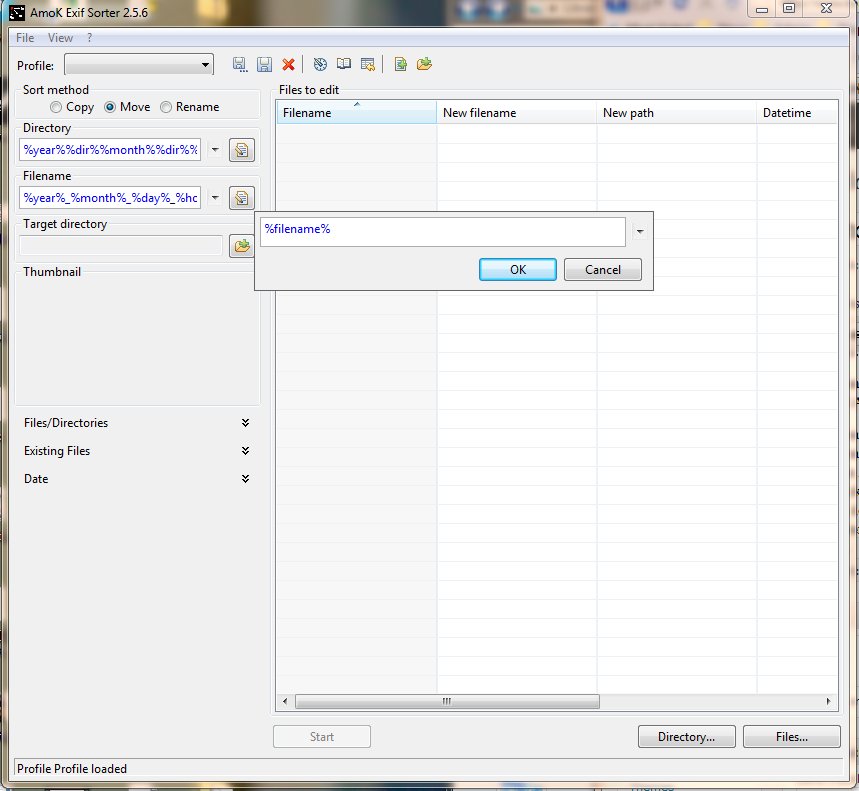
- By default, the filename is changed to year_month_day_hour_minute. To preserve the filename, click on the edit icon next to Filename and enter %filename%.
- Click on the browse icon next to Target directory to select the Sorted directory you created in step 2.
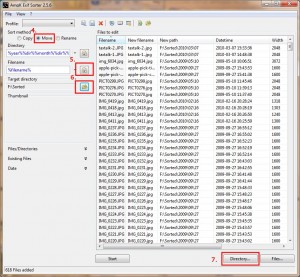
- Click on the Directory … to select the directory in step 1. You might want to save a profile so it’s easier for you next time. Here is a screenshot showing the photos added for processing.
- Finally, click on Start to move the files.
You can do more by using different format tags. For example, you can sort the files by aperture(%aperture%) or focal length(%focallength%). To learn more about the format tags, click on ? -> Help. The help page is in German, but the tags are in English. It’s not hard to figure out what each tag represents.
Leave a Reply