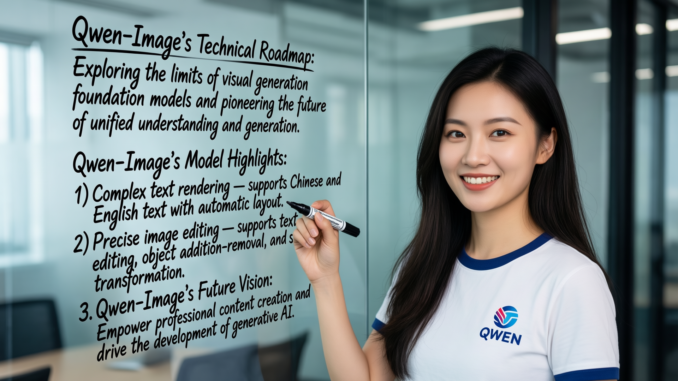
Qwen-Image-2512 is the latest image generation model from the Qwen team, bringing noticeable improvements in realism, detail, and prompt accuracy. Compared to earlier releases, this version produces more natural human features, cleaner textures, and better overall visual consistency, making it a strong option for both creative and technical use cases.
If you’re thinking about purchasing a new GPU, we’d greatly appreciate it if you used our Amazon Associate links. The price you pay will be exactly the same, but Amazon provides us with a small commission for each purchase. It’s a simple way to support our site and helps us keep creating useful content for you. Recommended GPUs: RTX 5090, RTX 5080, and RTX 5070. #ad
With the availability of GGUF quantized models, Qwen-Image-2512 can now be run locally using ComfyUI, even on consumer-grade hardware. GGUF makes it possible to reduce memory usage while preserving image quality, which is especially useful for users who want to avoid cloud-based solutions and keep their workflows fully local.
In this article, we’ll walk through how to use Qwen-Image-2512 GGUF in ComfyUI, covering the basic setup, workflow considerations, and practical tips to help you get stable and high-quality results.
Qwen-Image-2512 GGUF Models
- GGUF Model: The GGUF models can be found here. I have a RTX 5090, and I used the Q8 variant. I downloaded qwen-image-2512-Q8_0.gguf. If you have less VRAM, use other variants like Q5 or Q4. Put the GGUF models in ComfyUI\models\unet\ .
- Text Encoder: Download qwen_2.5_vl_7b_fp8_scaled.safetensors and put it in ComfyUI\models\text_encoders\ .
- VAE: Download qwen_image_vae.safetensors and put it in ComfyUI\models\vae\ .
- LoRA(Optional): You can download the lightning 4 steps LoRA here and try it. Place it in ComfyUI\models\loras\ .
Qwen-Image-2512 GGUF Installation
- Update your ComfyUI to the latest version if you haven’t already. (Run update\update_comfyui.bat for Windows). Depending on which gguf custom node you installed before, you also need to update the ComfyUI-GGUF or gguf custom node to the latest version if you have not updated it recently.
- Download the json file, and open it using ComfyUI.
- Use ComfyUI Manager to install missing nodes.
- Restart ComfyUI.
Nodes
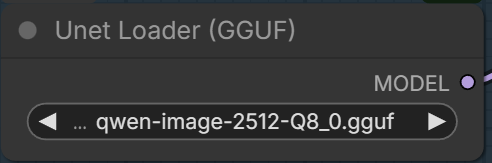
Select the GGUF model here.
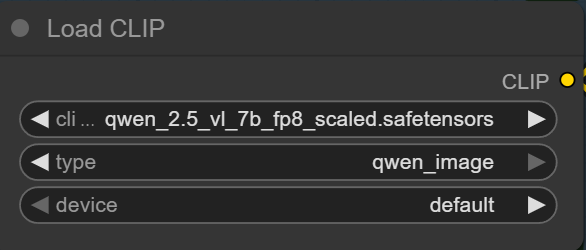
Specify the text encoder here.
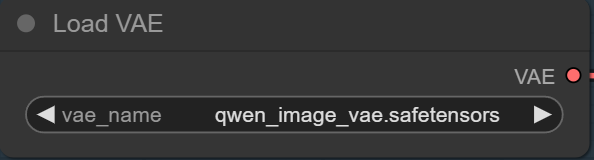
Pick the VAE here.
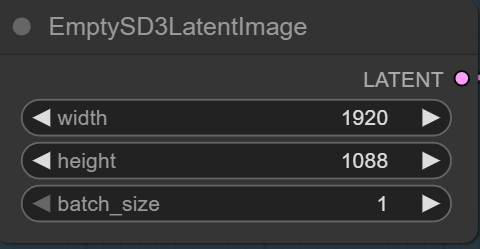
Specify the size here.

Enter the positive prompt and negative prompt here.
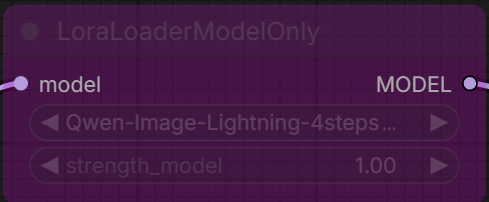
If you want to try the lightning LoRA, enable (Ctrl+B) this node. Note that the workflow still has the old lightning 4 steps LoRA selected. Please update it to the new lightning 4 steps LoRA. Change the cfg to 1 and steps to 4 in KSampler node.
Qwen-Image-2512 GGUF Examples
Prompt:
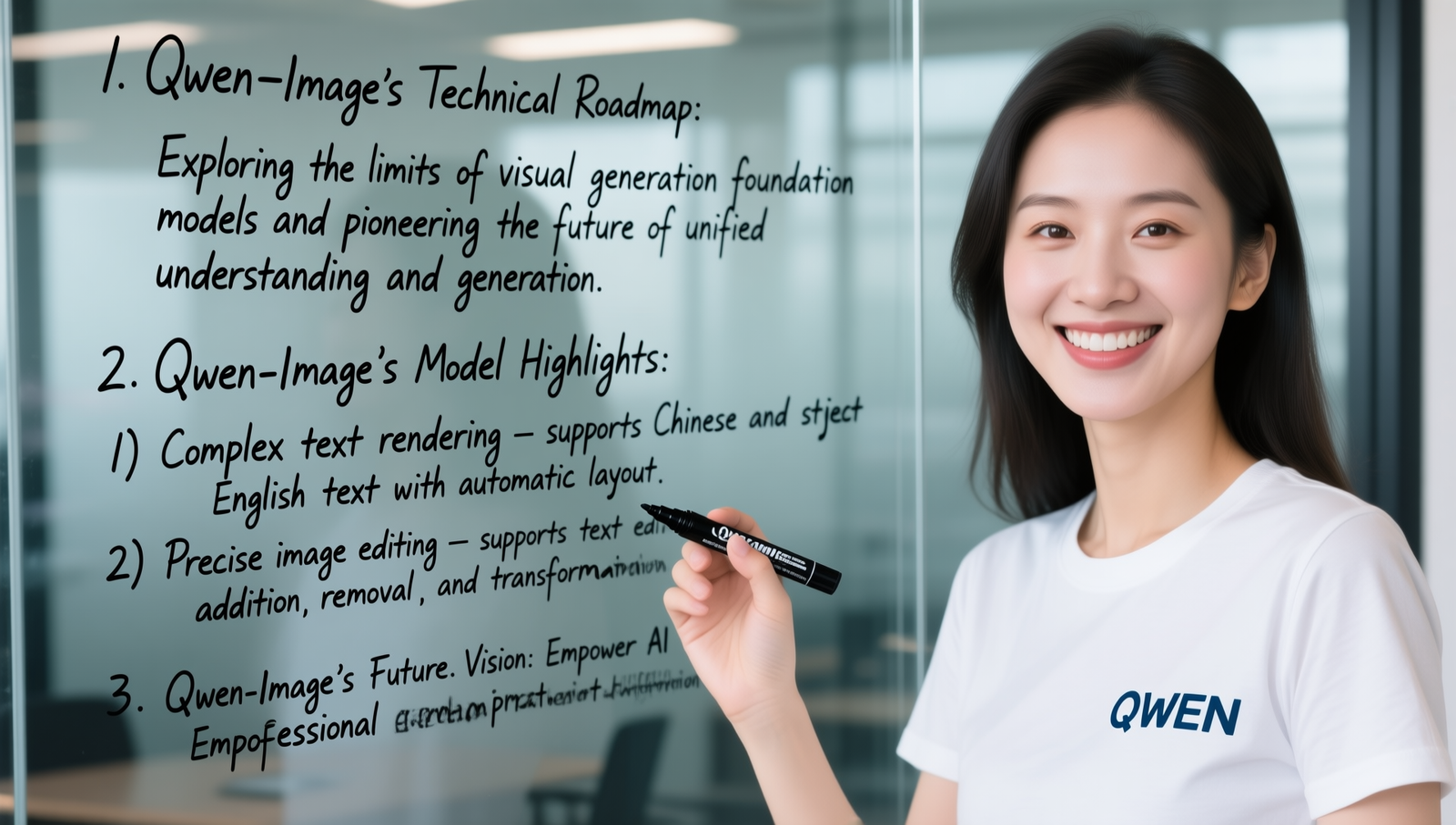
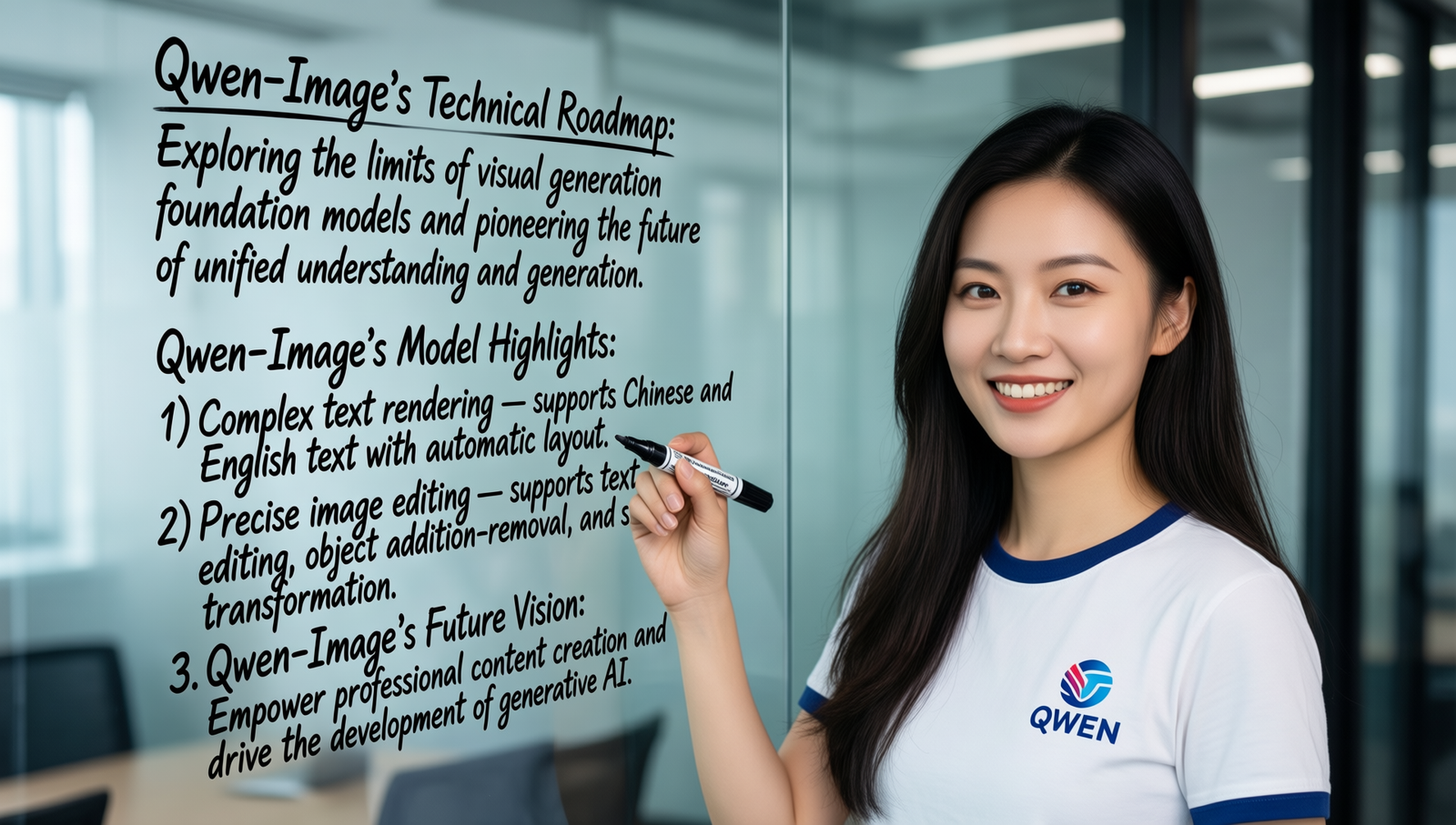
A beautiful Chinese woman wearing a T-shirt with the “QWEN” logo is holding a black marker and smiling at the camera. On the glass panel behind her, handwritten in cursive are the following words:
1. Qwen-Image’s Technical Roadmap: Exploring the limits of visual generation foundation models and pioneering the future of unified understanding and generation.
2. Qwen-Image’s Model Highlights:
1) Complex text rendering — supports Chinese and English text with automatic layout.
2) Precise image editing — supports text editing, object addition/removal, and style transformation.
3. Qwen-Image’s Future Vision: Empower professional content creation and drive the development of generative AI.
Prompt:
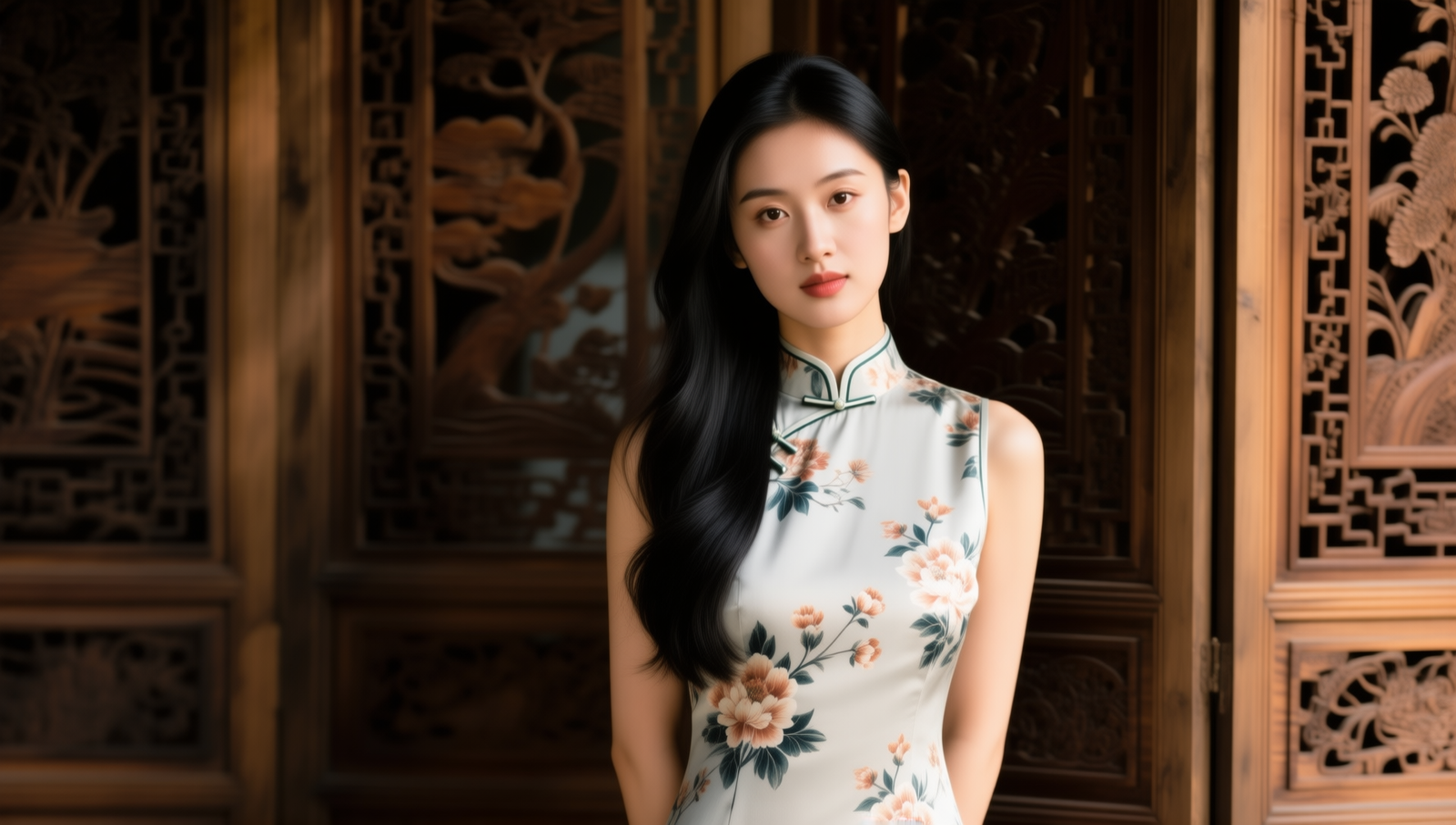
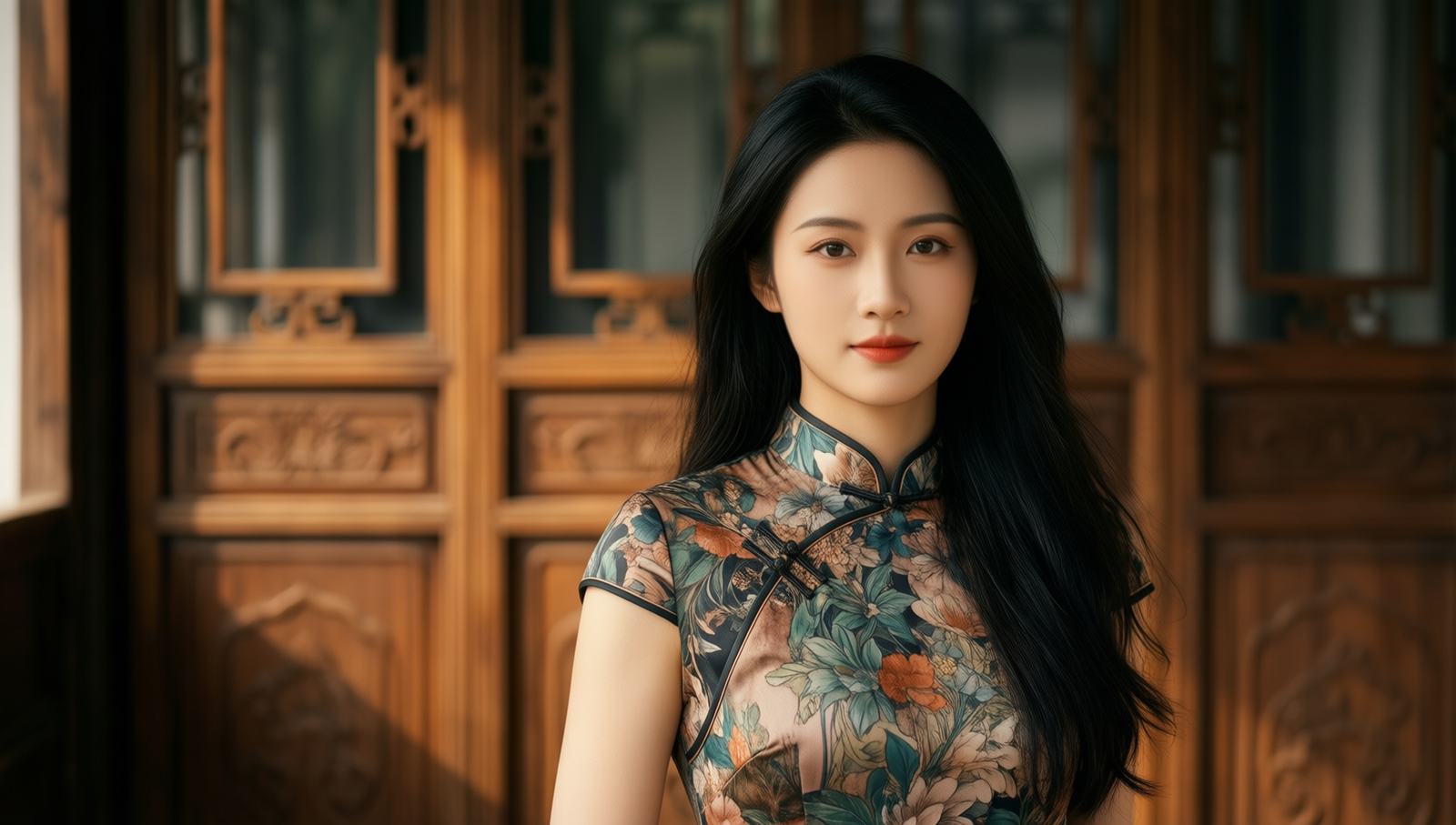
A portrait of a beautiful young Chinese woman wearing a modern qipao dress with floral patterns. Soft natural lighting, long black hair flowing over one shoulder, standing in front of a traditional wooden screen with carved details. Cinematic depth of field, warm tone. 16:9 composition.
Prompt:
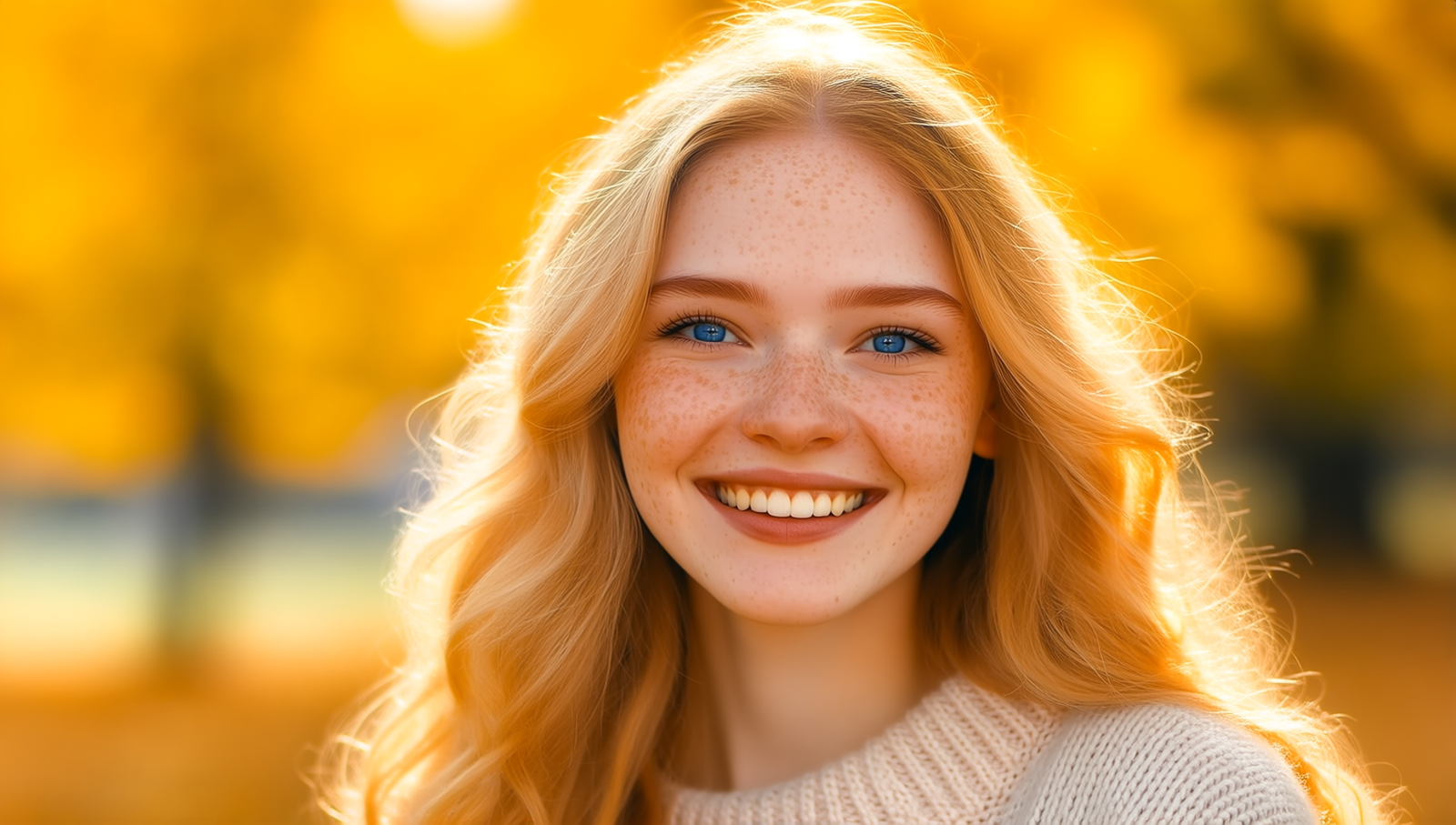
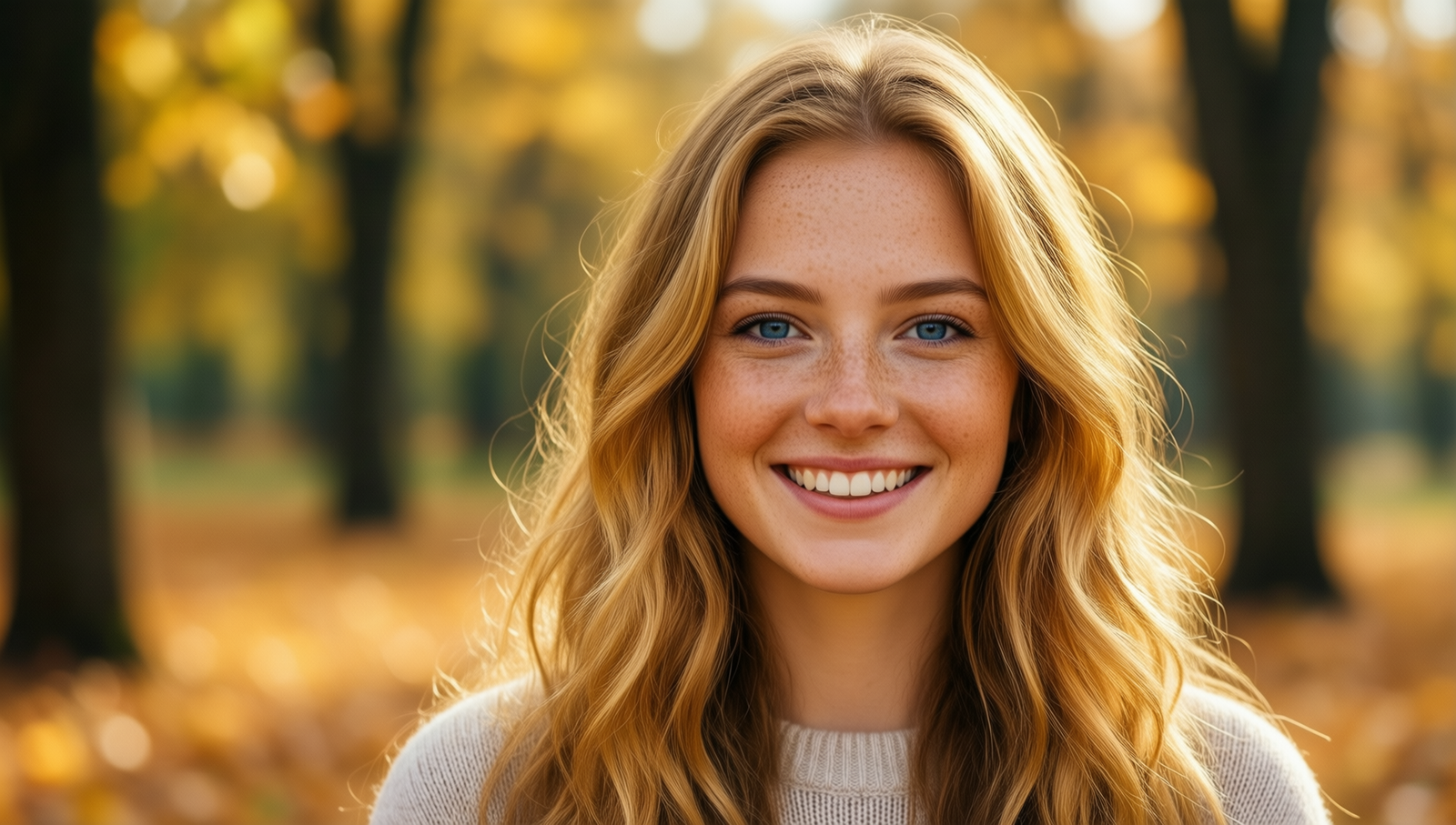
A close-up portrait of a smiling young white woman with freckles, blue eyes, and long wavy blonde hair. She’s wearing a light sweater, standing against a softly blurred autumn park background with golden leaves. Warm lighting, photorealistic style, 16:9 framing.
Prompt:
A mystical elven sorceress standing in a glowing forest at twilight, wearing a flowing silver robe with arcane symbols. Long white hair, pointed ears, and a magical staff emitting blue light. Floating fireflies surround her, with ancient ruins in the background. Cinematic fantasy atmosphere, rich color grading
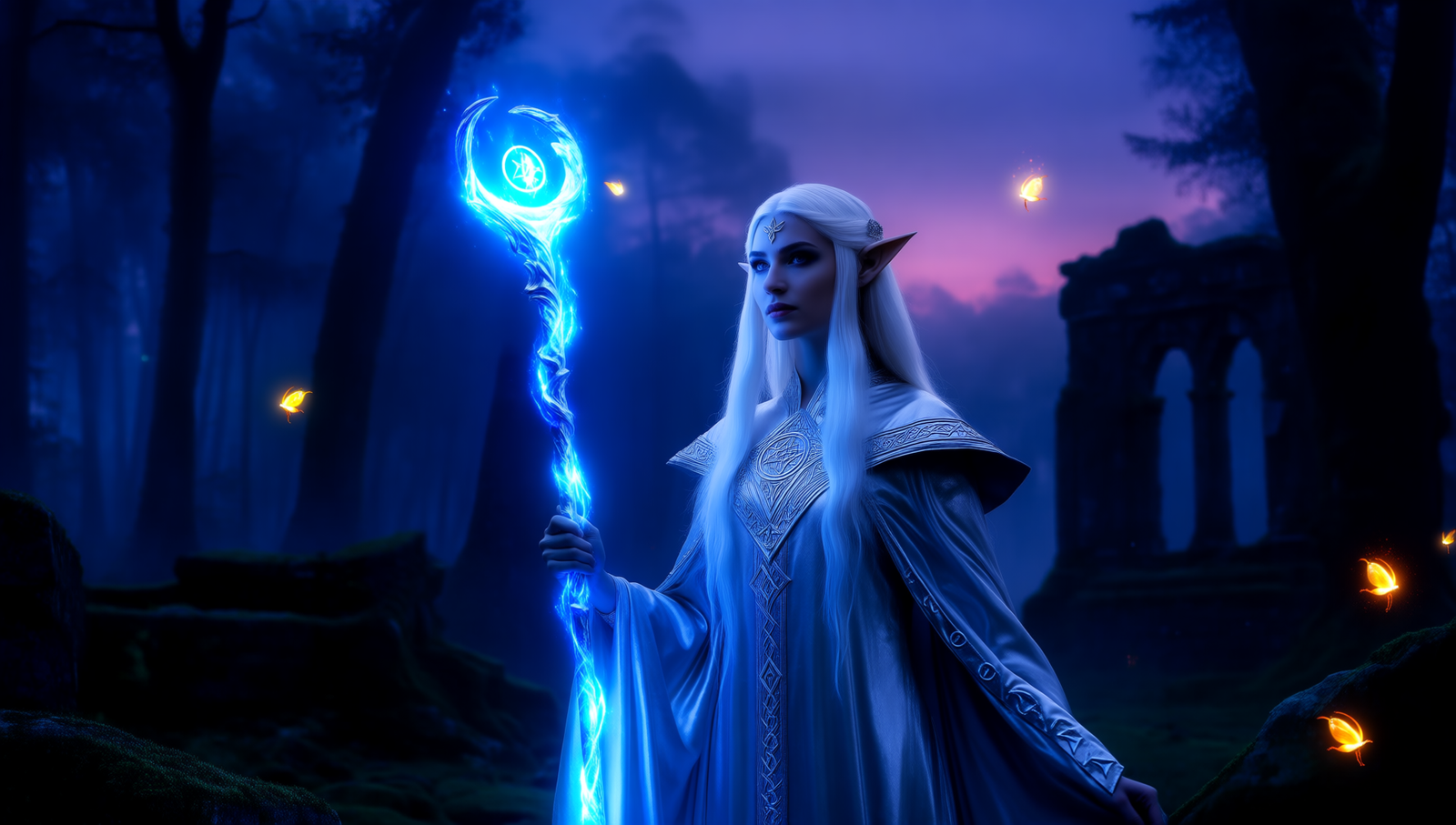

Prompt:
A peaceful lakeside landscape at sunrise, with mist floating over calm water, pine trees reflecting on the surface, and a wooden dock stretching into the lake. Mountains in the distance, golden sunlight breaking through the clouds. Ultra-realistic, wide-angle 16:9 view.


Conclusion
Running Qwen-Image-2512 GGUF in ComfyUI is a great way to access a modern, high-quality image generation model without relying on external APIs or high-end hardware. Thanks to GGUF quantization, the model strikes a good balance between performance and visual fidelity, making it suitable for daily experimentation and production workflows.
Once properly set up, Qwen-Image-2512 delivers strong prompt adherence, realistic outputs, and consistent results across a wide range of subjects. For creators and developers looking to expand their local AI toolkit, this model is a solid addition to any ComfyUI workflow.
Leave a Reply