If you’re thinking about purchasing a new GPU, we’d greatly appreciate it if you used our Amazon Associate links. The price you pay will be exactly the same, but Amazon provides us with a small commission for each purchase. It’s a simple way to support our site and helps us keep creating useful content for you. Recommended GPUs: RTX 5090, RTX 5080, and RTX 5070. #ad
License: Freeware
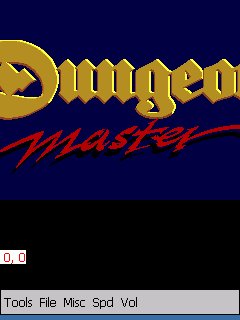
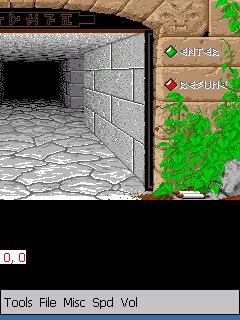
This is the PocketPC port of the Dungeon Master from the late 1980’s on Atari. I have written a small script to help run the game. Execute run.exe in the directory to play it.
Hi Amida168, do you know why I can run this [ run.exe] from file manager but not from user.ini via a desktop icon ? Look like something is looping — I am getting flickering screen which never goes away.
Thanks,
NxG
Maybe the path is wrong. Check it again.
I did check it again and again, no problem with path. I mean the problem is still there. Thanks.
BTW,
I can see the bottom line displaying the program banner but the screen is flickering. But again, when I am calling the same program from FileManagerCE, the program is running fine.
Thanks,
NxG
Hi Amida168,
Miraculously, my problem has been solved. I was having trouble loading eVB from autopatcher. That has been solved somehow [ not sure how ] and at the same time this problem is solved without making any more changes.
Thanks,
NxG
Maybe the problem is due to incompatible versions of aygshell.dll.
That’s probably correct. I see two versions of that file: one that is in dangeon directory is 17 kb whereas other ones are 22KB. Is there any way from desktop icon to force use this dll.
BTW, the problem again came back, I do not know how.
And if I replace 22kb one with 17kb, I do not know if everything else will be working.
BTW, an offtopic question: for the calculator, is there any way to exit ?
Thanks.
To make sure the system use the correct aygshell.dll, do a software restart before running Dungeon Master.
To exit out the calculator, press about and then “Xâ€.