There are not a lot of native drivers for Windows 7 Beta now. Even though you can use the Vista drivers for most of the components. Sometimes, you might need to use the compatibility mode to install those old drivers or application. To use the compatibility mode, follow these steps.
If you’re thinking about purchasing a new GPU, we’d greatly appreciate it if you used our Amazon Associate links. The price you pay will be exactly the same, but Amazon provides us with a small commission for each purchase. It’s a simple way to support our site and helps us keep creating useful content for you. Recommended GPUs: RTX 5090, RTX 5080, and RTX 5070. #ad
- Right click on the executable file and select Properties.
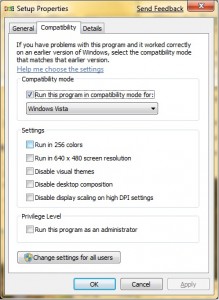
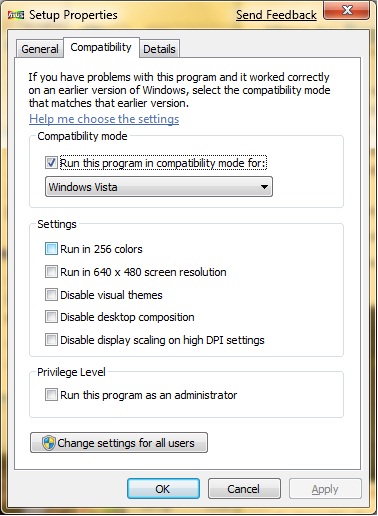
- Click on the Compatibility tab and check the box Run this program in compatibility mode for: . Select the legacy OS in the drop down box.
- Click on OK to close the dialog windows.
- Right click on the executable file again and select Run as administrator to run it.
If this still does not work, try to find updates for the drivers or applications you want to install.
Leave a Reply