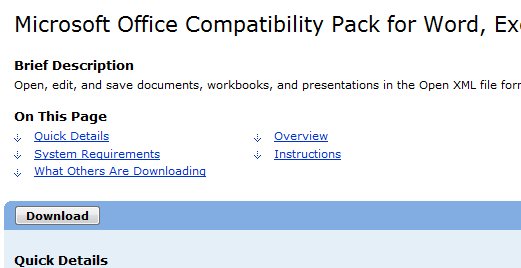
 It has been several years since Microsoft introduced Office 2007. However, a lot of people still do not want to upgrade because of the interface issue. For users who do not want to switch, I install a program called Microsoft Office Compatibility Pack for Word, Excel, and PowerPoint File Formats so the Office 2003 users can open the Office 2007 file formats.
If you’re thinking about purchasing a new GPU, we’d greatly appreciate it if you used our Amazon Associate links. The price you pay will be exactly the same, but Amazon provides us with a small commission for each purchase. It’s a simple way to support our site and helps us keep creating useful content for you. Recommended GPUs: RTX 5090, RTX 5080, and RTX 5070. #ad
I got some reports recently that some users cannot open the Office 2007 documents even though their machines already have the compatibility pack installed. I tried to repair Office 2003 and reinstall the compatibility pack from the server and they did not work. I found that there is a recent update of the pack which is published on 1/6/2010. I uninstalled the old version of Microsoft Office Compatibility Pack and installed the updated version and the problem is solved.
You can find the latest update of the Microsoft Office Compatibility Pack by following this link.
Leave a Reply