If you have tried to jailbreak your iPhone before, you’ll know that it is a big undertaking. There are a lot of files to download and a lot of steps to follow. The release of jailbreakme.com has changed all that. All you have to do is use the Mobile Safari to visit jailbreakme.com and slide the slider and you are all set.
If you’re thinking about purchasing a new GPU, we’d greatly appreciate it if you used our Amazon Associate links. The price you pay will be exactly the same, but Amazon provides us with a small commission for each purchase. It’s a simple way to support our site and helps us keep creating useful content for you. Recommended GPUs: RTX 5090, RTX 5080, and RTX 5070. #ad
As of this writing, this site can jailbreak iPhone 4 with iOS 4.0 or 4.01. It actually exploits a vulnerability of Mobile Safari to jailbreak your iPhone. Therefore, do not expect the site to work for later iOS versions.
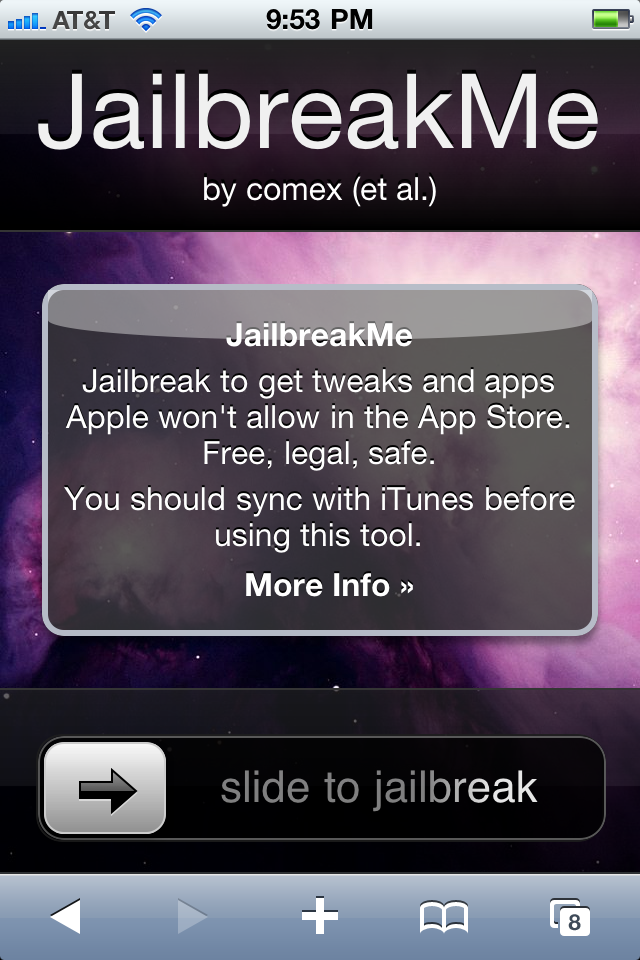
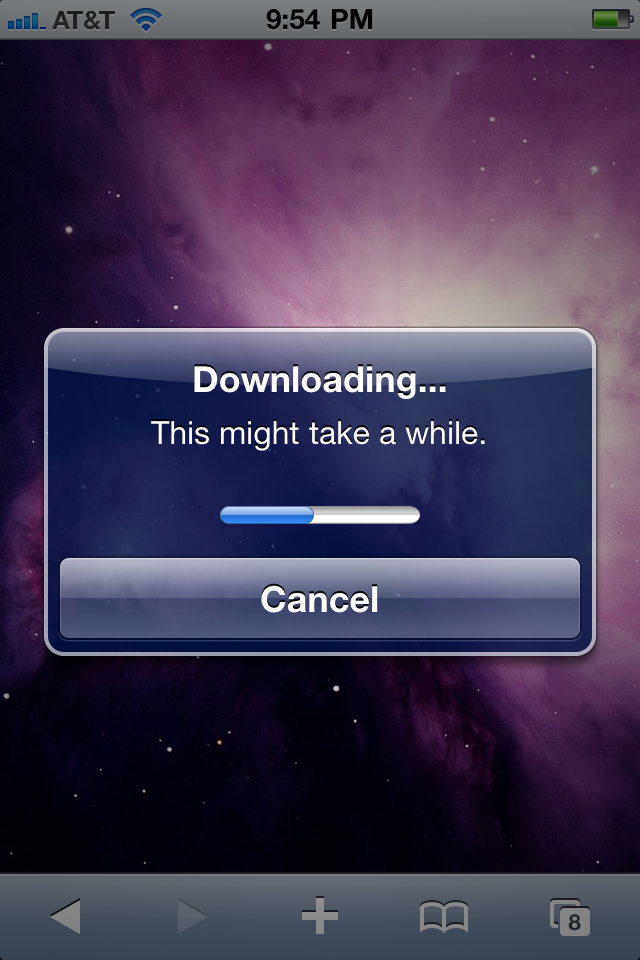
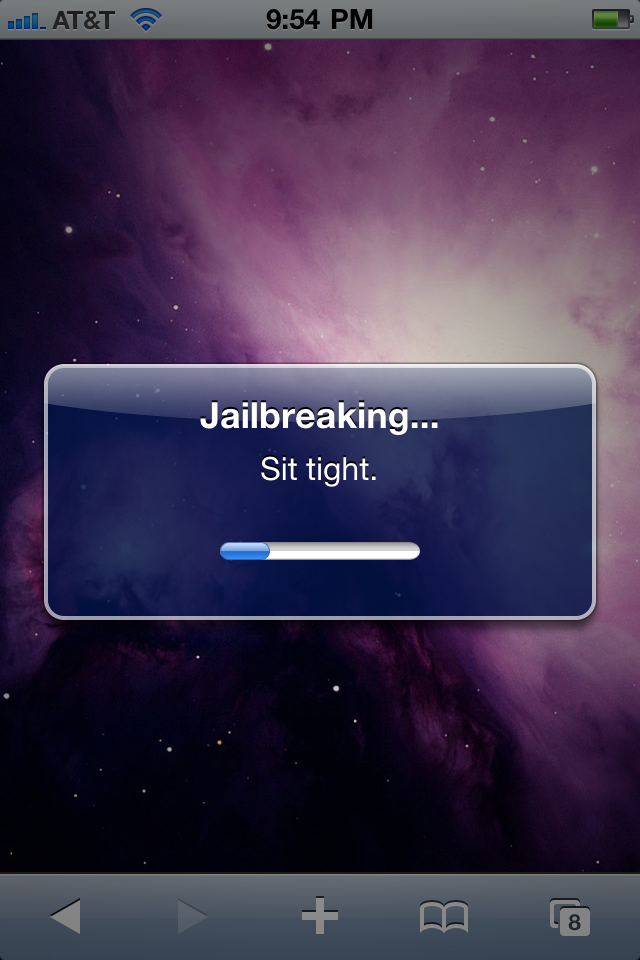
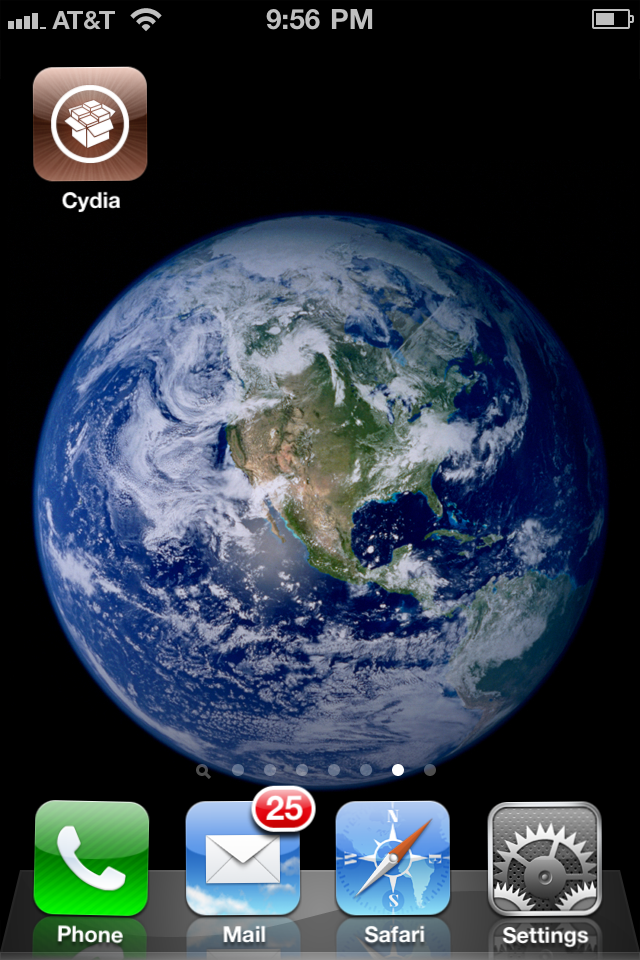
Here are the steps with screenshots. As with any jailbreaking, back up your iPhone before you attempt it.
- Open Mobile Safari and visit this site.
jailbreakme.com
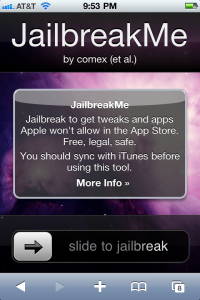
- Slide to jailbreak. The following screenshots show the progress.
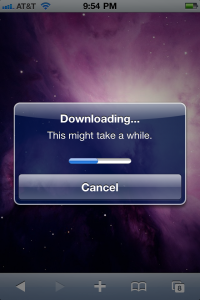
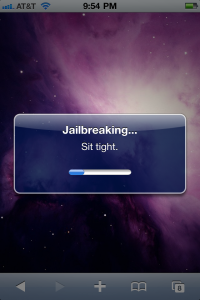

- When jailbreaking is done, iPhone reboots. You can find Cydia on the home screen.
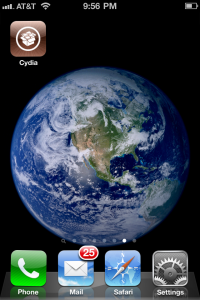

This is normal jailbreak or only place a cydia app?
(sorry for bad english, i’m hungarian)
:-O lol
Installing Cydia is jailbreaking.
Ohh, thanks, i’m new in jailbreak
Cool