A user came to me today because Skype would no longer run on her laptop. Whenever she tried to run it, she got this message.
If you’re thinking about purchasing a new GPU, we’d greatly appreciate it if you used our Amazon Associate links. The price you pay will be exactly the same, but Amazon provides us with a small commission for each purchase. It’s a simple way to support our site and helps us keep creating useful content for you. Recommended GPUs: RTX 5090, RTX 5080, and RTX 5070. #ad
“The instruction at “0x00ae8cd8” referenced memory at “0x00000004″. The memory could not be read.” “Click OK to terminate the program.”
She tried to install an older version of Skype, but it did not work. I initially thought it might be the hard drive, but the hard drive passed the diagnostic test.
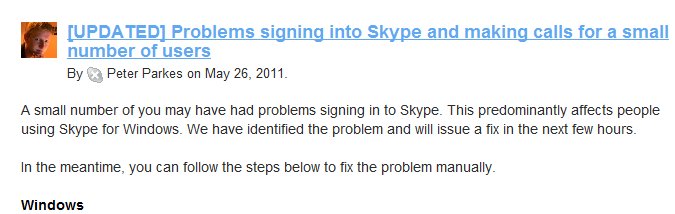
It turned out to be an outage of Skype’s servers. The outage had caused a corrupted file on some users’ computers. The fix was to delete the corrupted file or install the latest version of Skype. Here is the link to delete the corrupted file.
http://heartbeat.skype.com/2011/05/problems_signing_into_skype_an.html
I followed the instructions and deleted the corrupted shared.xml. The Skype started without any problem afterward.
Leave a Reply