We use Cisco AnyConnect VPN to provide remote users with access to servers behind a firewall. AnyConnect also has a utility that enables users to logon to VPN before logging on to the computer. This is very useful for laptops. The utility is called Cisco AnyConnect VPN Client Start Before Login Components.
If you’re thinking about purchasing a new GPU, we’d greatly appreciate it if you used our Amazon Associate links. The price you pay will be exactly the same, but Amazon provides us with a small commission for each purchase. It’s a simple way to support our site and helps us keep creating useful content for you. Recommended GPUs: RTX 5090, RTX 5080, and RTX 5070. #ad
Once you have the utility installed, you will be prompted to logon to VPN first on Windows XP. However, it does not prompt you to logon on Windows 7. Here are the steps to get to the VPN prompt on Windows 7 Enterprise:
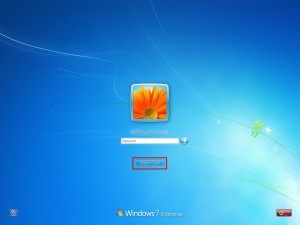
- Press Ctl+Alt+Del at the logon screen.

- Click on  Switch User.
 Â
 - Click on the new button that now appears beside the power button.
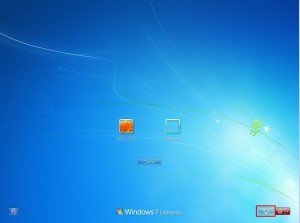
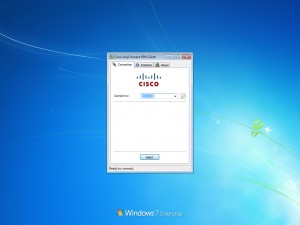
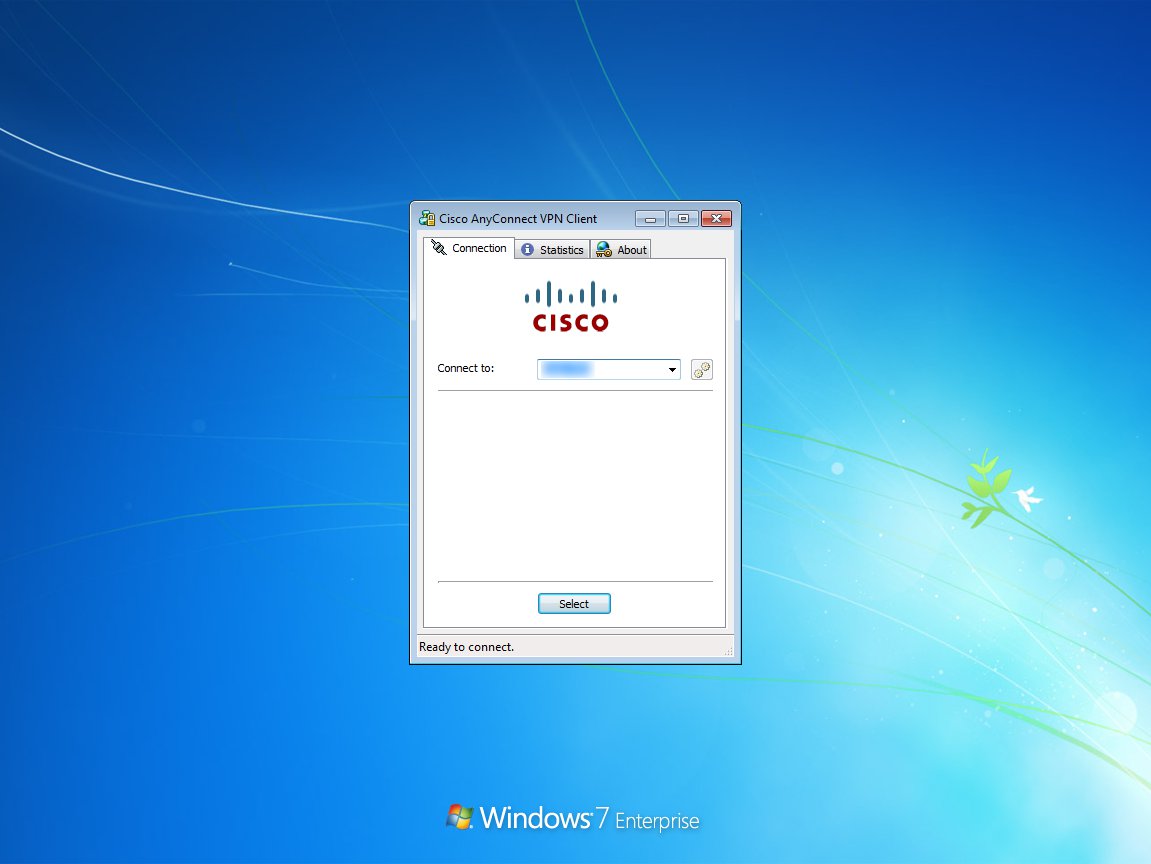
- Now you can use the VPN dialog to logon.



Hi there,
Thanks for the How-to.
How did you manage to screenshot the logon display?
It’s a virtual machine.