kombitz

Tech tips, tricks, how-tos and new products

  • Machine Learning
  • Windows
  • Mac OS
  • Linux
  • Tech Deals
  • About
    • Disclaimer
  • Contact
  • Privacy Policy

Month: January 2017

How to Change the Permissions for the Default Shares on Windows

January 26, 2017 amida168 0

During the recent security scan, we found that one default share on the server shares a drive to everyone. I ran the Computer Management console […]
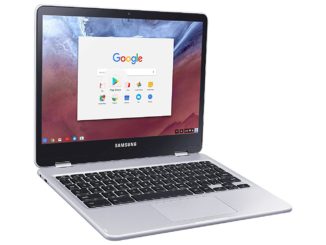
Samsung Chromebook Plus Touch-Screen Laptop XE513C24-K01US

January 25, 2017 amida168 0

Flexible 360° profile. Enables you to use upright as a computer to reply to emails or finish a paper and recline to tablet view ideal […]
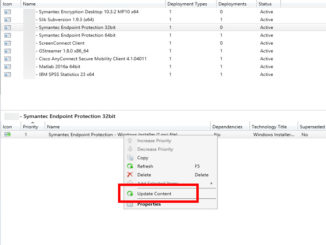
How to Update Content of Your Application in SCCM 2012

January 24, 2017 amida168 0

Update the installation files in the original location. Open SCCM Manager Browse to the application you want to change. It’s usually in Software Library -> […]

ASUS C302CA-DHM4 12.5-Inch Touchscreen Chromebook Flip

January 19, 2017 amida168 0

The flexible 360 degree hinge and 12.5」 Full-HD touchscreen lets you use the C302 in tablet or laptop mode. Extremely lightweight at 2.65 pounds with […]
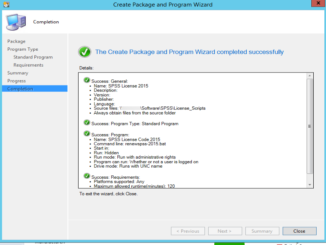
How to Create a Package in SCCM 2012

January 19, 2017 amida168 0

If a program does not have a MSI file, you can create a package to distribute it. Open up System Center Configuration Manager and browse […]
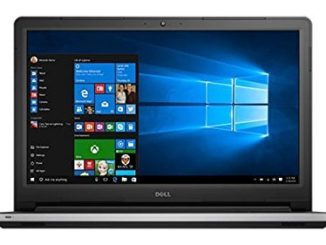
2017 Newest Dell Inspiron 15.6″ FHD Touchscreen Signature Laptop

January 17, 2017 amida168 0

15.6 in Full HD LED-backlit touchscreen with Truelife (1920 x 1080), 10-finger multi-touch support, Intel HD Graphics 520 with shared graphics memory 6th Generation Intel […]
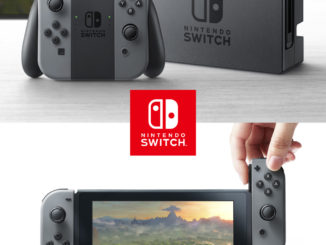
New Nintendo Switch Pre-Order Available Now

January 13, 2017 amida168 0

The new Nintendo portable console Switch is available now at Walmart. At home, Nintendo Switch rests in the Nintendo Switch Dock that connects the system […]
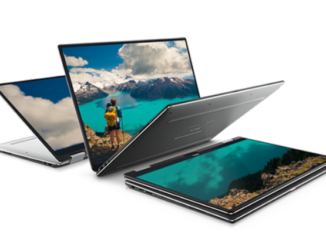
The New Dell XPS 2-in-1 is Available

January 5, 2017 amida168 0

The newly announced Dell XPS 2-in-1 is available for order. Beauty without borders. The world’s smallest* 13-inch 2-in-1 with InfinityEdge display for virtually borderless viewing […]

How to Create an Application in SCCM 2012

January 3, 2017 amida168 0

There are two ways to create software installation packages in SCCM 2012. The Application is the new and recommended method. Here are the steps: Download […]

Top Posts & Pages

  • Generate Realistic Images with Z-Image-Turbo GGUF in ComfyUI
  • How to Use Flux.2-dev GGUF in ComfyUI
  • How to Install Triton and SageAttention on Windows
  • How to Train a Qwen-Image LoRA with ai-toolkit
  • How to Use Qwen-Image-Edit-2509 GGUF in ComfyUI

Recent Posts

  • Generate Realistic Images with Z-Image-Turbo GGUF in ComfyUI
  • How to Use Flux.2-dev GGUF in ComfyUI
  • Understanding NVIDIA’s sm_80 to sm_120 in Plain English
  • How to Upgrade FramePack Studio for NVIDIA 50-Series GPUs
  • How to Generate Video Prompts in ComfyUI with Qwen3-VL

Categories

Tags

AI Android Automatic1111 ComfyUI Computer Hardware firefox Free Gadget Gadgets GGUF GPS How To iPad iPhone iPhone Hacks Kaggle Linux Mac MacBook Machine Learning Mac OS mio navigon Netbook Playstation 3 Promotion Samba SCCM 2012 Security Snow Leopard Software Stable Diffusion Ubuntu Video Games VirtualBox Vista Web webui Windows Windows 7 Windows 7 Beta Windows 7 RC Windows 8 Windows 10 WordPress


Copyright © 2025 | WordPress Theme by MH Themes

Social Widgets powered by AB-WebLog.com.

Translate »
 

Loading Comments...