During the recent security scan, we found that one default share on the server shares a drive to everyone. I ran the Computer Management console and go to System Tools -> Shared Folders -> Shares to change it. However, I couldn’t change it using the Computer Management console.
If you’re thinking about purchasing a new GPU, we’d greatly appreciate it if you used our Amazon Associate links. The price you pay will be exactly the same, but Amazon provides us with a small commission for each purchase. It’s a simple way to support our site and helps us keep creating useful content for you. Recommended GPUs: RTX 5090, RTX 5080, and RTX 5070. #ad

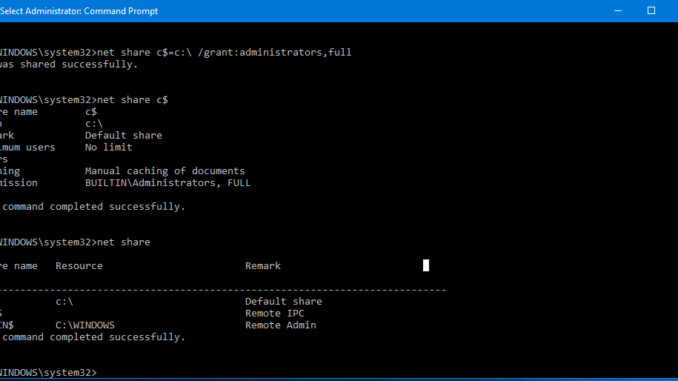
I found that later that I could change it using command line. Here are the steps.
- Open an admin command prompt.
- Type this command to delete that share. In this example, we use i$.
net share i$ /delete
- Type this command to create the share and grant administrators full permissions.
net share i$=i:\ /grant:administrators,full
Leave a Reply