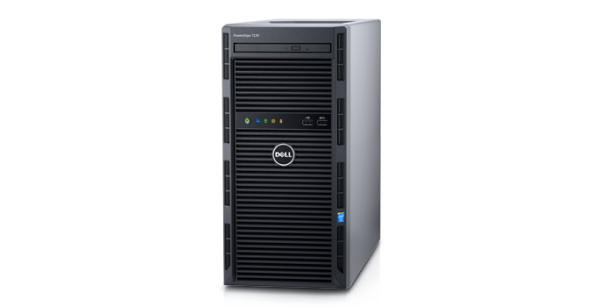
We purchased a bunch of Dell PowerEdge T130 servers recently. When I first installed it with Windows 2016, I couldn’t create a RAID. Upon checking the devices on the computer, there is no RAID adapter. I found out later on that the RAID has to be enabled in order for it to work. Here are the steps:
If you’re thinking about purchasing a new GPU, we’d greatly appreciate it if you used our Amazon Associate links. The price you pay will be exactly the same, but Amazon provides us with a small commission for each purchase. It’s a simple way to support our site and helps us keep creating useful content for you. Recommended GPUs: RTX 5090, RTX 5080, and RTX 5070. #ad
- Boot the machine up and press F2.
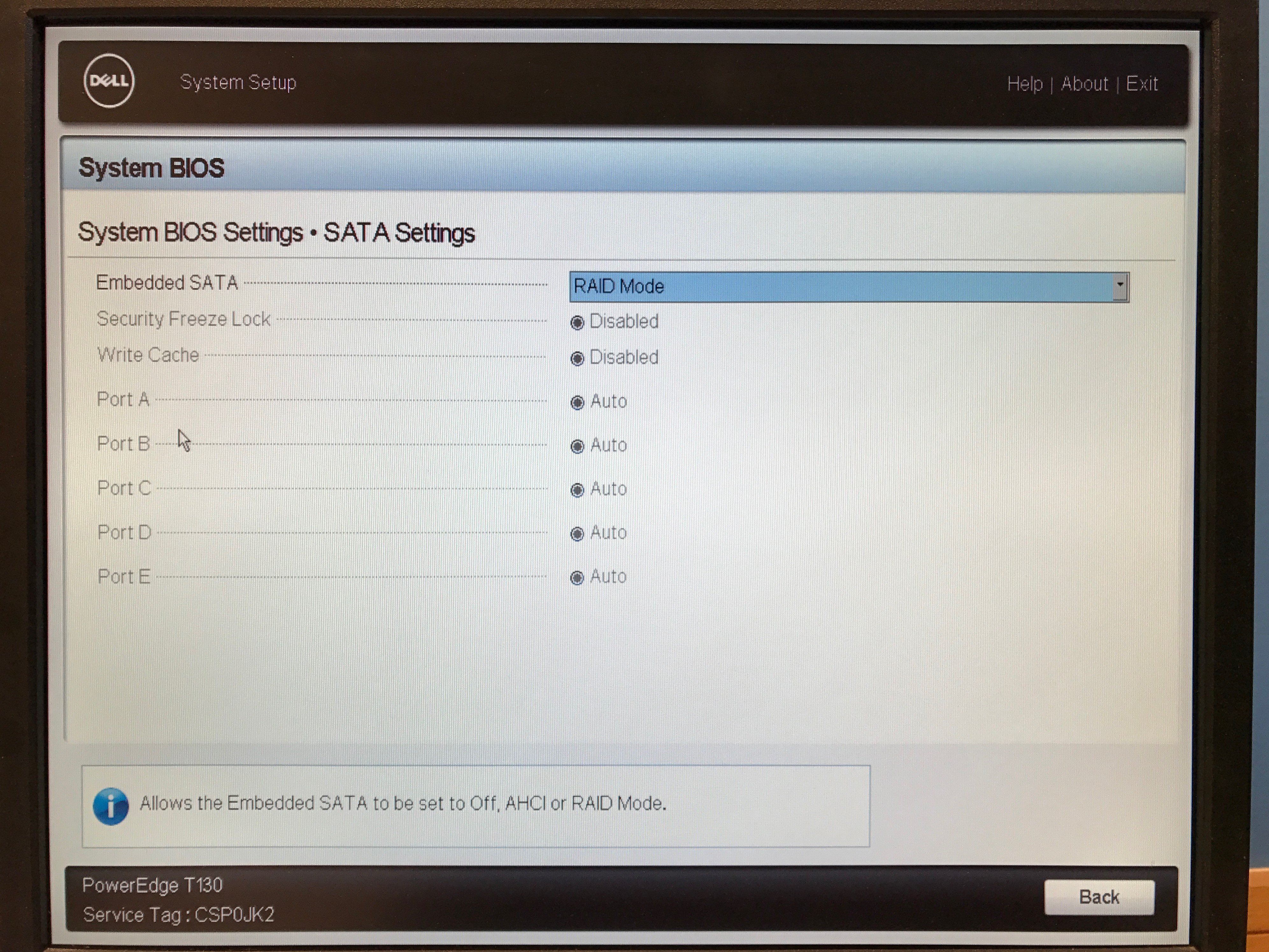
- Click on System BIOS.
- Click on SATA Settings.
- Change the Embedded SATA to RAID Mode.

- Exit out and save the changes.
Leave a Reply