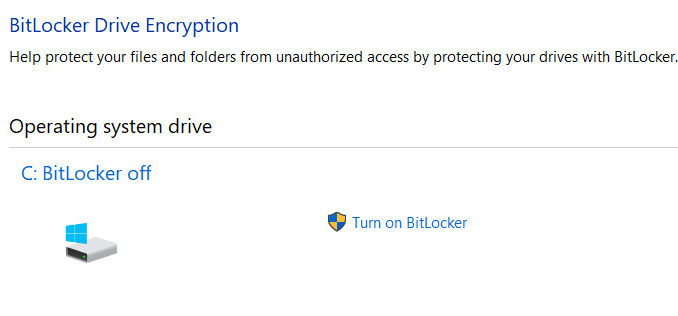
We recently encrypted two laptops using BitLocker. After encryption is done, the BitLocker keeps asking for the recovery key every time the machine boots up. We tried several ways to solve the problem to no avail. Finally, we found that in order to fix the problem, we have to change the boot mode from legacy to UEFI. If you can wipe the machine and reinstall everything, you can do so by changing the boot mode to UEFI and reinstall everything. If you want to keep the files intact, you can follow these steps to change the boot mode to UEFI without wiping the hard drive.
If you’re thinking about purchasing a new GPU, we’d greatly appreciate it if you used our Amazon Associate links. The price you pay will be exactly the same, but Amazon provides us with a small commission for each purchase. It’s a simple way to support our site and helps us keep creating useful content for you. Recommended GPUs: RTX 5090, RTX 5080, and RTX 5070. #ad
- Turn BitLocker off.
- Download and install Partition Master from here.
- Run Partition Master.
- Insert a blank USB stick.
- Click on WinPE bootable disk and follow the wizard to create a bootable USB stick with Partition Master.
- Shutdown the machine.
- Boot the machine to the USB stick.
- When Partition Master loads, click on the Disk0 to select it.
- Click on Convert MBR to GPT operation.
- Click on Apply and follow the wizard to convert the disk from MBR to GPT.
- Shutdown the machine.
- Turn on the machine and enter the BIOS setup.
- Change the boot mode from Legacy to UEFI.
- Save the BIOS setting and reboot.
- When the machine boots up, turn BitLocker on.
Leave a Reply