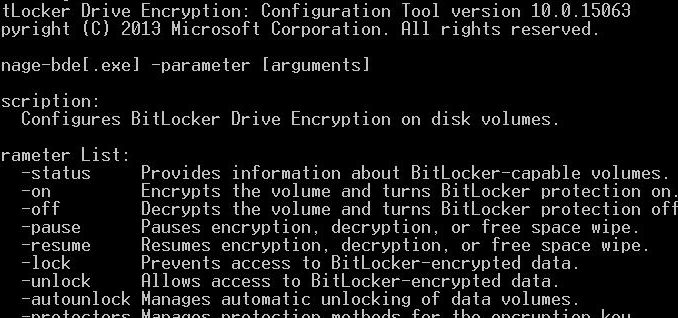
If you ever want to use command line to manage BitLocker, there is a tool called manage-bde just for that purpose. If you have not used a command line tool before, remember to open an elevated command prompt first to type the command. Here are some examples:
If you’re thinking about purchasing a new GPU, we’d greatly appreciate it if you used our Amazon Associate links. The price you pay will be exactly the same, but Amazon provides us with a small commission for each purchase. It’s a simple way to support our site and helps us keep creating useful content for you. Recommended GPUs: RTX 5090, RTX 5080, and RTX 5070. #ad
Show status
manage-bde -status
Show the password for C drive
manage-bde -protectors -get C:
Turn on encryption on C drive using recovery password
manage-bde -on C: -RecoveryPassword
For detailed info about manage-bde, please see this TechNet documentation.
Leave a Reply