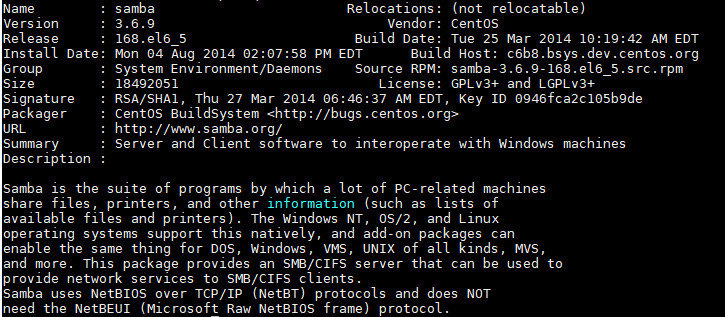
We have a user who reported that he could not connect to a Samba server, because the client does not allow smb1 connection. The Samba server is running an older version of Samba. The smb2 is not enabled by default. In order to use smb2 connection, you have to enable it. I tried different configuration and finally I got it to work. The trick is simply adding this line in the global section of /etc/samba/smb.conf .
If you’re thinking about purchasing a new GPU, we’d greatly appreciate it if you used our Amazon Associate links. The price you pay will be exactly the same, but Amazon provides us with a small commission for each purchase. It’s a simple way to support our site and helps us keep creating useful content for you. Recommended GPUs: RTX 5090, RTX 5080, and RTX 5070. #ad
max protocol = smb2
After editing the file, remember to restart the smb service.
service smb restart
Leave a Reply