One AD tool we use frequently is Active Directory Users and Computers. Microsoft decides that those Active Directory tools have to be uninstalled after each feature update for no reason. Therefore, the tools have to be reinstalled after each feature update. If you need to reinstall Active Directory Users and Computers, follow these steps:
If you’re thinking about purchasing a new GPU, we’d greatly appreciate it if you used our Amazon Associate links. The price you pay will be exactly the same, but Amazon provides us with a small commission for each purchase. It’s a simple way to support our site and helps us keep creating useful content for you. Recommended GPUs: RTX 5090, RTX 5080, and RTX 5070. #ad
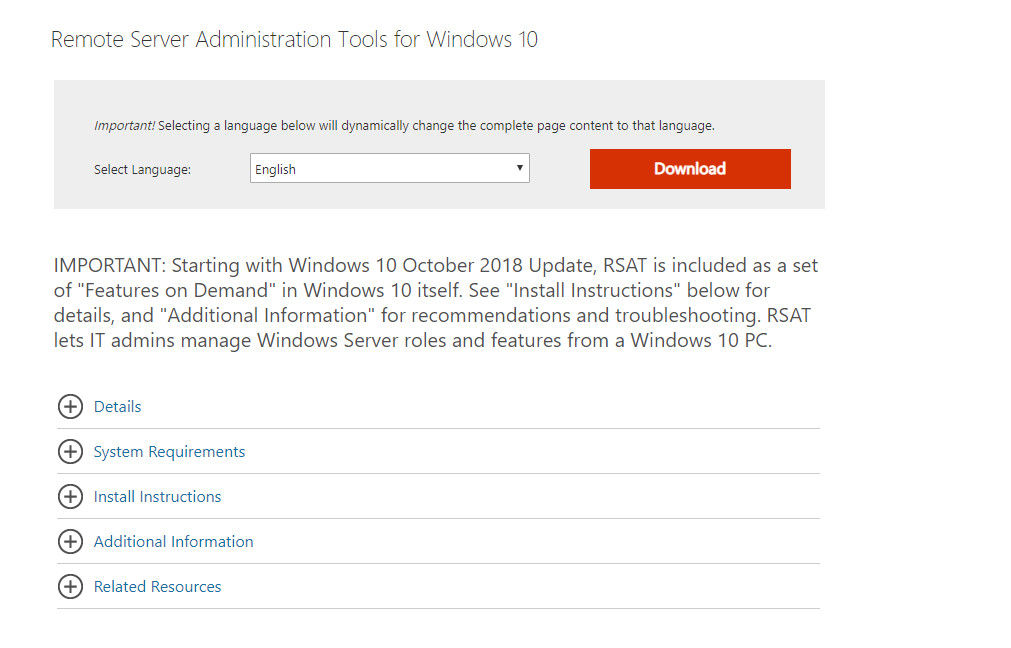
- Visit this site:
https://www.microsoft.com/en-us/download/details.aspx?id=45520 - Click on Download.
- Select the file WindowsTH-RSAT_WS_1803-x64.msu for 64bit or WindowsTH-RSAT_WS_1803-x86.msu for 32bit and click on Next to download it.
- Double click on the downloaded file and install the update.
Note that these files are for 1803 edition, but they work for 1809 too. Also on the download page, it states RSAT is included as a set of “Features on Demand” in Windows 10, we tried that but that did not work for us.
Leave a Reply