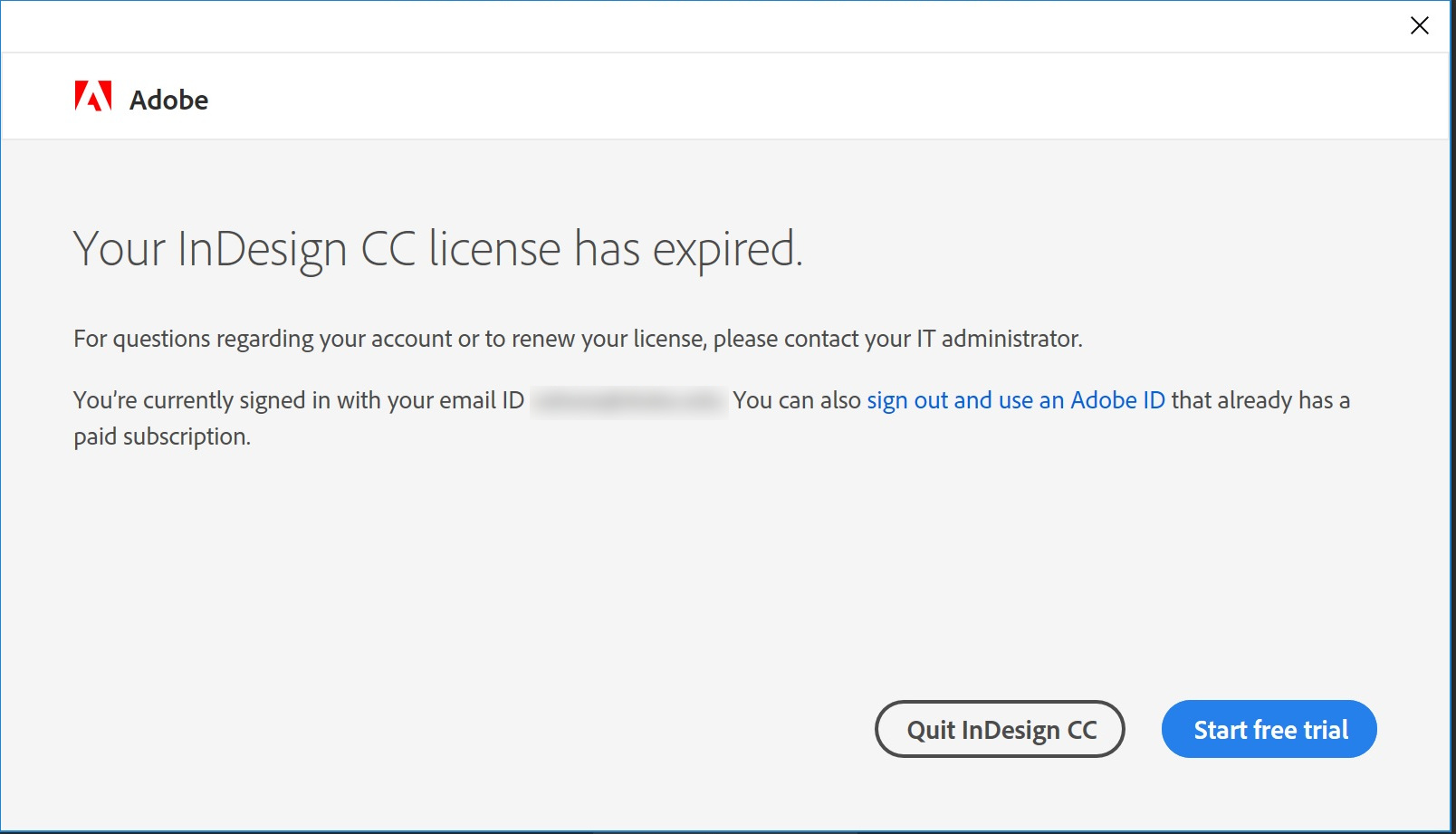
We just helped a user install Adobe CC suite on his brand new Surface Pro. After installation, he tried to run any app and got this message:
If you’re thinking about purchasing a new GPU, we’d greatly appreciate it if you used our Amazon Associate links. The price you pay will be exactly the same, but Amazon provides us with a small commission for each purchase. It’s a simple way to support our site and helps us keep creating useful content for you. Recommended GPUs: RTX 5090, RTX 5080, and RTX 5070. #ad
“Your XXXX CC license has expired”
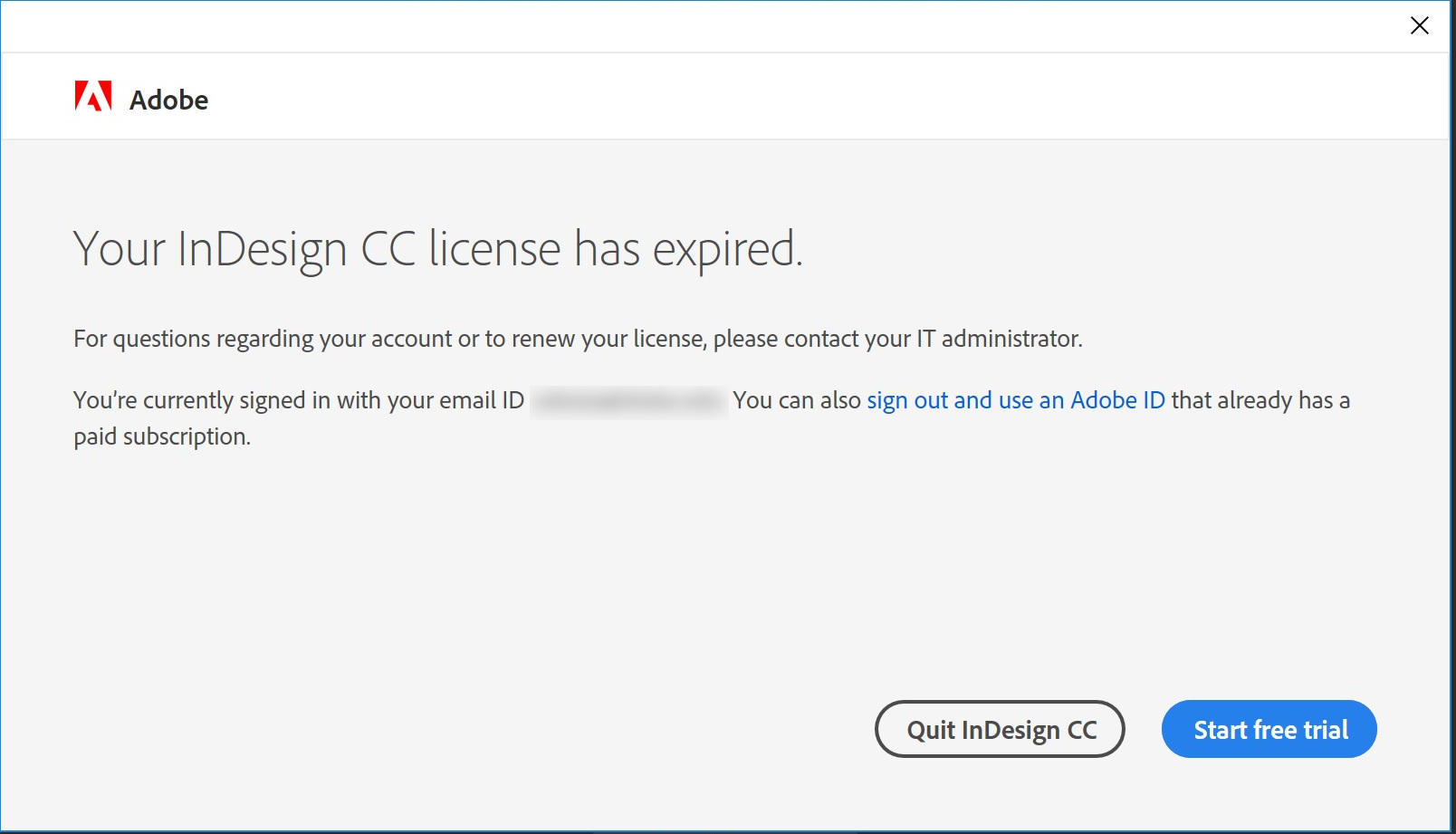
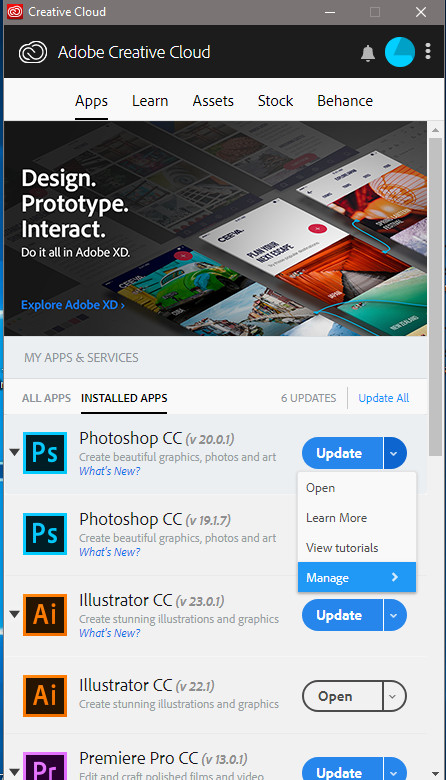
We tried to log on as a different user and it worked under a different user account. We thought it’s a problem with the user’s license, so we contacted Adobe for resolution. After several calls, we finally learned that it’s a bug in the Adobe CC suite. Any latest version can have this problem. So the fix is to install an earlier version of the app. You can do this by clicking on the down arrow of the app in Adobe CC desktop client and select Manage and then Other Versions. Pick an earlier version and it would work again.
Leave a Reply