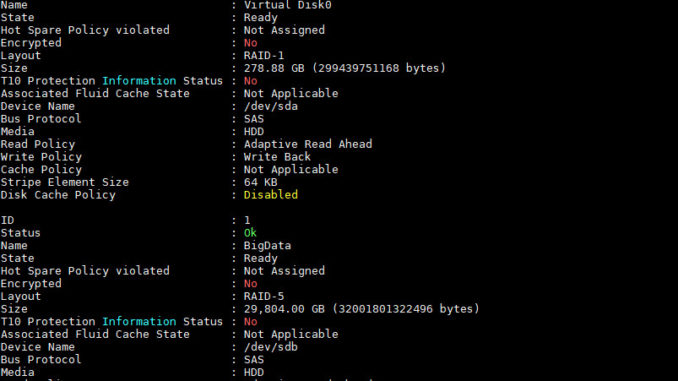
We recently had a problem with a hard drive in one server. The drive is part of a RAID. After reseat the drive, the server boots up Ok. I wanted to monitor the disk status, but additional software is required. I learned that you can use omreport to do it. However, omreport is not in the default repositories. The Dell repository has to be added first. Here are the steps to get omreport.
If you’re thinking about purchasing a new GPU, we’d greatly appreciate it if you used our Amazon Associate links. The price you pay will be exactly the same, but Amazon provides us with a small commission for each purchase. It’s a simple way to support our site and helps us keep creating useful content for you. Recommended GPUs: RTX 5090, RTX 5080, and RTX 5070. #ad
- Add the Dell’s repository
curl -O https://linux.dell.com/repo/hardware/dsu/bootstrap.cgi
sudo bash bootstrap.cgi - Install srvadmin-all package
sudo yum install srvadmin-all - Create a symbolic link
sudo ln -s /opt/dell/srvadmin/bin/omreport /usr/local/sbin/omreport - Run omreport to check the disks
omreport storage vdisk
omreport storage pdisk controller=0
Leave a Reply