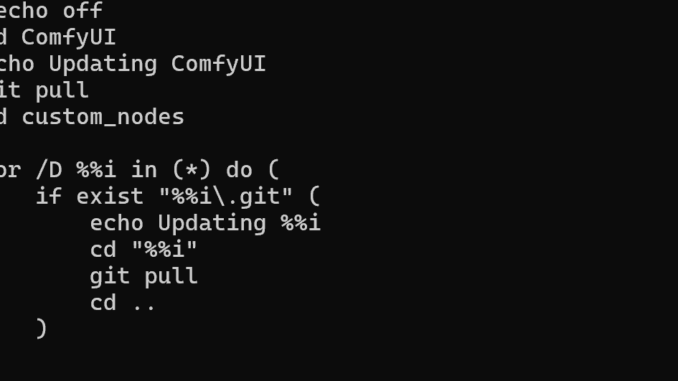
If you’re using ComfyUI and encounter an issue where the ComfyUI Manager fails to update the software, you can manually update it using a simple Windows batch script. This method ensures you stay up-to-date without relying on the built-in manager. The process involves a series of automated steps to pull the latest changes from the repository, update dependencies, and ensure everything is running smoothly. It’s an efficient workaround, especially for users who frequently encounter update issues with the manager custom node.
If you’re thinking about purchasing a new GPU, we’d greatly appreciate it if you used our Amazon Associate links. The price you pay will be exactly the same, but Amazon provides us with a small commission for each purchase. It’s a simple way to support our site and helps us keep creating useful content for you. Recommended GPUs: RTX 5090, RTX 5080, and RTX 5070. #ad
- Open up a text editor and create a file called update_all.bat based on the text below.
@echo off
cd ComfyUI
echo Updating ComfyUI
git pull
cd custom_nodes

for /D %%i in (*) do (
    if exist "%%i\.git" (
        echo Updating %%i
        cd "%%i"
        git pull
        cd ..
    )
)

echo All repositories updated.
pause
- Save the batch file under the ComfyUI_windows_portable folder.
- Double click on update_all.bat to start updating.
You might have to start ComfyUI a few times for the new dependencies to be installed. That’s it. Please let us know if this works for you.
Leave a Reply