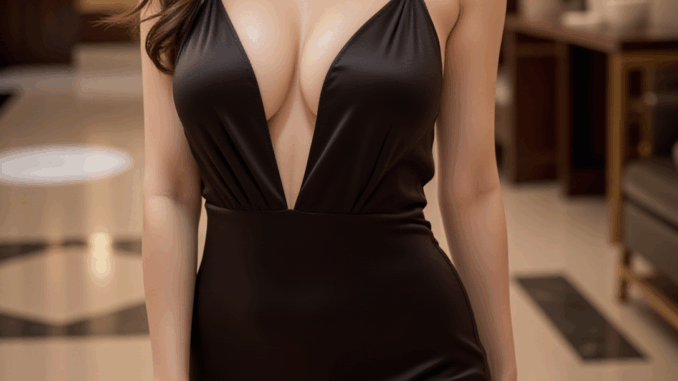
If you’ve been exploring AI image-to-video generation, you’ve probably heard of WAN 2.2 Fun Control—a powerful model for creating smooth, expressive motion with AI. Paired with ComfyUI, it unlocks a flexible node-based workflow that gives you full creative control over how your animations are built. In this post, I’ll walk you through a 4-step LoRA workflow that integrates WAN 2.2 Fun Control with GGUF models, allowing you to combine motion, style, and character fidelity in a streamlined pipeline. Whether you’re fine-tuning character consistency or experimenting with stylistic LoRAs, this approach keeps things efficient while delivering polished results.
If you’re thinking about purchasing a new GPU, we’d greatly appreciate it if you used our Amazon Associate links. The price you pay will be exactly the same, but Amazon provides us with a small commission for each purchase. It’s a simple way to support our site and helps us keep creating useful content for you. Recommended GPUs: RTX 5090, RTX 5080, and RTX 5070. #ad
Models
- GGUF Models: The high noise GGUF models can be found here, and the low noise GGUF models can be found here. I have a RTX 5090, and I use the Q8 variant. I downloaded
Wan2.2-Fun-A14B-Control_HighNoise-Q8_0.gguf and Wan2.2-Fun-A14B-Control_LowNoise-Q8_0.gguf. Put the GGUF models in ComfyUI\models\unet\ . - Text Encoder: Download umt5_xxl_fp8_e4m3fn_scaled.safetensors and place it in ComfyUI\models\text_encoders\ .
- VAE: The 14B Wan 2.2 models still use the VAE for Wan 2.1. If you don’t have it. You can download it here. Put the VAE in ComfyUI\models\vae\ .
- LoRAs: Download wan2.2_i2v_lightx2v_4steps_lora_v1_high_noise.safetensors and wan2.2_i2v_lightx2v_4steps_lora_v1_low_noise.safetensors for 4 steps generations. Put them in ComfyUI\models\loras .
WAN 2.2 Fun Control Installation
- Update your ComfyUI to the latest version if you haven’t already. (Run update\update_comfyui.bat for Windows)
- Download the json file, and open it using ComfyUI.
- Use ComfyUI Manager to install missing nodes.
- Restart ComfyUI.
WAN 2.2 Fun Control Workflow Nodes
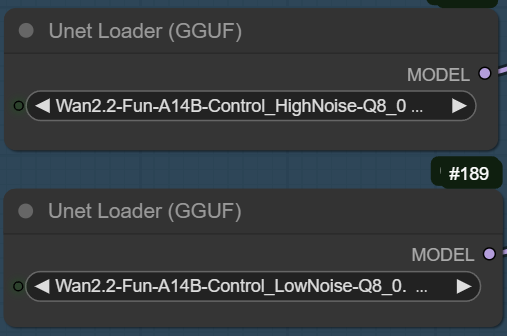
Select the high noise GGUF model on the top and the low noise GGUF model on the bottom.
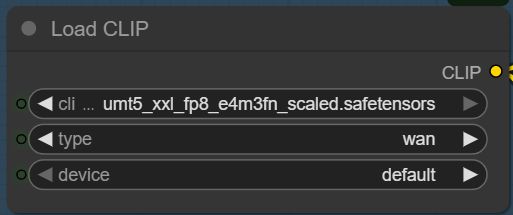
Select the text encoder(clip) here.
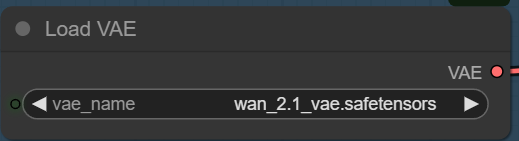
Select the VAE here.
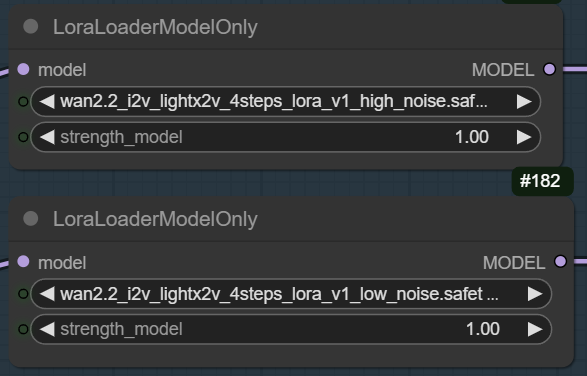
Select the high noise LoRA on the top, the low noise LoRA on the bottom.
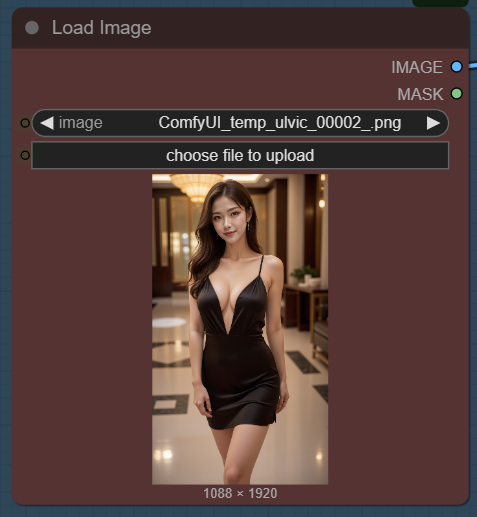
Select the reference image here. Make sure the aspect ration is the same as the control video. Also, make sure the subject composition is similar to that of the control video.
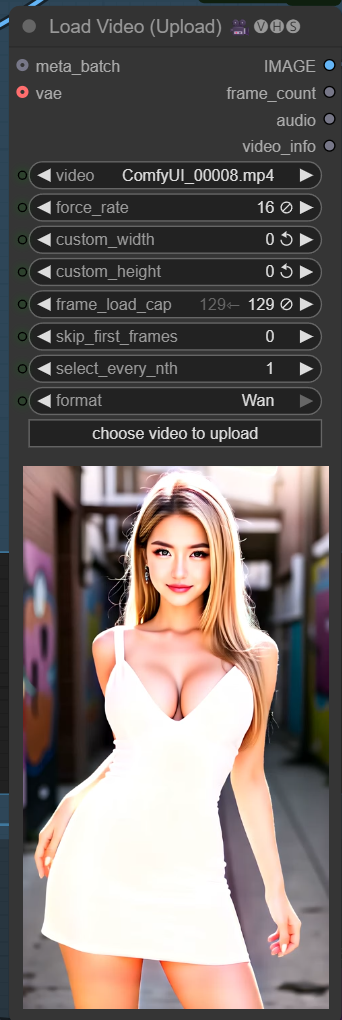
Select the control video here. The force_rate is set to 16 (frames per sec). I also set the frame_load_cap t0 129 (frames). It depends on the size of your VRAM. Even with my RTX 5090, I can only do about 133 frames in 720 x 1280 resolution with Q8 models.
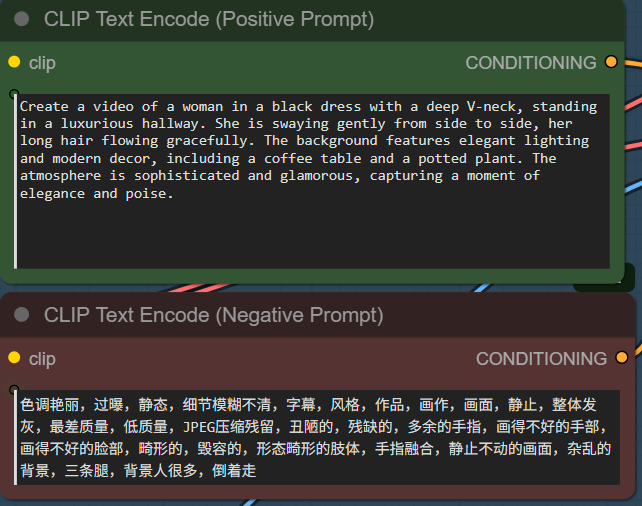
Enter the positive prompt and negative prompt here. If you are not sure about the positive prompt, you can use ChatGPT or other LLMs to help you. The negative prompt is Wan’s default prompt.
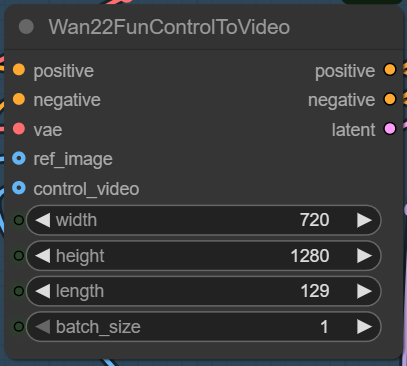
Specify width, height, and length here. Make sure the length matches the length in the Load Video node.
The lower part of the workflow uses fp8 models and without using the 4-step LoRAs. You can try it out if you have enough VRAM.
Wan 2.2 Fun Control Examples
Prompt:
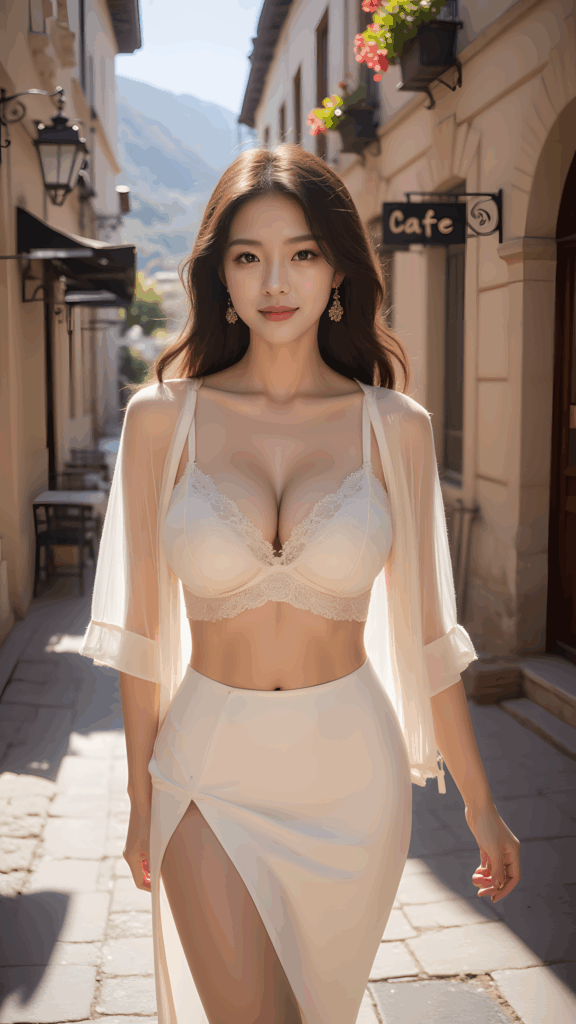
Create a video of a woman walking down a picturesque European street, wearing a stylish outfit consisting of a lace bralette and a high-slit skirt with a sheer, flowing cover-up. The setting is a charming café-lined alleyway with warm sunlight casting soft shadows on the cobblestone path. The background features quaint buildings adorned with hanging flower baskets, adding to the serene and inviting atmosphere.
Reference image:
Control video:
Output:
Prompt:
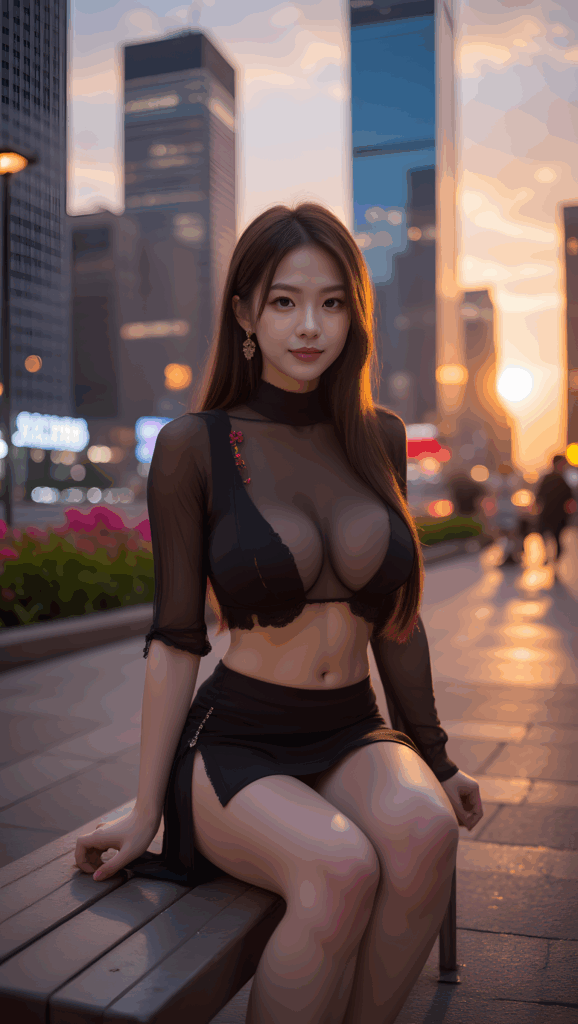
Create a video of a young woman walking on in an urban setting during sunset. She is wearing a black sheer long-sleeve top with lace details and a matching black skirt. The background features tall skyscrapers with illuminated windows, and the sky is painted with hues of orange and pink from the setting sun. The scene should have a cinematic quality with soft lighting that highlights the girl. The camera should follow her movements smoothly, capturing the details of her outfit and the vibrant cityscape behind her.
Reference image:
Control video:
Output video:
Prompt:
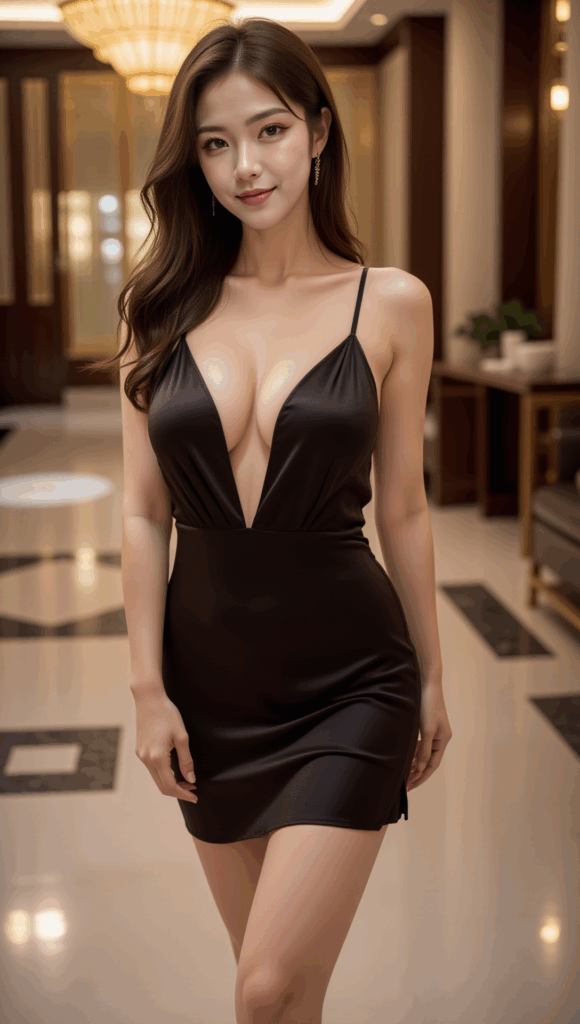
Create a video of a woman in a black dress with a deep V-neck, standing in a luxurious hallway. She is swaying gently from side to side, her long hair flowing gracefully. The background features elegant lighting and modern decor, including a coffee table and a potted plant. The atmosphere is sophisticated and glamorous, capturing a moment of elegance and poise.
Reference image:
Control video:
Output video:
Note that for this example, the first few frames are of lower quality. I have also observed this on some other outputs. I am not sure what caused this.
Conclusion
By combining WAN 2.2 Fun Control with ComfyUI’s modular workflow, you can go beyond basic text-to-video and craft videos that feel uniquely yours. The 4-step LoRA workflow makes it easy to layer motion control, style transfer, and character fidelity into a single GGUF-powered pipeline. The result? Cleaner animations, consistent characters, and a setup that runs smoothly even on lower-resource hardware. If you’ve been looking for a practical way to get the most out of WAN 2.2 Fun Control, this workflow strikes the perfect balance between creativity and efficiency.
Leave a Reply