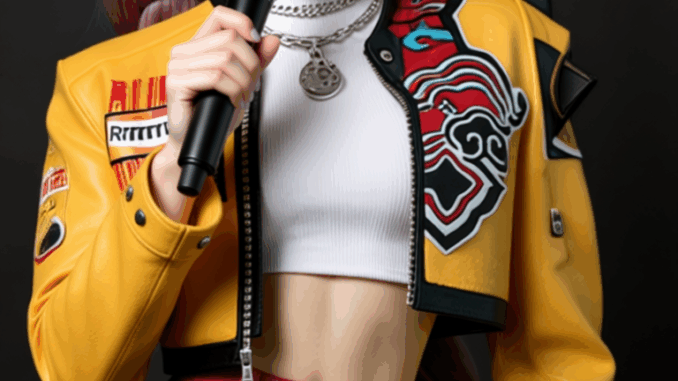
Imagine turning a single image and an audio clip into a cinematic video—automatically synchronized, expressive, and visually stunning. That’s exactly what the WAN 2.2 S2V model delivers. Developed by Tongyi Lab (Alibaba), this audio-driven video generation model can animate facial expressions, body movements, and even camera dynamics, driven by your input image and sound.
If you’re thinking about purchasing a new GPU, we’d greatly appreciate it if you used our Amazon Associate links. The price you pay will be exactly the same, but Amazon provides us with a small commission for each purchase. It’s a simple way to support our site and helps us keep creating useful content for you. Recommended GPUs: RTX 5090, RTX 5080, and RTX 5070. #ad
WAN 2.2 brings cinematic-level aesthetics and fluid motion to AI video generation. It uses a Mixture-of-Experts (MoE) architecture that balances creativity and efficiency, producing smoother, high-fidelity results than earlier versions. Integrated into ComfyUI, it becomes an accessible tool—even for creators with limited hardware—thanks to its GGUF format, which offers optimized compatibility and performance.
WAN 2.2 S2V Models
- GGUF Models: You can find the GGUF models here. I have a RTX 5090, and I use the Q8 variant. I downloaded Wan2.2-S2V-14B-Q8_0.gguf. Put the GGUF model in ComfyUI\models\unet\ .
- Text Encoder: Download umt5_xxl_fp8_e4m3fn_scaled.safetensors and place it in ComfyUI\models\text_encoders\ .
- Audio Encoder: Download wav2vec2_large_english_fp16.safetensors and put it in ComfyUI\models\audio_encoders\ . You might have to create this folder if you don’t have it.
- VAE: The Wan 2.2 S2V model still use the VAE for Wan 2.1. If you don’t have it. You can download it here. Put the VAE in ComfyUI\models\vae\ .
WAN 2.2 S2V Workflow Installation
- Update your ComfyUI to the latest version if you haven’t already. (Run update\update_comfyui.bat for Windows). Depending on which gguf custom node you installed before, you also need to update the ComfyUI-GGUF or gguf custom node to the latest version if you have not updated it recently.
- Download the json file, and open it using ComfyUI.
- Use ComfyUI Manager to install missing nodes.
- Restart ComfyUI.
Nodes
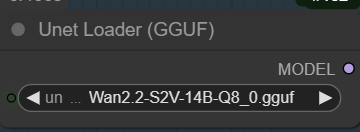
Select the GGUF model here.
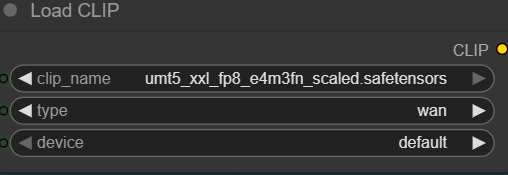
Specify the text encoder.
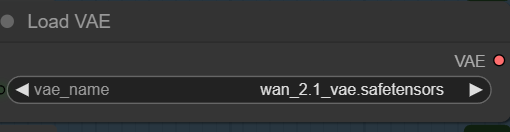
Choose the VAE.
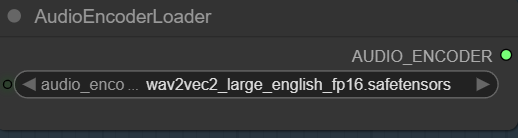
Select the audio encoder here.
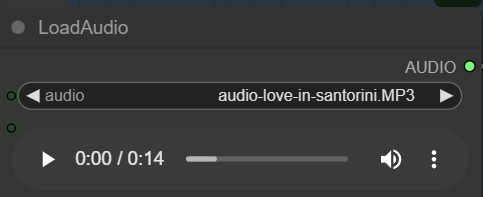
Upload an audio file here. I alway match the lengh of the audio to the length of video I want to make. The total length is determined by batch sizes and chunks. In this example, I use batch sizes of 3, and each chunk has 77 frames. The video frame rate is 16 fps. Therefore, the total length is 3 x 77 / 16 = 14.44 seconds.
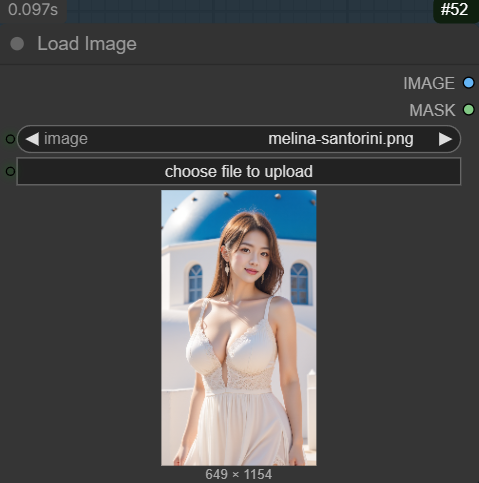
Upload a reference image here.
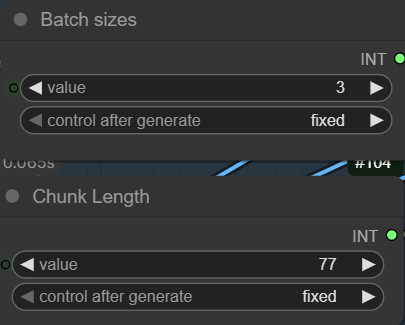
The workflow also provides explanation of batch sizes and chunk length.
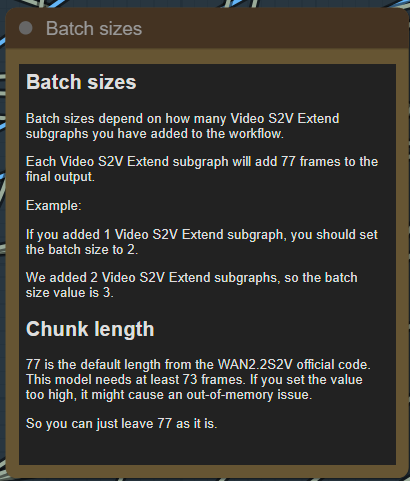
I created this to help you understand what a chunk is.

We use 3 chunks in this workflow, so the batch sizes is 3.
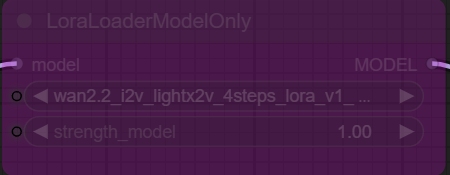
This workflow has a node to load the 4 steps LoRA. However, after trying this for several times, I really don’t like the generated output. If you still want to try it, you can enable this node and change the cfg to 1.
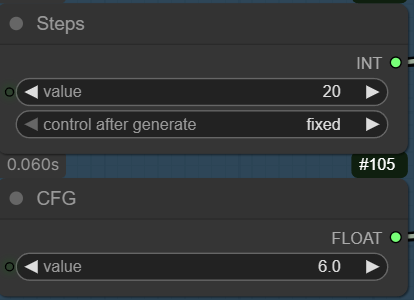
This is for use without the 4-steps LoRA. If you want to try the LoRA, remember to change the steps to 4 and the cfg to 1.
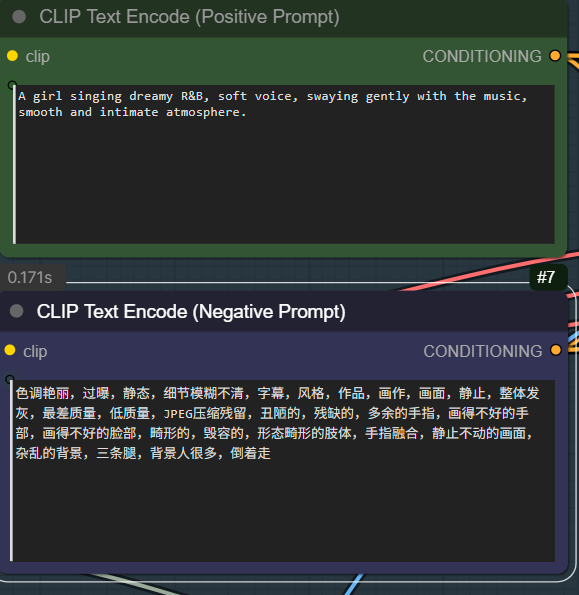
Specify positive prompt and negative prompt here.
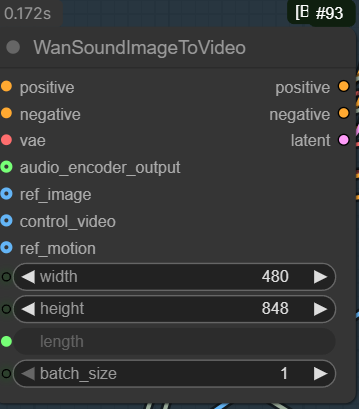
Enter the width and height of the video size. Make sure the aspect ratio is the same as your reference image.
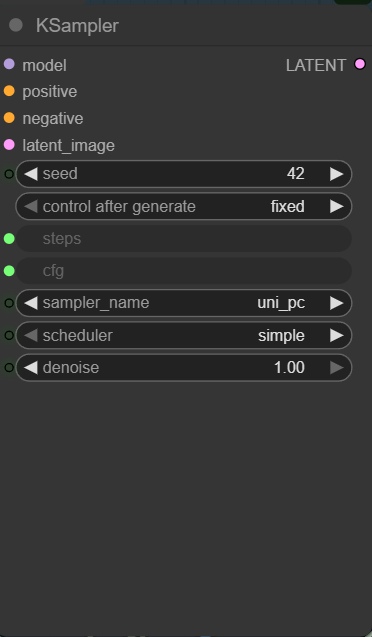
Note that the seed for the KSampler is fixed. If you don’t like the output, and you want to try again. Remember to change the seed.
WAN 2.2 S2V Examples
Reference image:
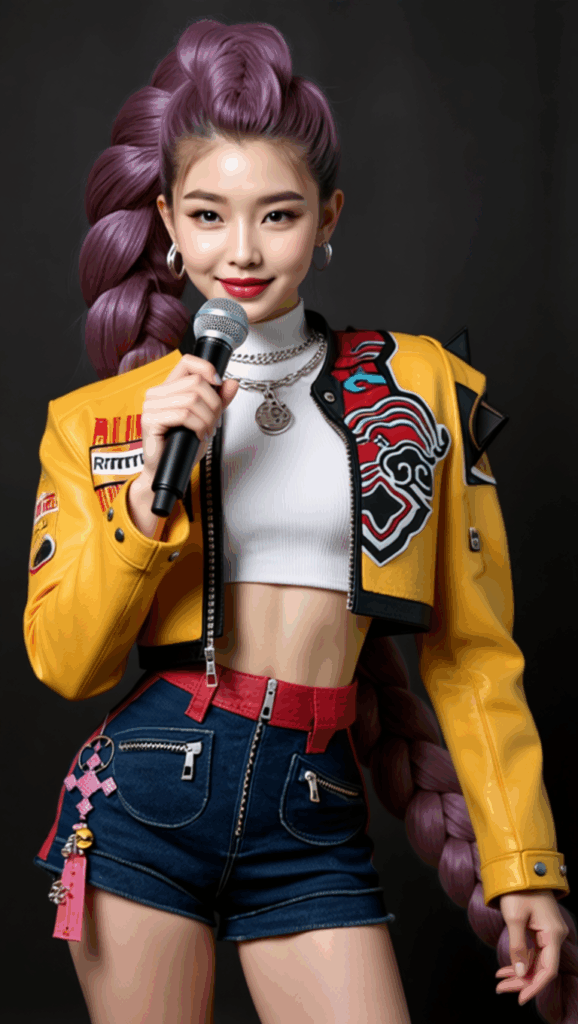
Audio file:
Output:
Reference image:

Output:
Conclusion
The WAN 2.2 S2V GGUF model in ComfyUI makes creating speech-driven video content effortless and cinematic. By combining an image, audio, and optional prompts, you can generate high-quality, expressive visual sequences without traditional shooting or editing. While results are often impressive, output consistency can vary and occasional artifacts may appear. I am not sure if this is introduced by using the GGUF model. More testings are needed.
As video content continues to evolve, having a tool that seamlessly merges sound, imagery, and motion is a game-changer. WAN 2.2 S2V in ComfyUI delivers on that potential, offering a streamlined gateway from idea to animated visual.
Leave a Reply