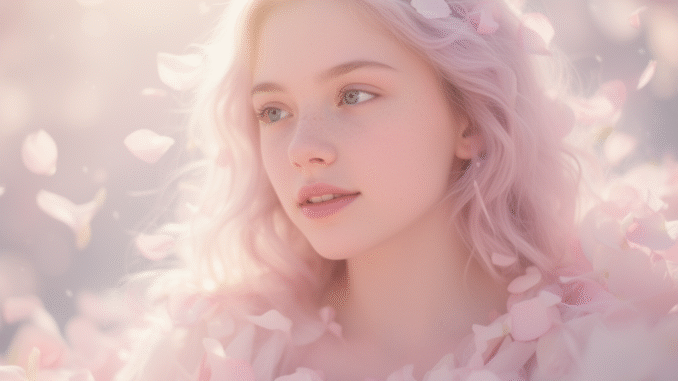
Black Forest Labs recently released FLUX.2-dev, an upgraded image-generation model with noticeably better quality, consistency, and prompt understanding. The availability of a GGUF version makes it possible to run the model efficiently on local hardware, including typical GPUs used with ComfyUI.
If you’re thinking about purchasing a new GPU, we’d greatly appreciate it if you used our Amazon Associate links. The price you pay will be exactly the same, but Amazon provides us with a small commission for each purchase. It’s a simple way to support our site and helps us keep creating useful content for you. Recommended GPUs: RTX 5090, RTX 5080, and RTX 5070. #ad
I didn’t know about many of these improvements until recently, and the leap from previous versions is larger than expected. In this article, I’ll cover the key features of FLUX.2-dev, then show how to install the GGUF version in ComfyUI and run basic examples.
What’s New in FLUX.2-dev
Multi-Reference Input
FLUX.2-dev can use multiple reference images in one generation. This dramatically improves consistency for faces, clothing, products, and branded content.
Higher Resolution and Image Detail
The model produces 4K-class images with better skin texture, lighting, and overall realism.
More Accurate Prompting
FLUX.2-dev follows prompts more closely, supports structured JSON prompting, and allows precise color control using hex codes.
Hex Color Code Prompting
FLUX.2-dev now supports exact color control using hex codes, letting you specify precise shades like #D4C9B6 directly in your prompt. This makes brand-consistent and product-accurate images much easier to generate.
FLUX.2-dev Models
- GGUF Models: You can find the GGUF models here. You only need one model. I have a RTX 5090, and I use the Q6 variant. I downloaded flux2_dev_Q6_K.gguf. If your GPU has less VRAM, consider the Q5 or Q4 variants. Put the GGUF model in ComfyUI\models\unet\ .
- Text Encoder: Download mistral_3_small_flux2_bf16.safetensors and put it in ComfyUI\models\text_encoders\ .
- VAE: Download flux2-vae.safetensors and put it in ComfyUI\models\vae\ .
FLUX.2-dev Installation
- Update your ComfyUI to the latest version if you haven’t already. (Run update\update_comfyui.bat for Windows). Depending on which gguf custom node you installed before, you also need to update the ComfyUI-GGUF or gguf custom node to the latest version if you have not updated it recently.
- Download the json file and open it using ComfyUI.
- Use ComfyUI Manager to install missing nodes.
- Restart ComfyUI.
Nodes
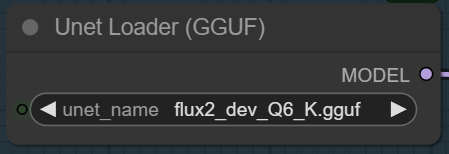
Select the GGUF model you downloaded.
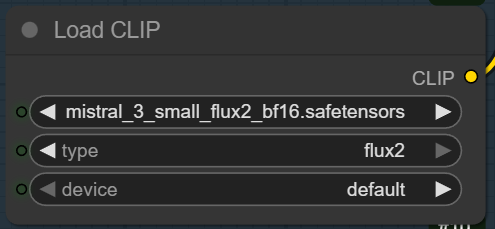
Pick the text encoder.
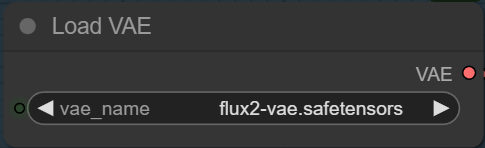
Choose the VAE here.
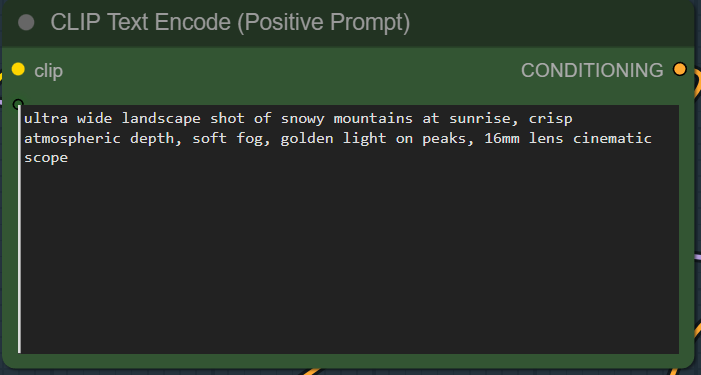
Specify the positive prompt. There is no negative prompt for Flux.2-dev.
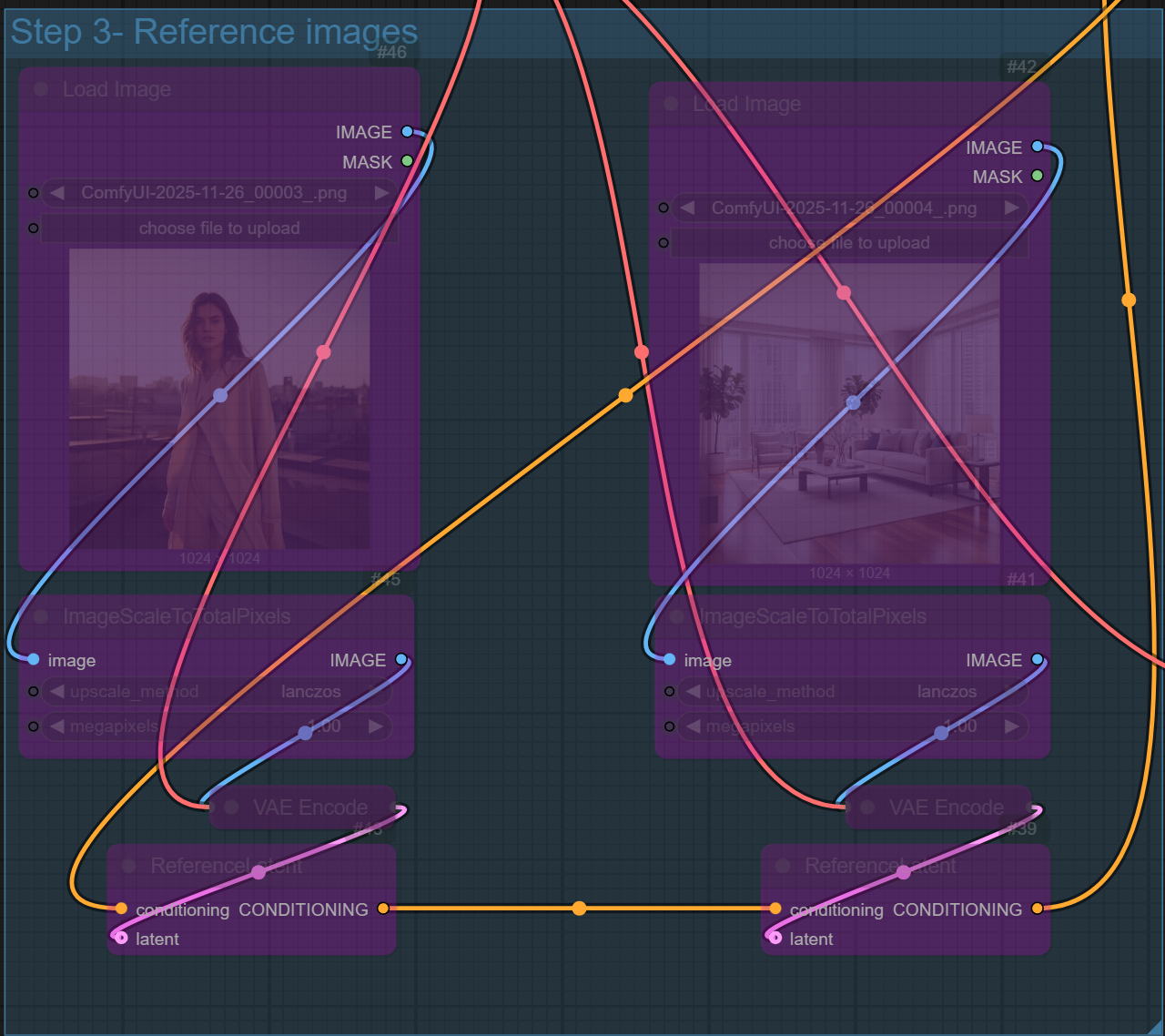
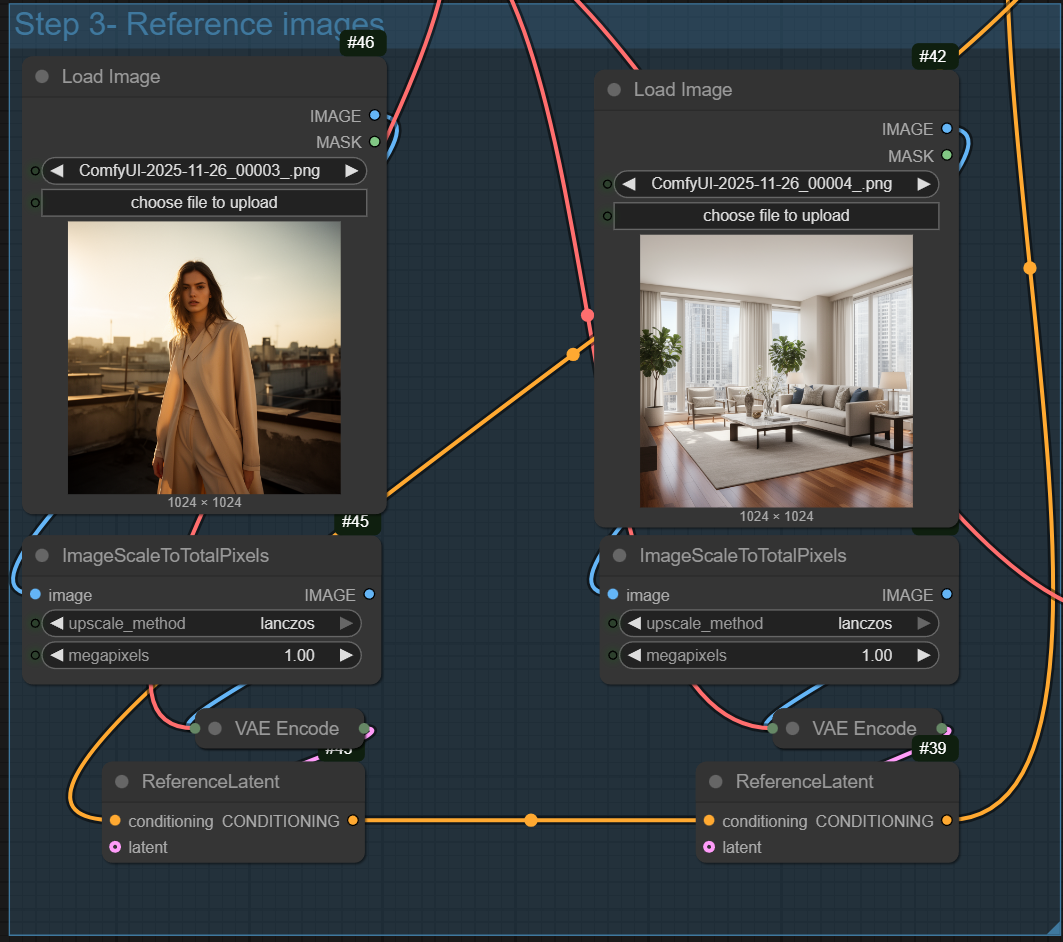
If you want to use reference images, you can enable the nodes. You can chain more reference images by connecting more nodes by following the same pattern. You can chain up to 10 reference images, but it’s recommended that you do at most 6 reference images.
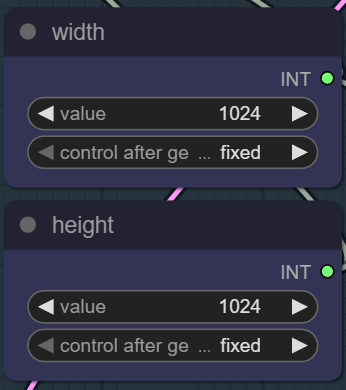
You can input the dimension here.
Example Prompts and Outputs
These are the sample prompts I tested.
ultra-detailed portrait of a woman in soft natural light, clean skin texture, shallow depth of field, 85mm lens look, warm tone
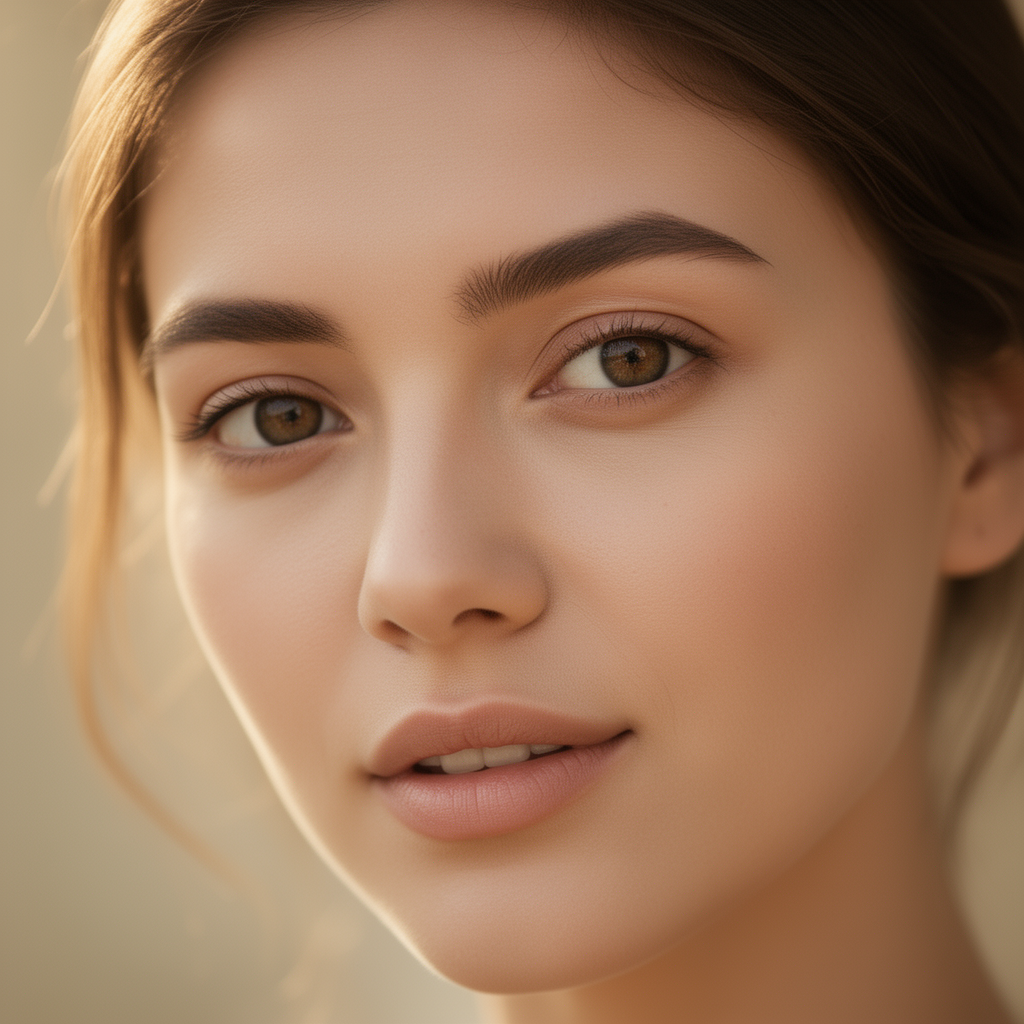
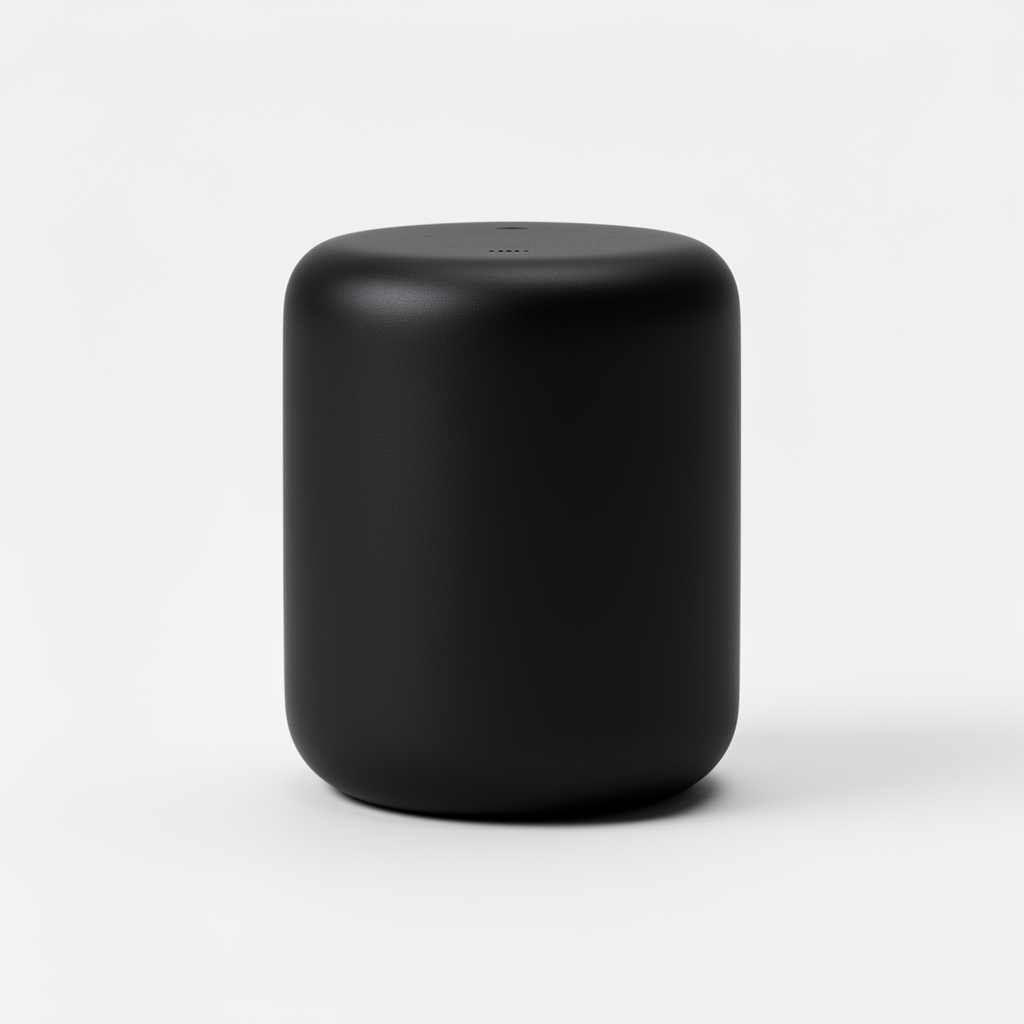
studio product shot of a minimalist smart speaker, matte black finish (#212121), soft edge shadows, diffused lighting, clean background
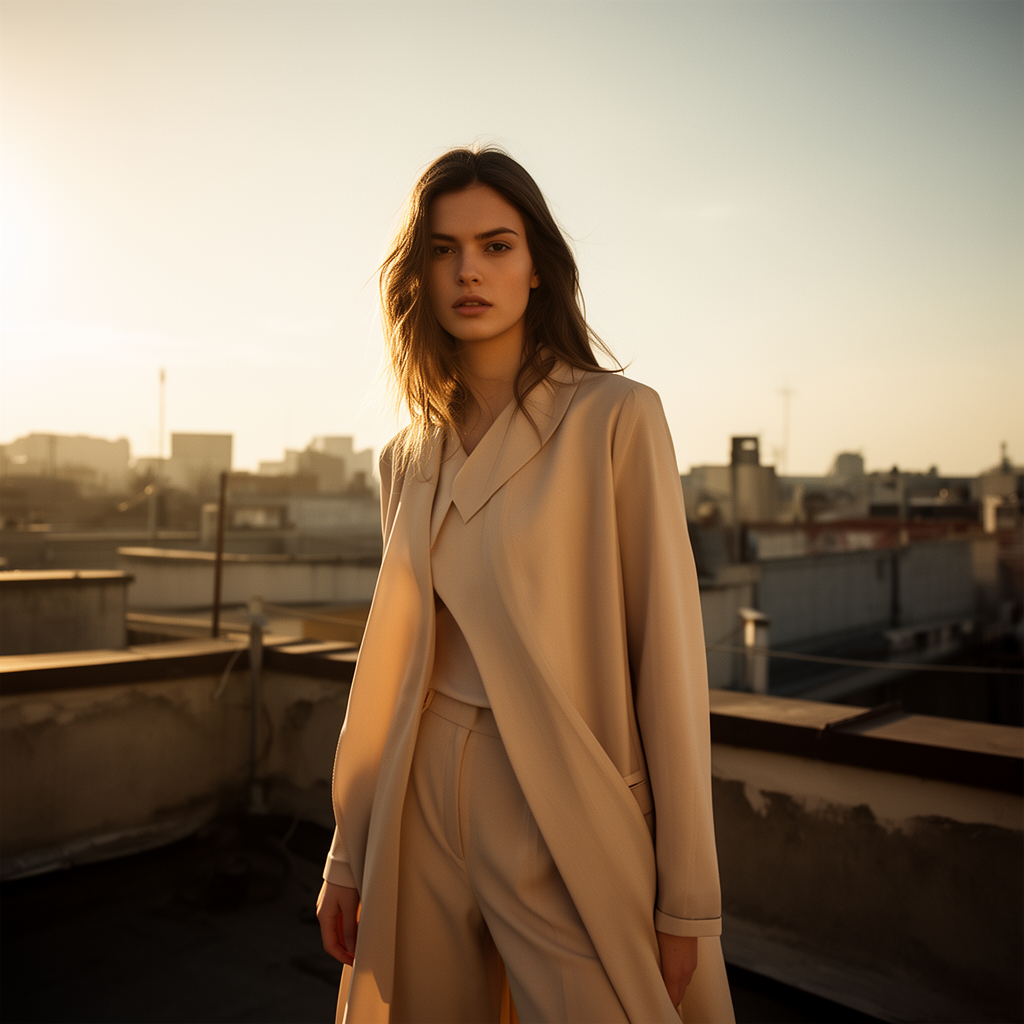
{
“subject”: “fashion model”,
“environment”: “sunlit rooftop”,
“style”: “editorial photography”,
“lighting”: “cinematic warm”,
“colors”: { “primary”: “#f6d3b3” },
“camera”: “50mm, f1.8”
}
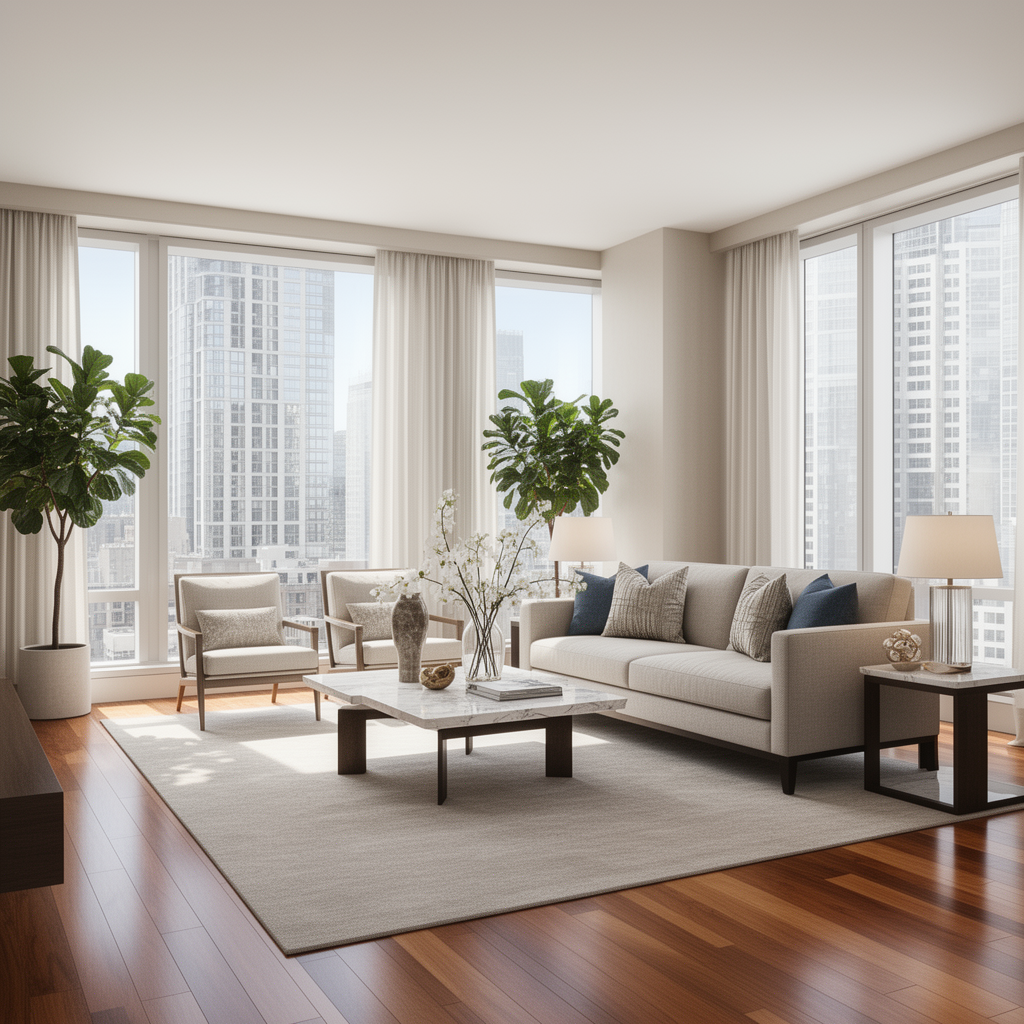
{
“scene”: “upscale apartment living room”,
“environment”: “bright daylight through large windows”,
“interior”: “modern sofa, hardwood floor, marble coffee table, neutral color palette, decorative plants”,
“composition”: “wide-angle view with detailed background”,
“style”: “professional real estate photography”
}
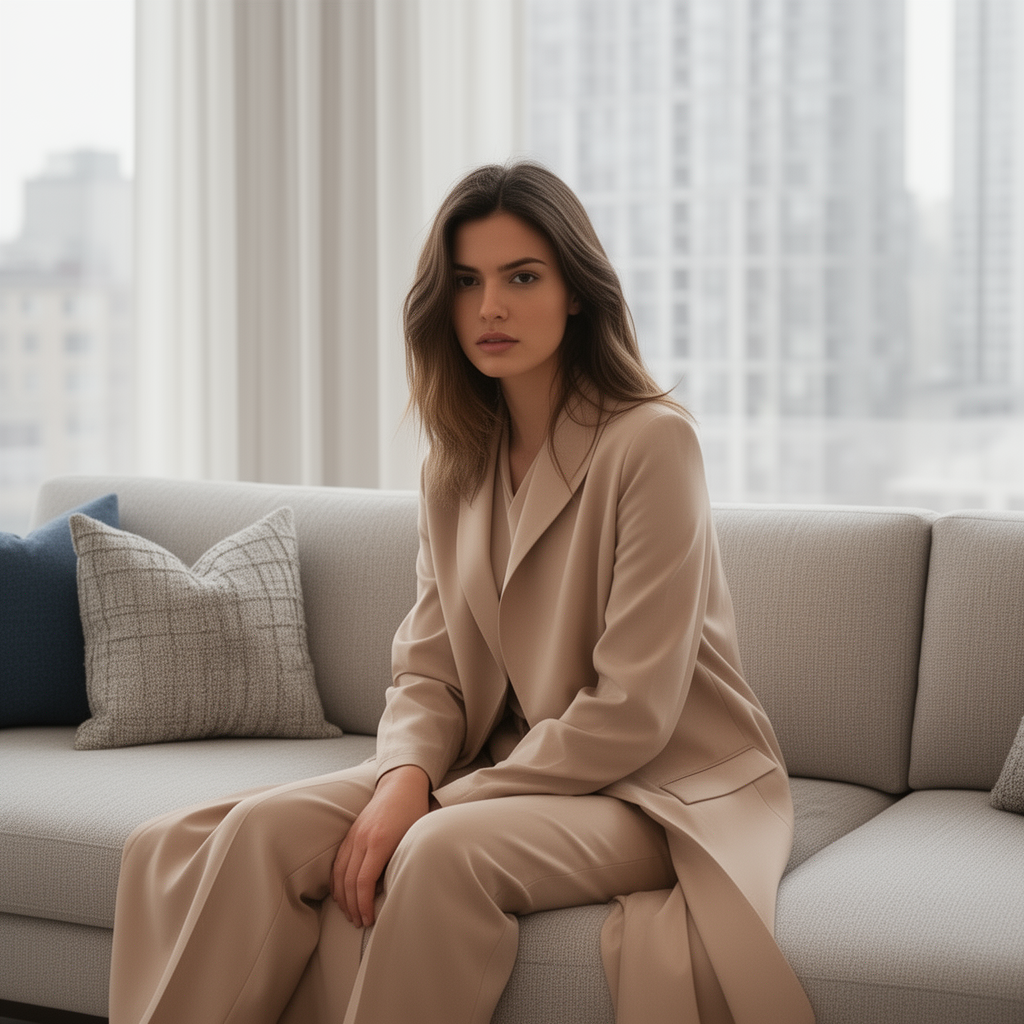
The next example uses the previous two images as reference images
same woman, casual outfit, sitting on the couch.
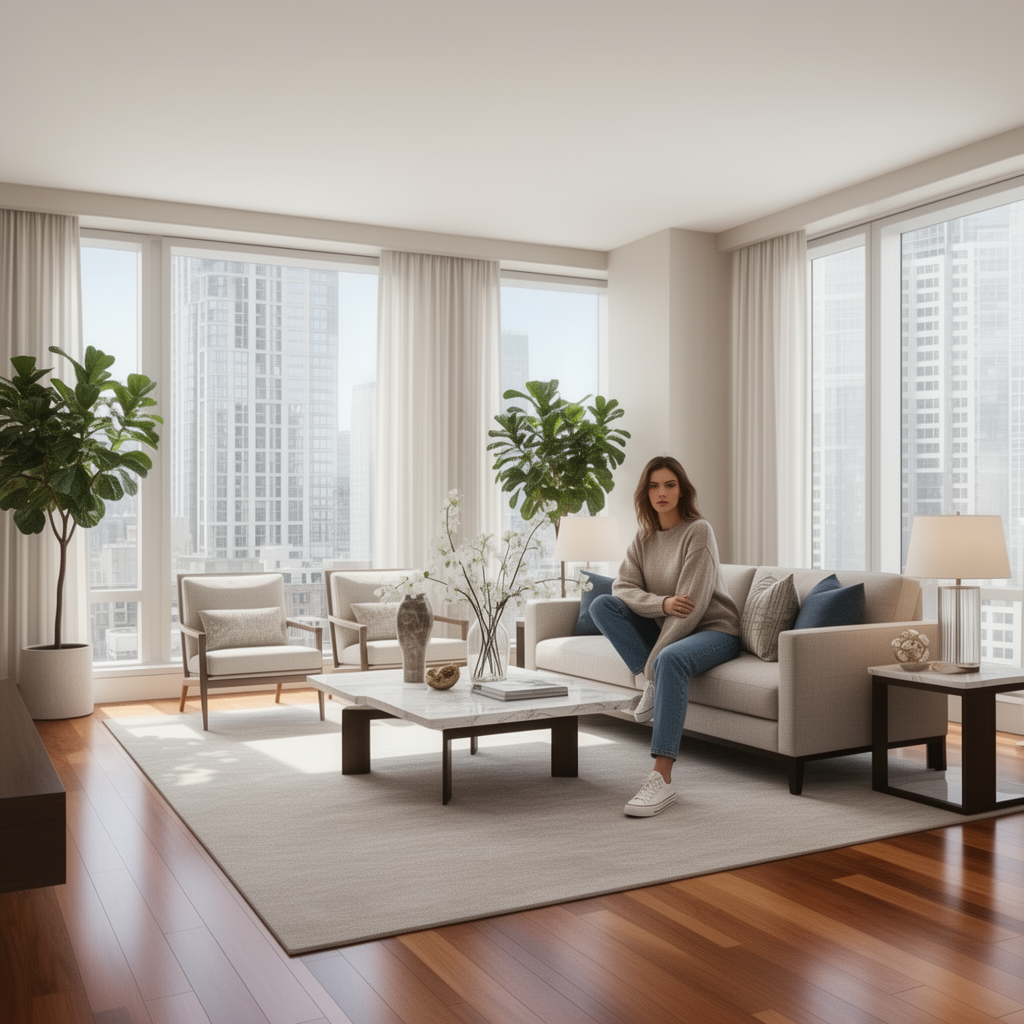
Another prompt using the same two reference images.
same woman, casual outfit, sitting on the couch. Zoom in to the woman so that she occupies about 4/5 of the frame.
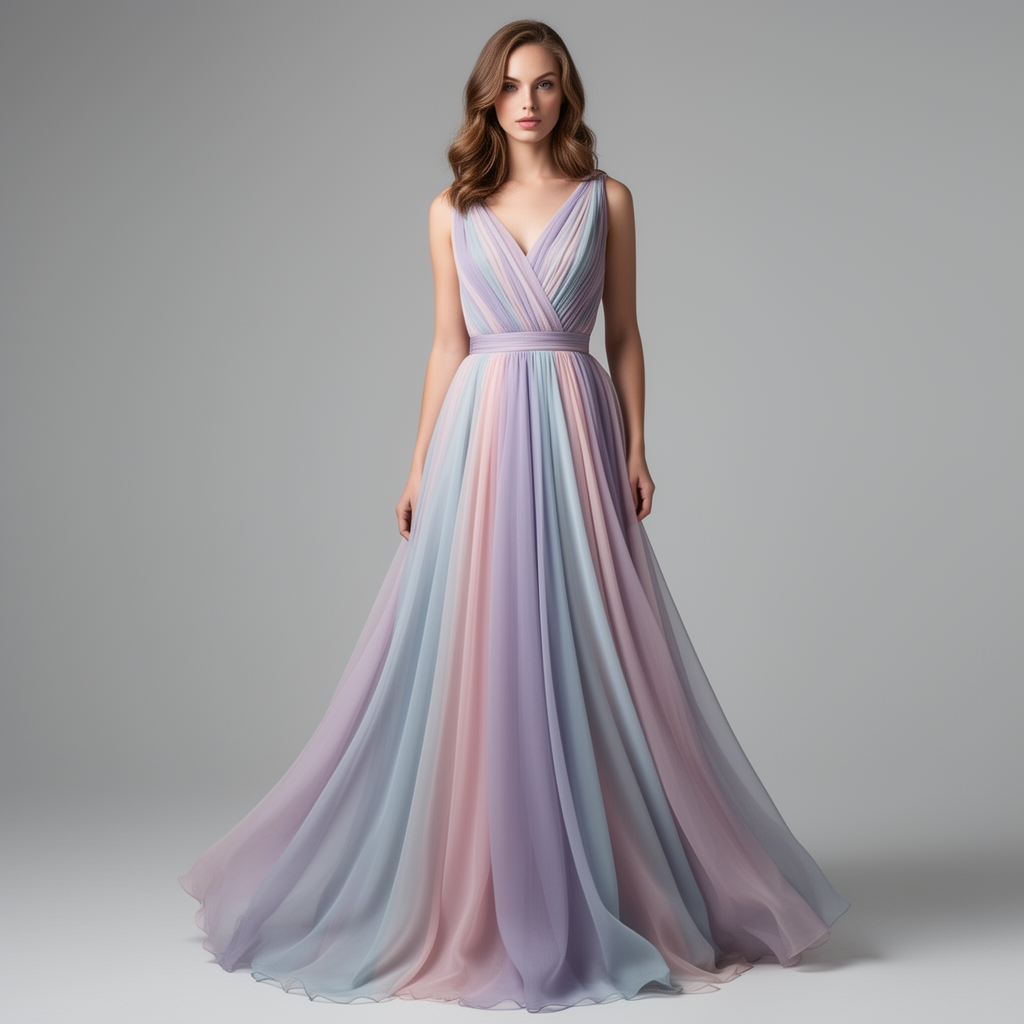
full body fashion photo in a studio, a woman wearing a flowing chiffon pastel dress, detailed fabric texture, elegant pose, soft rim lighting, magazine editorial style, high resolution
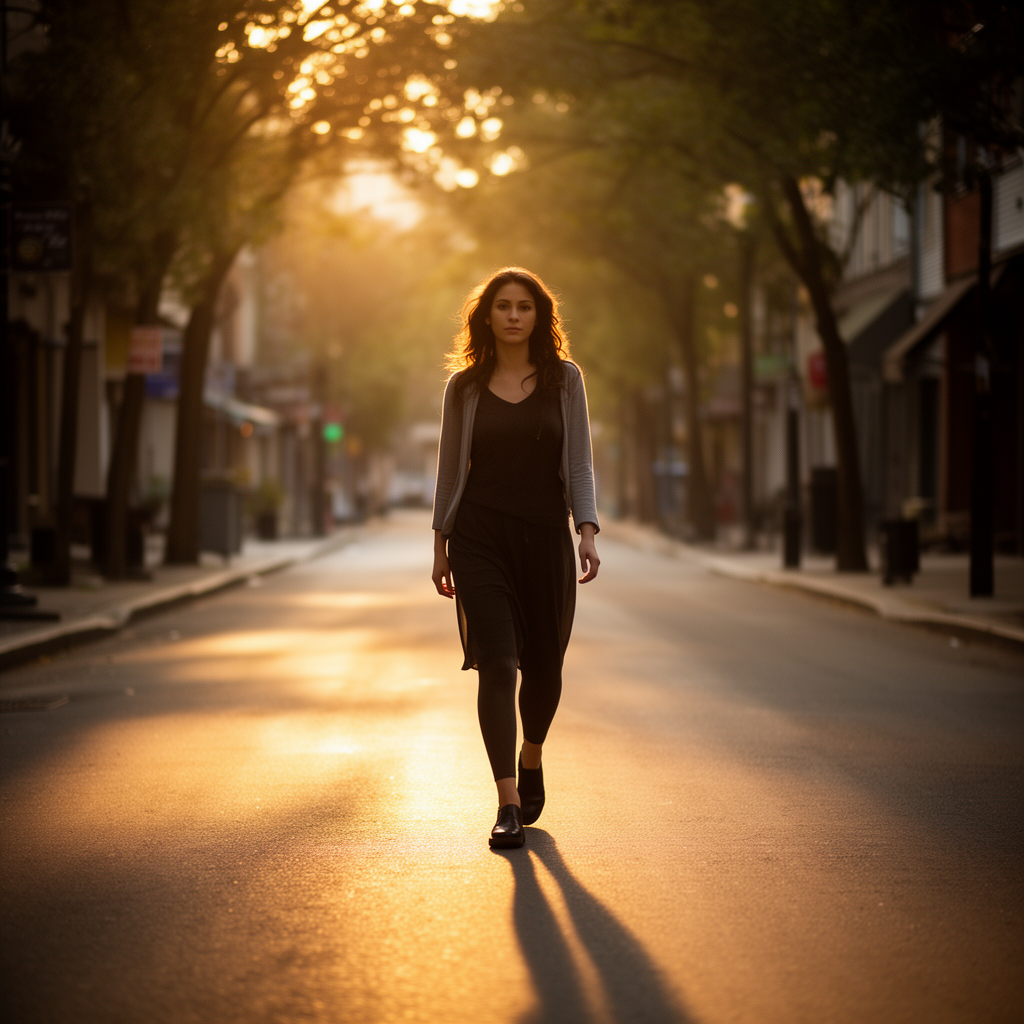
cinematic shot of a woman walking down a sunlit street at golden hour, warm light, soft long shadows, shallow depth, natural colors, 24mm lens perspective
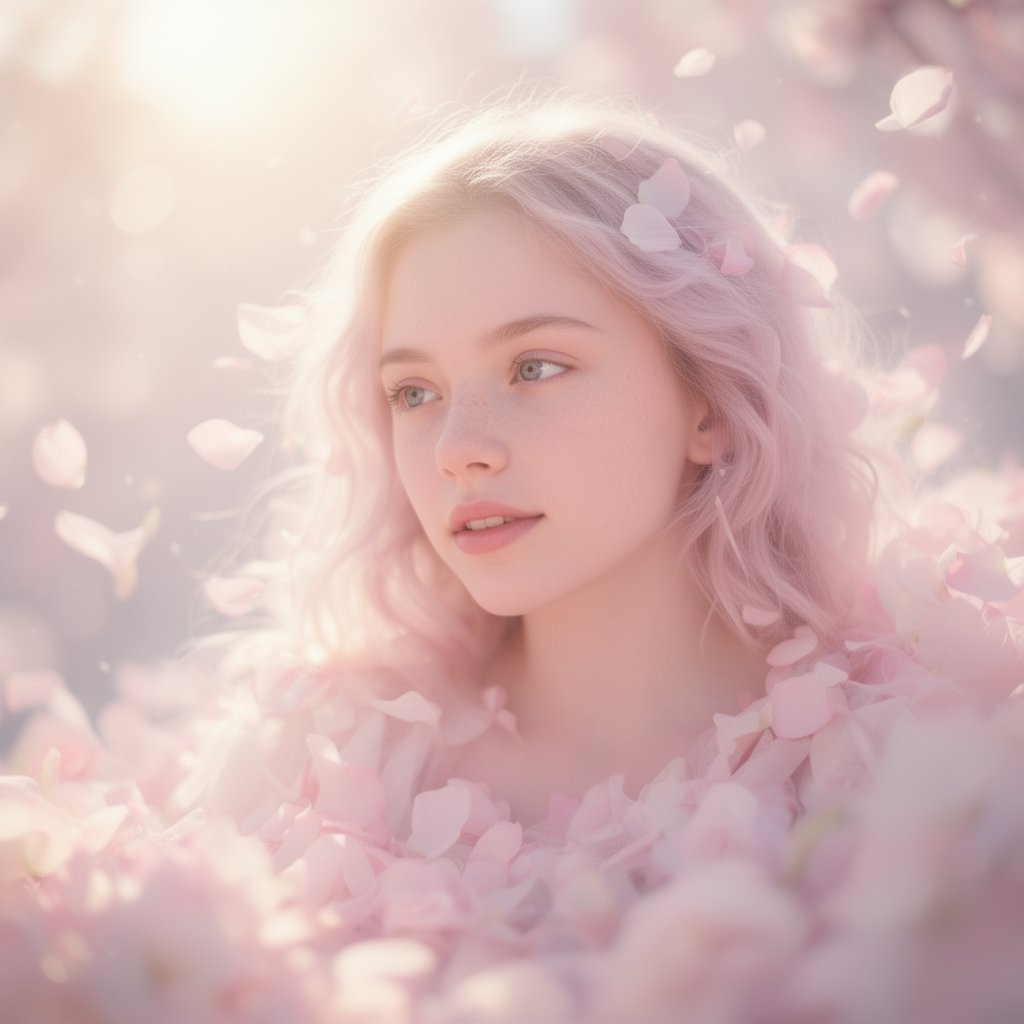
dreamy portrait of a girl surrounded by soft petals, pastel tones, glowing sunlight, gentle bokeh, airy atmosphere, delicate skin texture
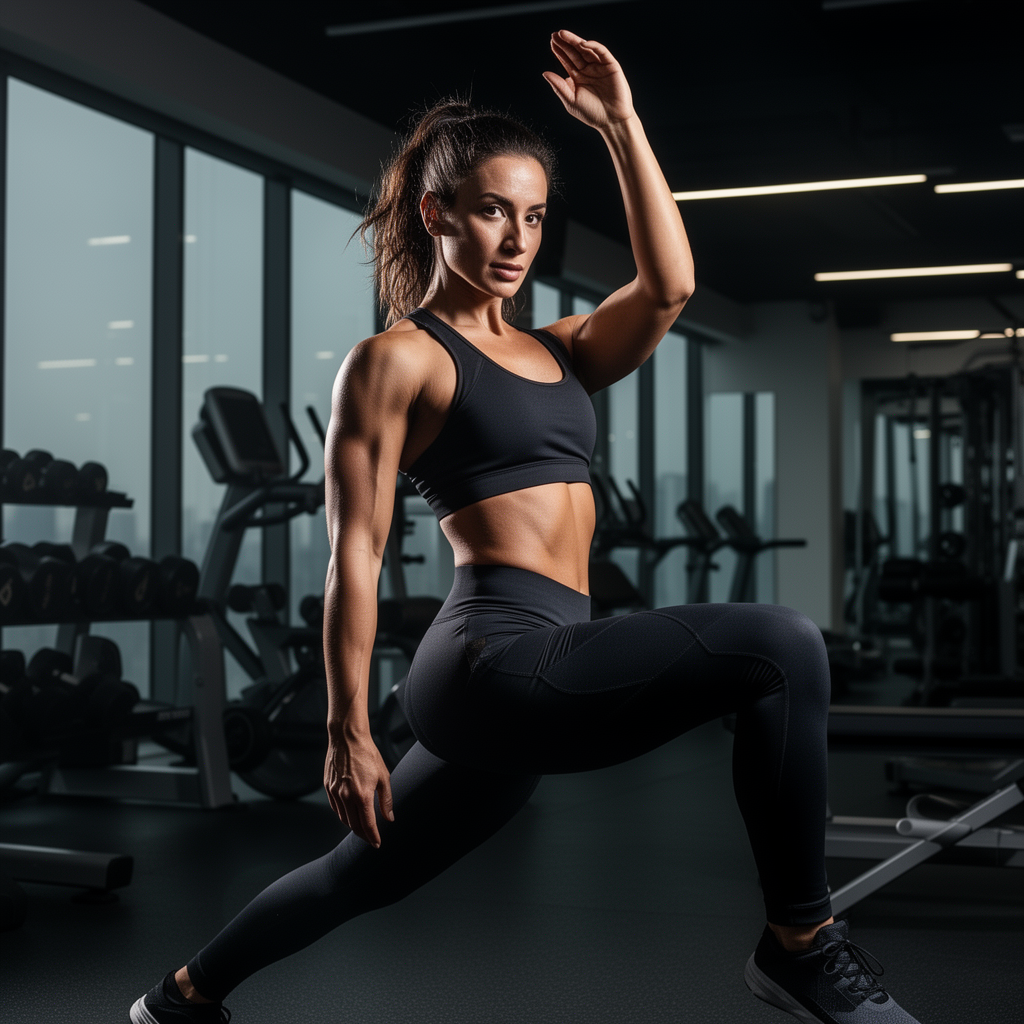
lifestyle fitness photo of a woman stretching in a modern gym, strong directional lighting, defined muscle highlights, athletic outfit with sharp fabric detail, clean environment
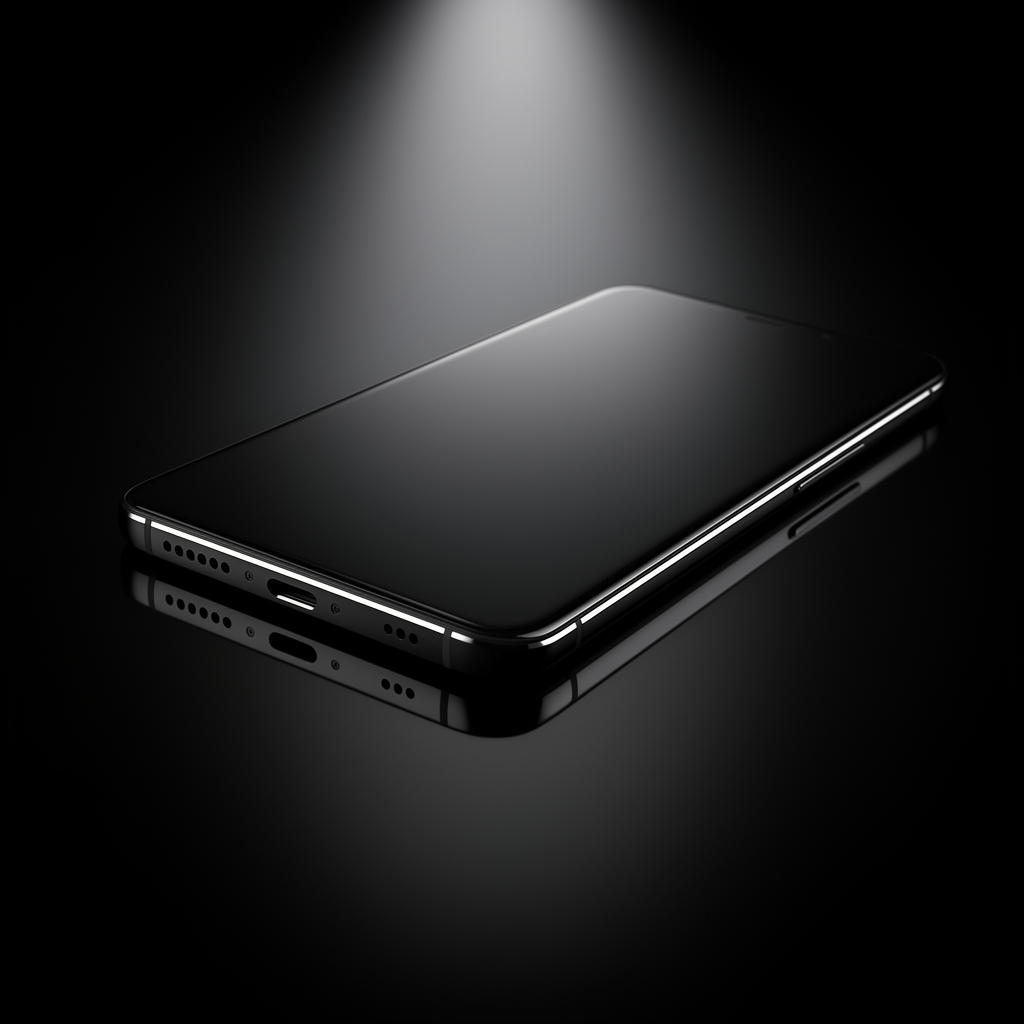
studio product shot of a smartphone on a reflective black surface, crisp edges, dramatic spotlight, high contrast, premium look
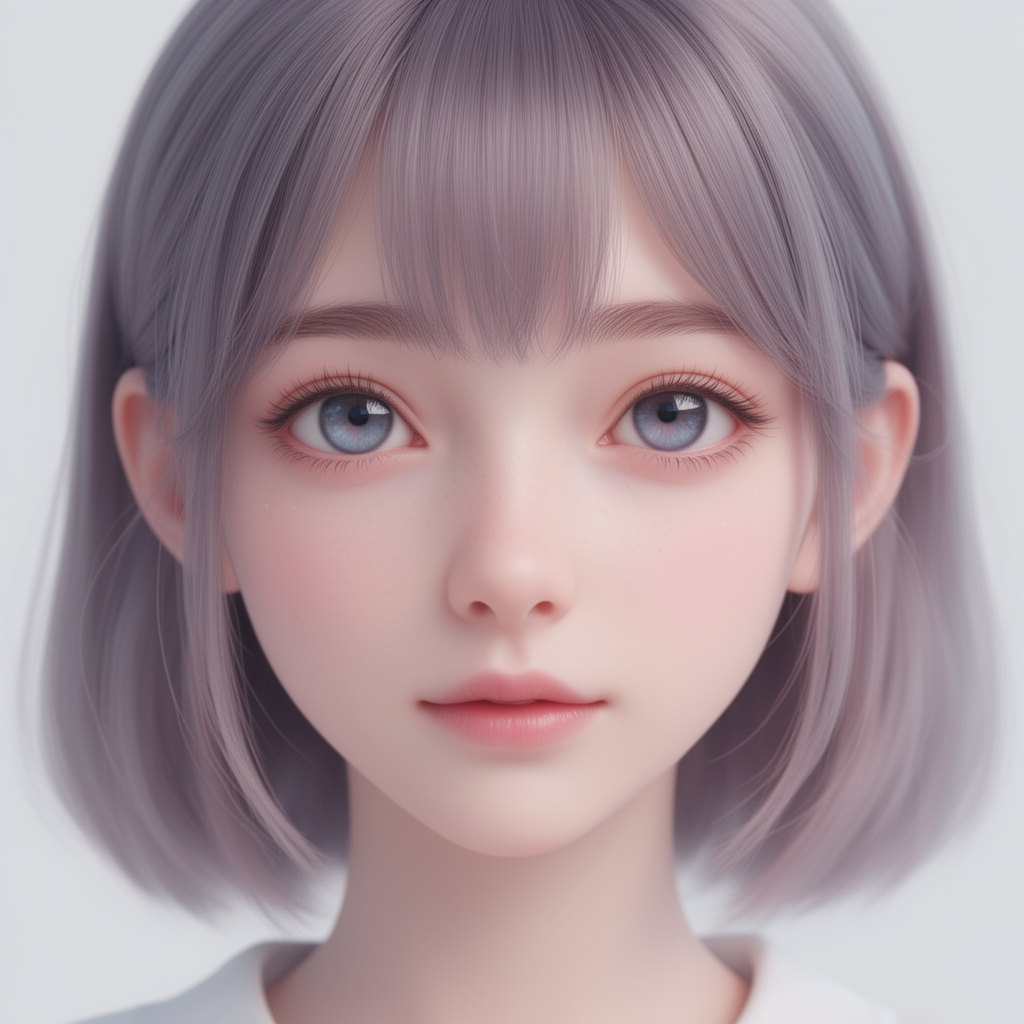
semi-stylized portrait of a girl with soft anime-inspired eyes, realistic lighting, natural skin texture, pastel color harmony, clean background
ultra wide landscape shot of snowy mountains at sunrise, crisp atmospheric depth, soft fog, golden light on peaks, 16mm lens cinematic scope

Conclusion
FLUX.2-dev GGUF is a strong upgrade for anyone working with ComfyUI. You get high-quality images, better prompt fidelity, and more consistent character or product generation — all while running efficiently on local hardware.
The installation is straightforward once the GGUF loader is set up, and the model works smoothly with existing ComfyUI workflows. In my testing, it handled portraits, fashion shots, and product renders very well.
References
Further Reading
How to Use Flux.1 Kontext-dev in ComfyUI (GGUF + GPU): Natural Prompts for Any Style
Leave a Reply