Flux.2 Klein 9B is a powerful image model, but the full base version requires higher-end hardware. For most ComfyUI users, that makes it impractical to run.
If you’re thinking about purchasing a new GPU, we’d greatly appreciate it if you used our Amazon Associate links. The price you pay will be exactly the same, but Amazon provides us with a small commission for each purchase. It’s a simple way to support our site and helps us keep creating useful content for you. Recommended GPUs: RTX 5090, RTX 5080, and RTX 5070. #ad
The Flux.2 Klein 9B distilled GGUF version solves this problem. It keeps much of the visual quality and prompt understanding of the base model while significantly lowering VRAM and compute requirements. This makes it a realistic option for everyday ComfyUI workflows.
This article focuses specifically on using the distilled Flux.2 Klein 9B GGUF model in ComfyUI. The full Flux.2 Klein 9B base model targets a different hardware class and is not covered here.
Flux.2 Klein 9B GGUF Models
- GGUF Models: You can find the GGUF models here. You only need one model. I have a RTX 5090, and I use the Q8 variant. I downloaded flux-2-klein-9b-Q8_0.gguf. If your GPU has less VRAM, consider the Q5 or Q4 variants. Put the GGUF model in ComfyUI\models\unet\ .
- Text Encoder: Download qwen_3_8b_fp8mixed.safetensors and put it in ComfyUI\models\text_encoders\ .
- VAE: Download flux2-vae.safetensors and put it in ComfyUI\models\vae\ .
Flux.2 Klein 9B GGUF Workflow Installation
- Update your ComfyUI to the latest version if you haven’t already. (Run update\update_comfyui.bat for Windows).
- Download the json file, and open it using ComfyUI.
- Use ComfyUI Manager to install missing nodes.
- Restart ComfyUI.
Nodes
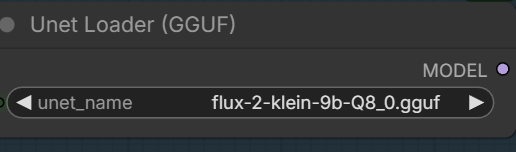
Select the GGUF model you downloaded.
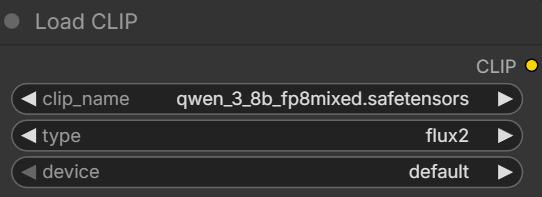
Pick the text encoder.
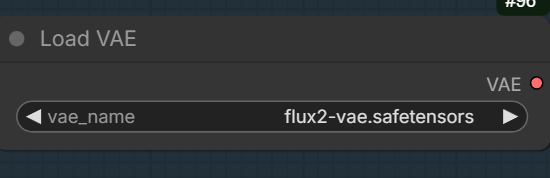
Set the VAE.
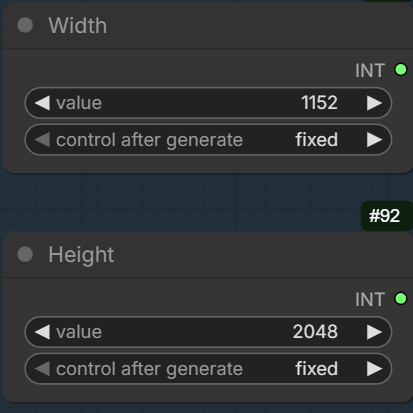
Specify the dimension.
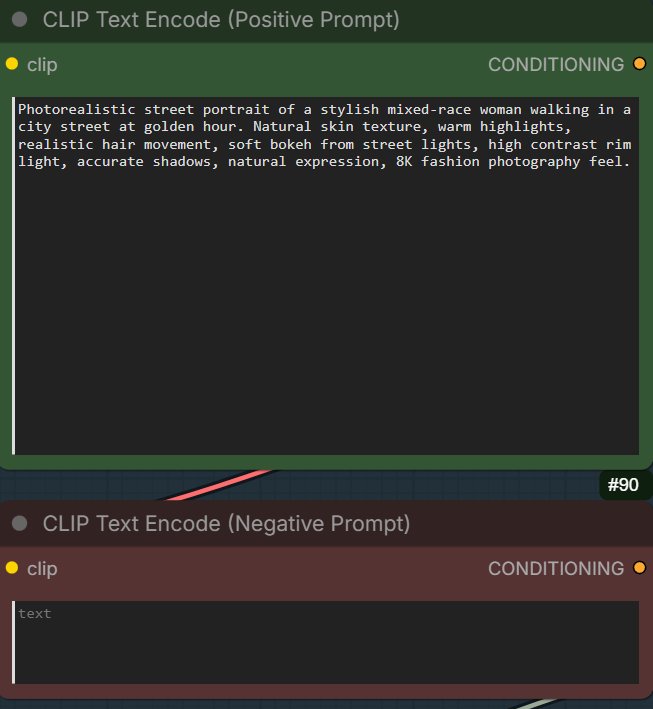
Enter the positive prompt and negative prompt. If you set the cfg to 1, the negative prompt is not going to be used.
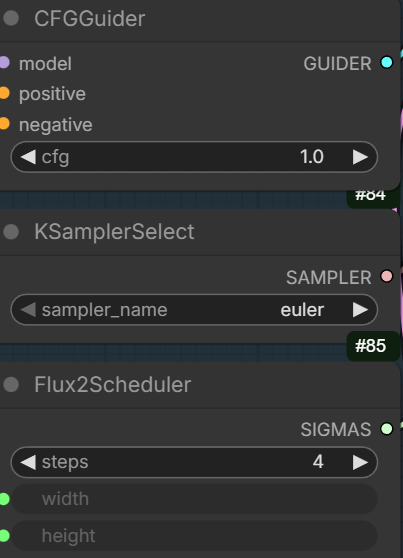
If you want to use 4 steps, set the cfg to 1. If you want to use 20 steps, set the cfg to 5, and you can enter negative prompt if you want.
Flux.2 Klein 9B GGUF Examples
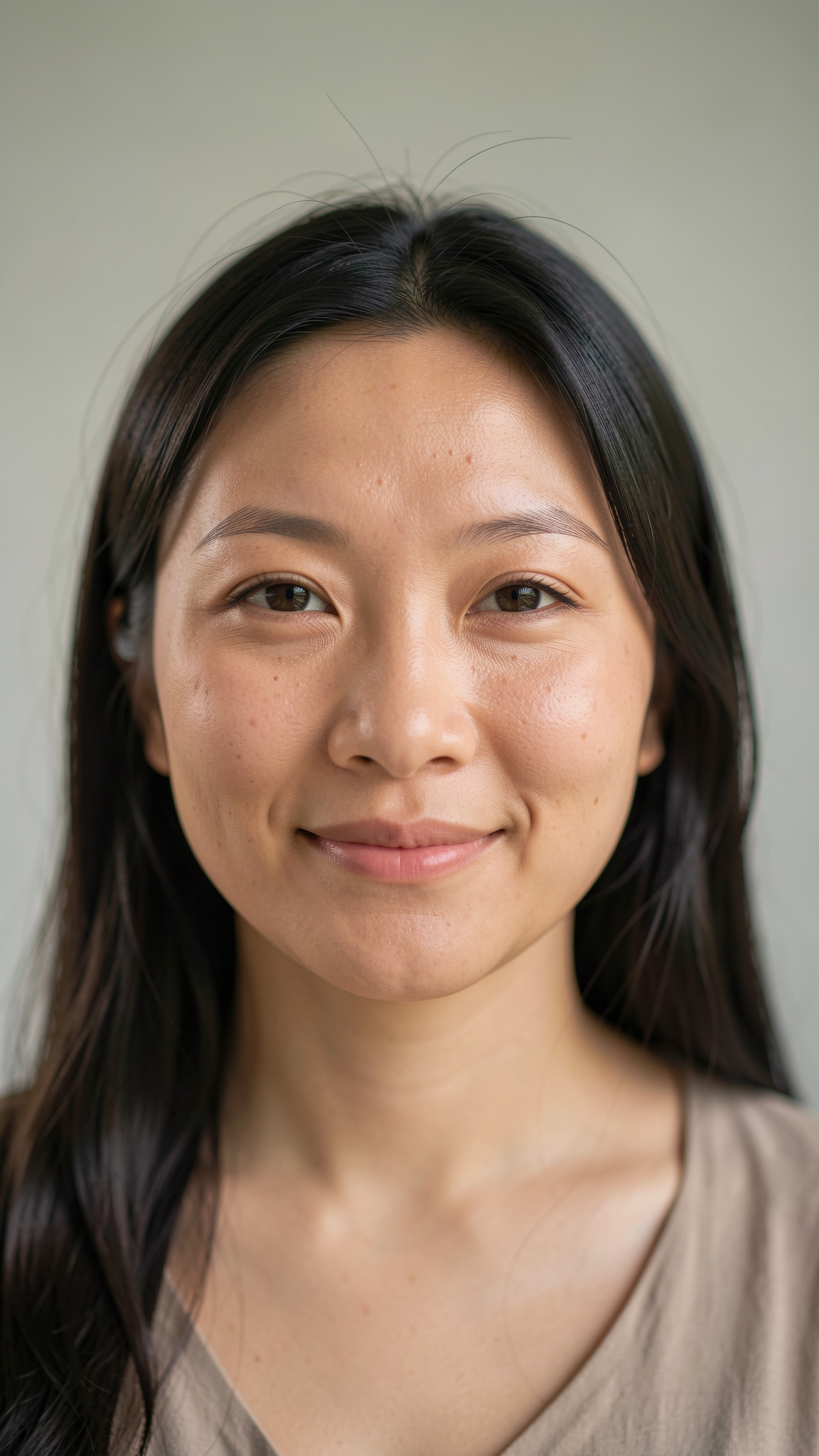
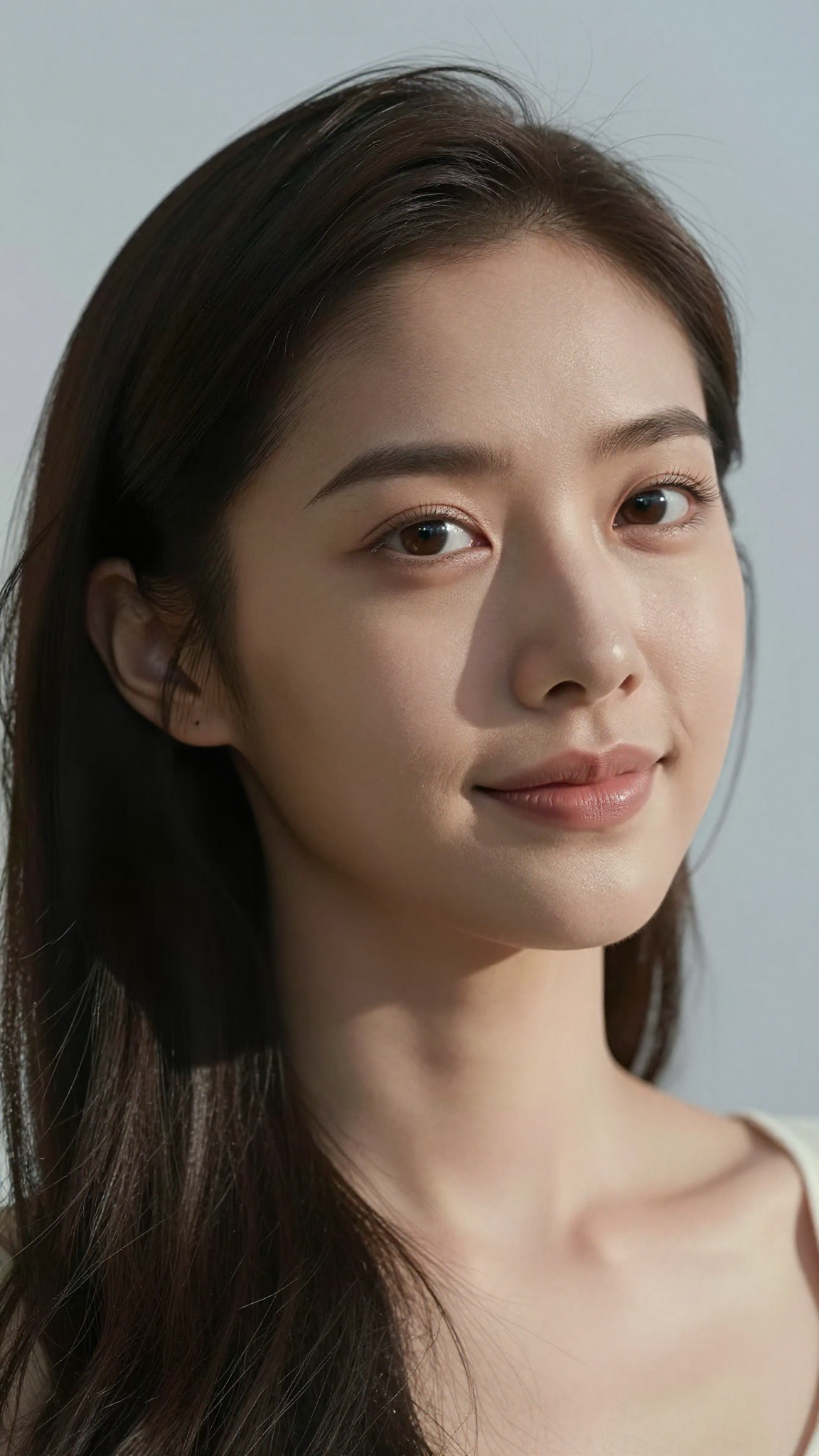
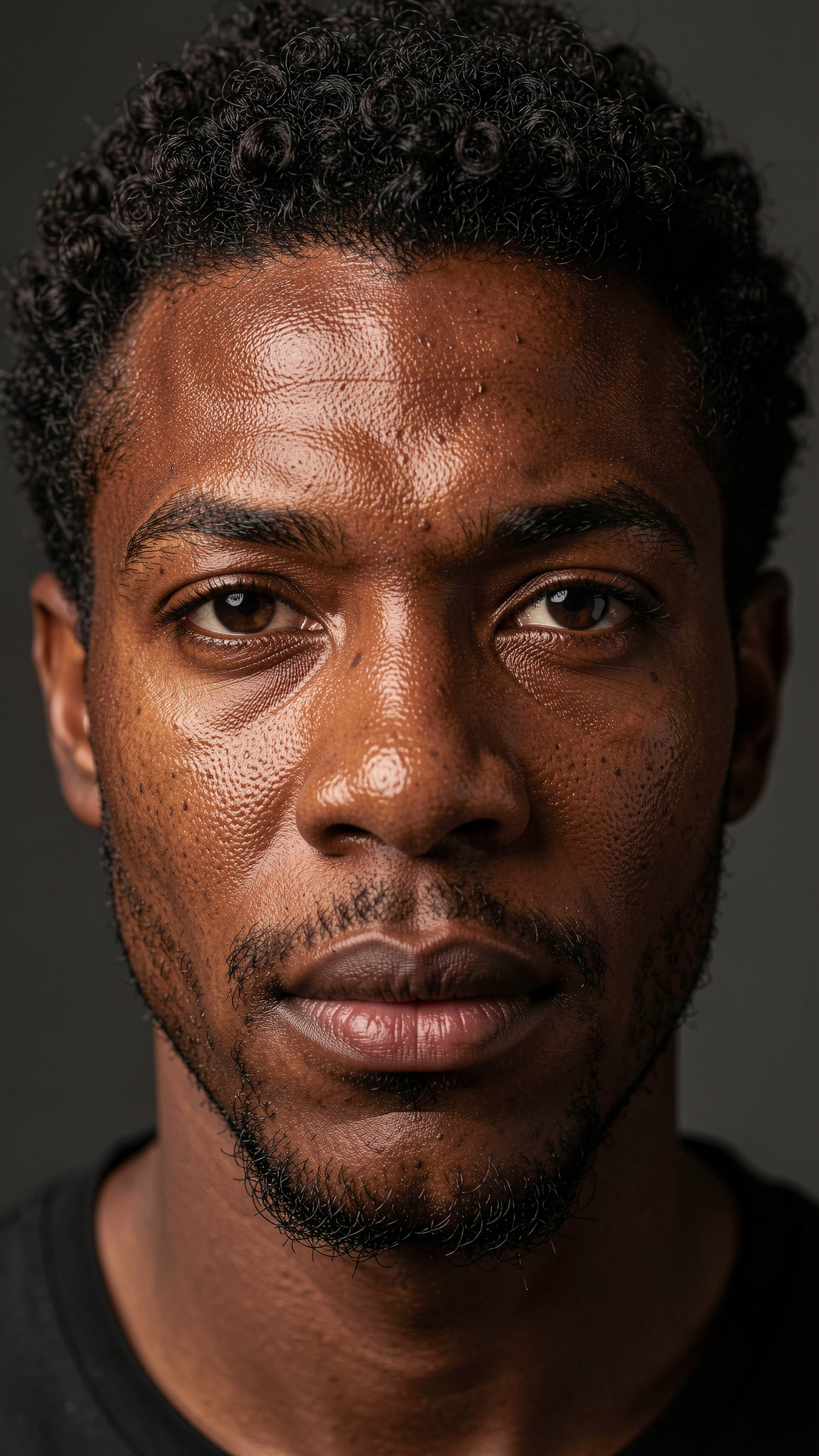
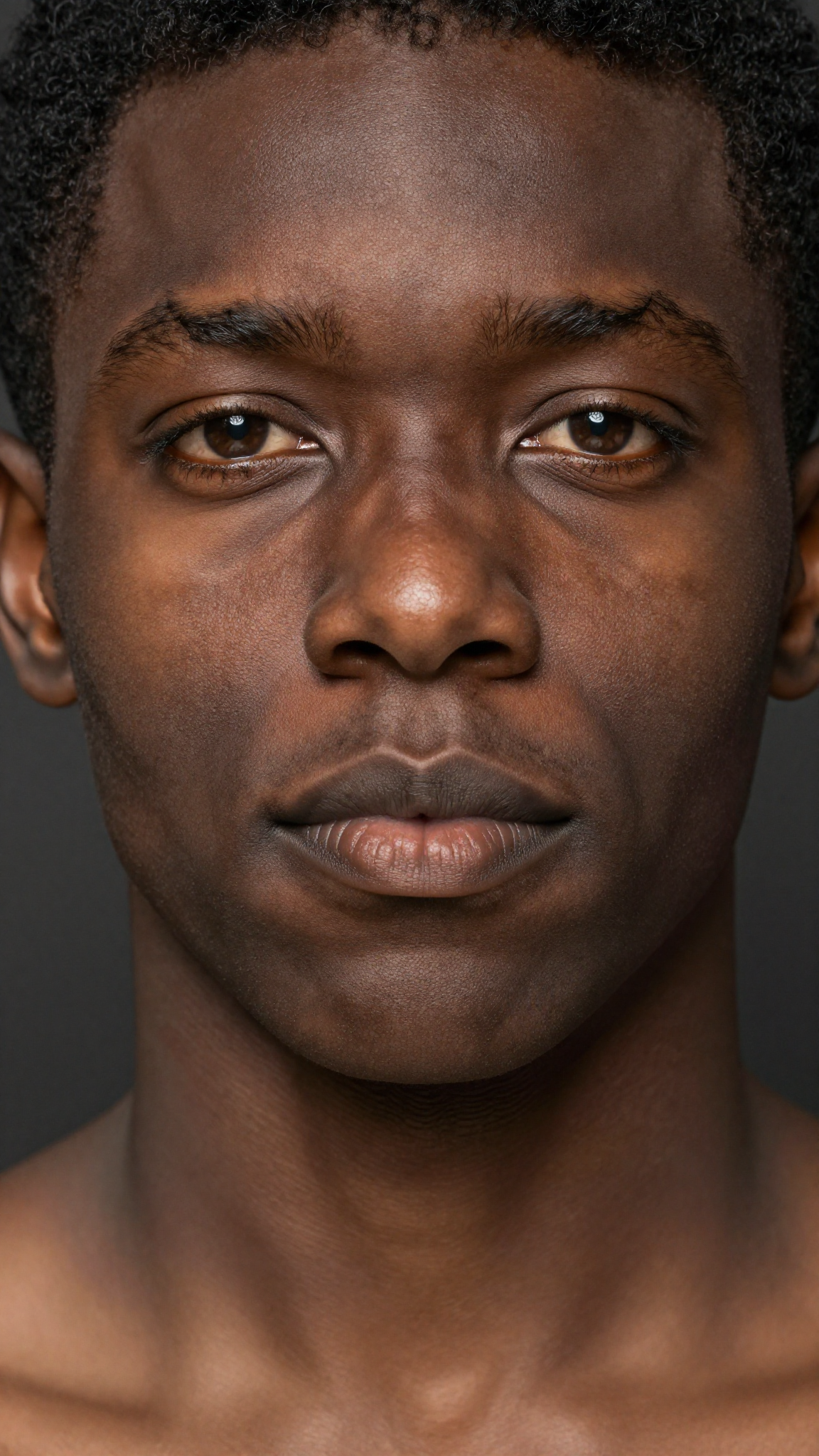
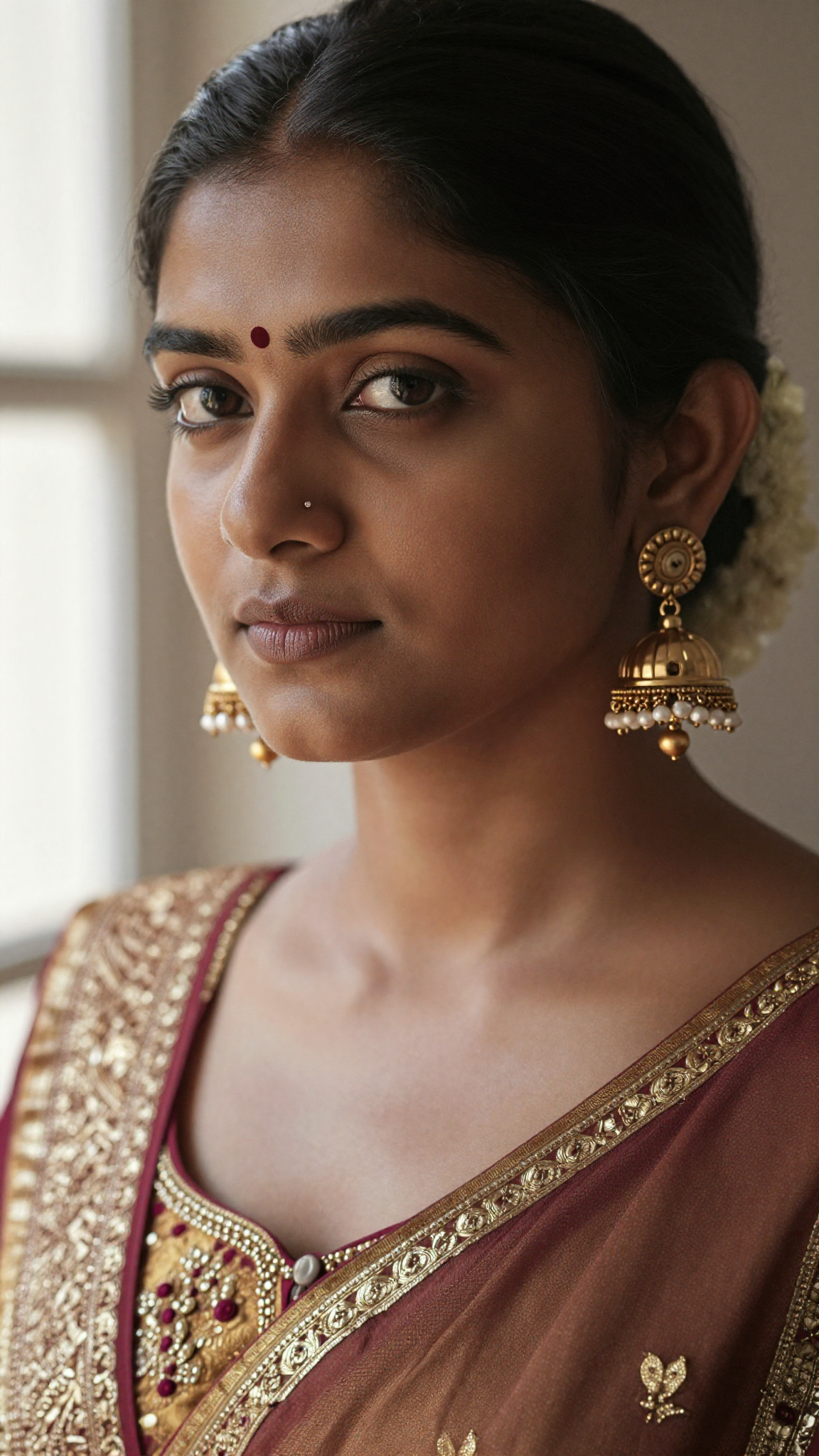
The following examples are using 4 steps. It takes about 12 seconds to generate a 1152 x 2048 image on my RTX 5090 after the models have been loaded. It takes about 6 seconds to generate an image of the same size using Z-Image-Turbo.
Ultra-realistic portrait of an East Asian woman with warm natural skin tone, soft diffused daylight, crisp facial details, natural pores and fine hair texture, minimal makeup, slight smile, smooth gradient background, shallow depth of field, cinematic realism, perfect color accuracy, lifelike eyes, gentle catchlights, high dynamic range, 8K photo aesthetic.
Hyper-realistic close-up portrait of a Black man with deep rich skin texture, natural sheen, tight curls, expressive warm eyes, subtle facial hair, precise shadows, Rembrandt lighting, extremely detailed pores, realistic highlights, neutral dark background, professional portrait look, ultra-sharp realism.
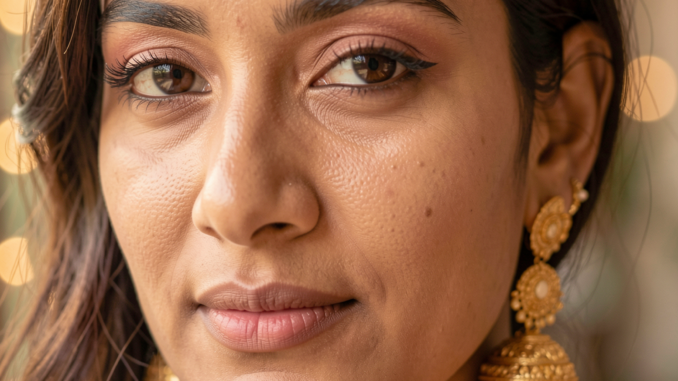
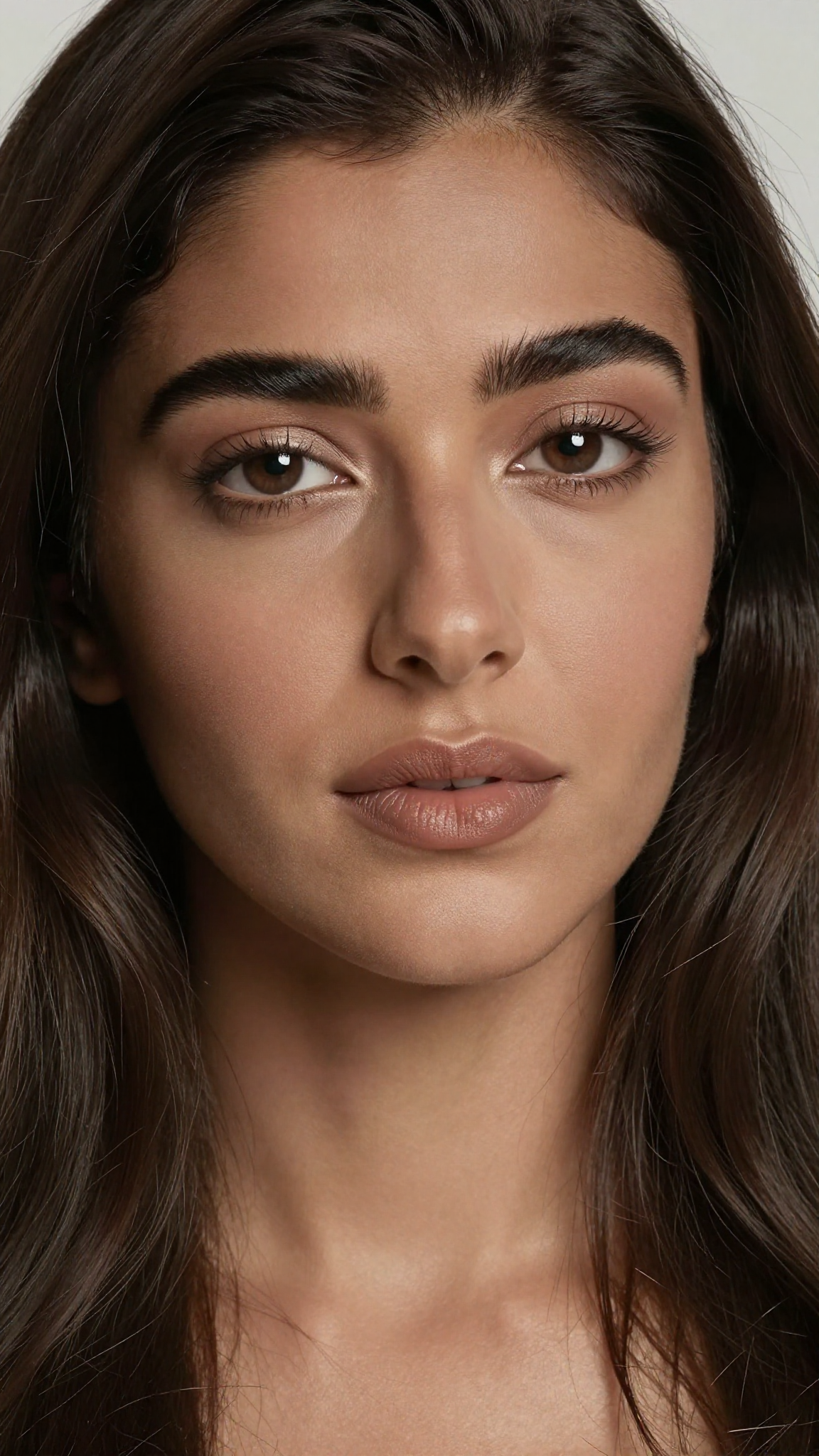
Ultra-detailed portrait of a South Asian woman wearing traditional gold earrings, soft warm skin tone, intricate hair strands, authentic facial texture, natural makeup, ambient window light, soft bokeh background, lifelike colors, elegant realism, 8K clarity, professional studio depth of field.

Photorealistic portrait of a Latino man with defined jawline, subtle beard texture, sun-kissed skin, detailed pores, warm directional sunlight, slight backlight rim on hair, soft bokeh city background, crisp sharp focus on the eyes, authentic natural expression, HDR realism.


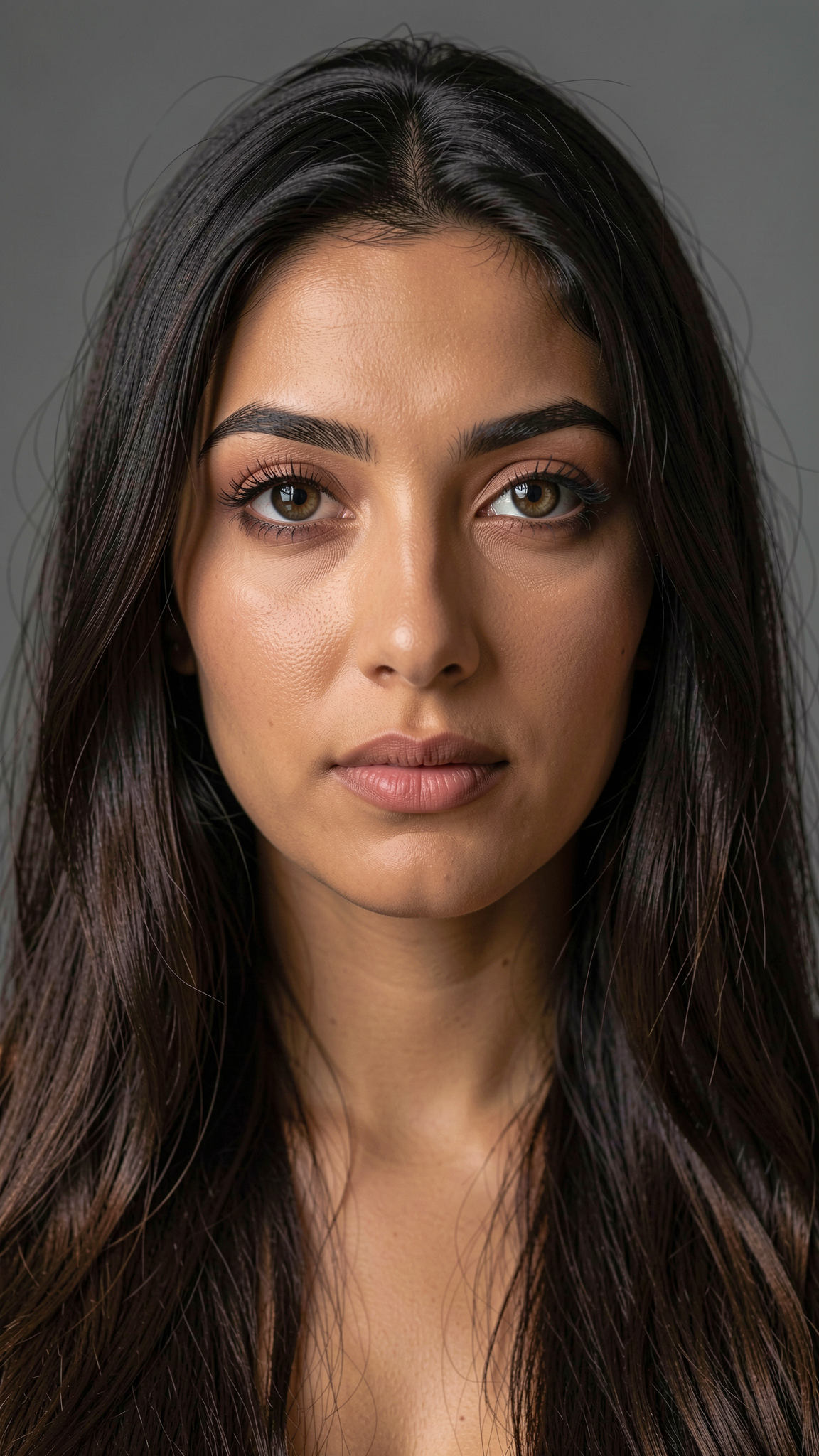
Ultra-realistic portrait of a Middle Eastern woman with expressive eyes, long dark hair, smooth warm olive skin tone, subtle makeup, natural reflections in the eyes, fine eyebrow details, high-precision lighting, matte background, strong facial realism, soft cinematic shadows.
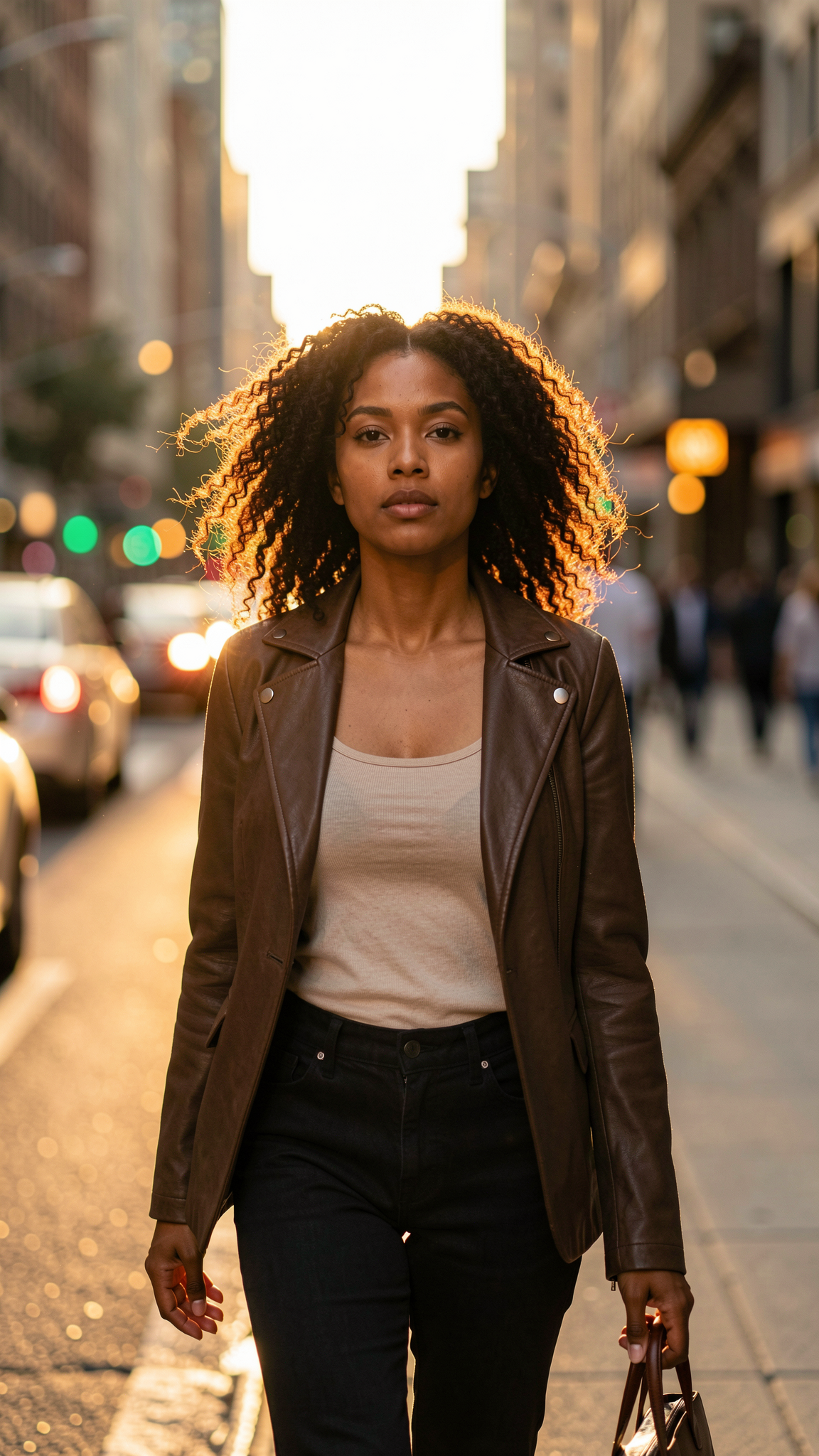
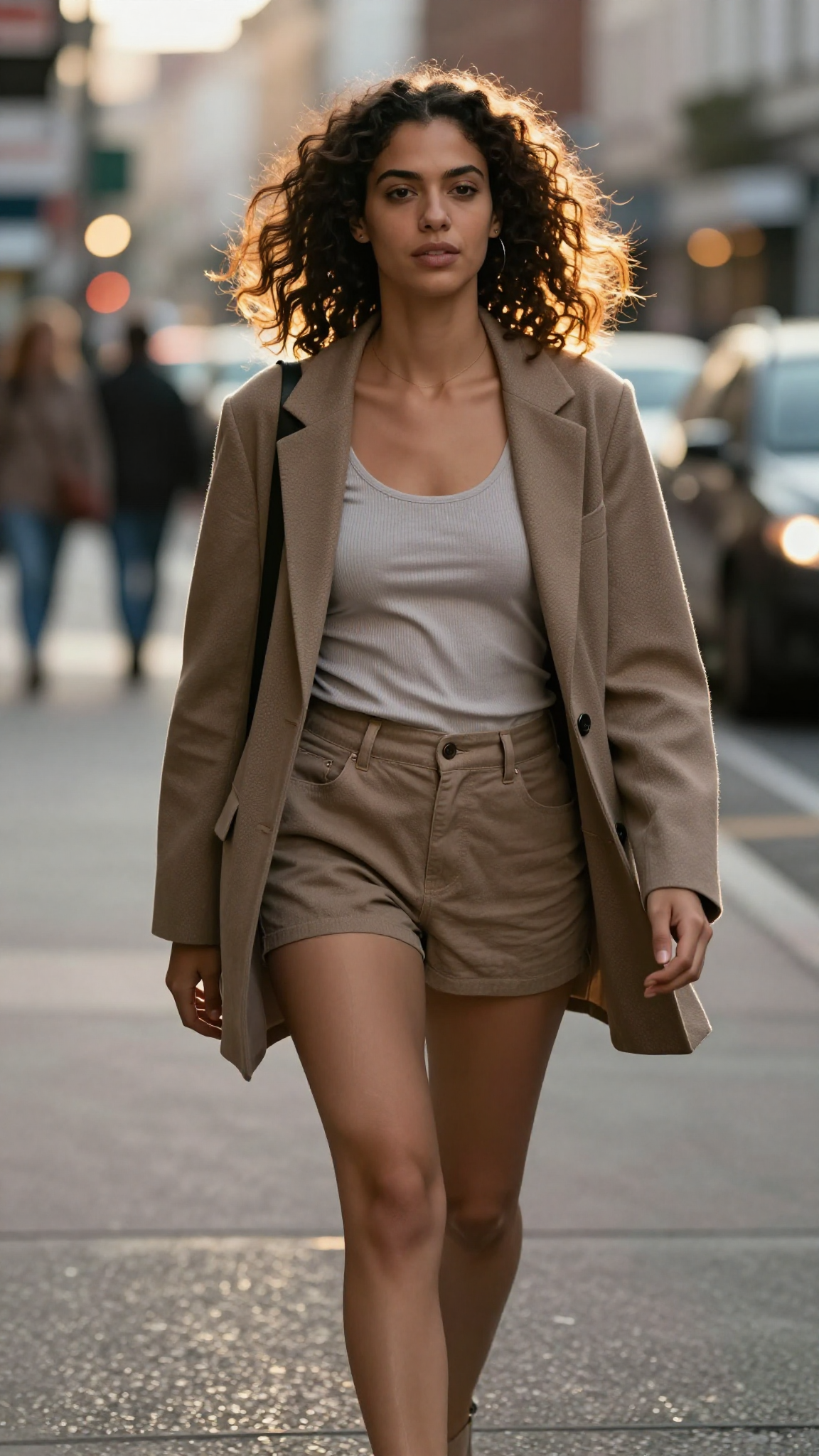
Photorealistic street portrait of a stylish mixed-race woman walking in a city street at golden hour. Natural skin texture, warm highlights, realistic hair movement, soft bokeh from street lights, high contrast rim light, accurate shadows, natural expression, 8K fashion photography feel.
Conclusion
The Flux.2 Klein 9B distilled GGUF model offers an excellent balance between quality and accessibility. It delivers strong Flux-style results without requiring enterprise-grade GPUs.
While it doesn’t fully replace the base model, the distilled version is far easier to run, faster to iterate with, and better suited for most users. If you’re already using ComfyUI with GGUF models, this is one of the most practical ways to work with Flux today.
Further Reading
Generate Realistic Images with Z-Image-Turbo GGUF in ComfyUI
Leave a Reply