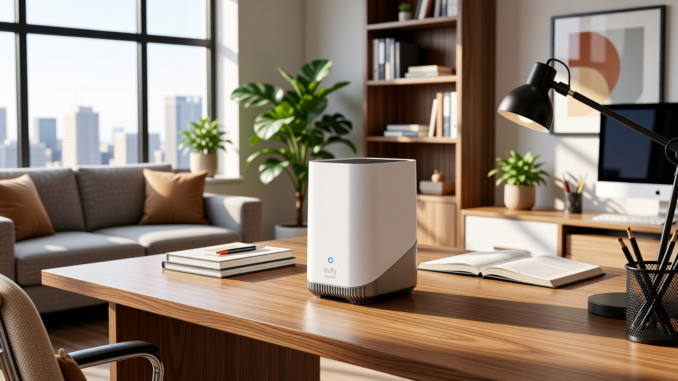
I recently purchased the Eufy HomeBase 3 and ran into a confusing setup issue.
If you’re thinking about purchasing a new GPU, we’d greatly appreciate it if you used our Amazon Associate links. The price you pay will be exactly the same, but Amazon provides us with a small commission for each purchase. It’s a simple way to support our site and helps us keep creating useful content for you. Recommended GPUs: RTX 5090, RTX 5080, and RTX 5070. #ad
The LED indicator stayed solid red and never turned blue, no matter how many times I restarted the device.
There was no clear error message in the app, and nothing in the quick start guide explained what was wrong.
After a lot of trial and error, I discovered the real problem: I had installed the SSD before completing the initial setup.
Here’s what happened and how to fix it.
The Symptom
During setup:
• The LED stayed red
• It never switched to blue
• The device would not complete initialization
• The app could not fully finish configuration
Normally, the LED should eventually turn blue once the HomeBase is properly initialized and connected.
In my case, it never did.
What Caused It
Before powering on the HomeBase 3 for the first time, I installed an SSD inside the unit.
That seemed logical since the device supports expandable storage.
However, the initial setup process appears to expect the system to boot without additional storage installed.
With the SSD installed from the start, the device stayed stuck in a red LED state and never completed provisioning.
This requirement is not clearly mentioned during setup.
The Fix (Step-by-Step)
-
Power off the HomeBase 3.
-
Remove the SSD.
-
If needed, press and hold the sync/reset button to reset the unit.
-
Start the setup process again in the Eufy app.
-
Wait until the LED turns blue and setup completes successfully.
-
Power off the device.
-
Reinstall the SSD.
-
Power it back on and allow the system to detect and initialize the drive.
After doing this, the LED turned blue normally and the SSD was recognized without issues.
Why This Likely Happens
During first boot, the system probably:
• Initializes internal storage
• Applies firmware provisioning
• Generates encryption keys
• Finalizes system configuration
Adding an SSD too early may change the expected storage layout and interrupt the initialization process.
Once setup is complete, adding the SSD works normally.
Final Thoughts
If your Eufy HomeBase 3 LED is stuck red and never turns blue, try removing the SSD and completing setup first.
It’s a simple fix, but not an obvious one.
Hopefully this saves you the frustration I went through.
Leave a Reply