[Update: 10/22/2009] This option has been changed. Please see this post about how to configure it.
If you’re thinking about purchasing a new GPU, we’d greatly appreciate it if you used our Amazon Associate links. The price you pay will be exactly the same, but Amazon provides us with a small commission for each purchase. It’s a simple way to support our site and helps us keep creating useful content for you. Recommended GPUs: RTX 5090, RTX 5080, and RTX 5070. #ad
If you ever want to use your Windows machine as a steaming media server, Windows 7 Beta makes it easy to do so. Here are the steps.
- Click on Start and type Media Devices.
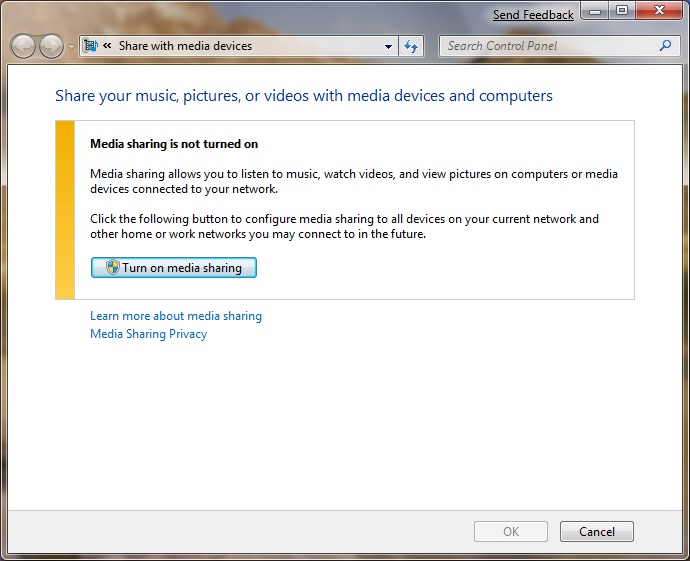
- Click on Share with Media Devices under Control Panel.
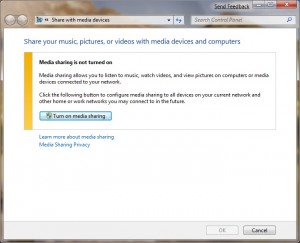
- Click on Turn on media sharing.
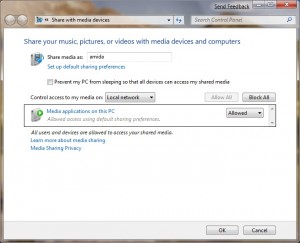
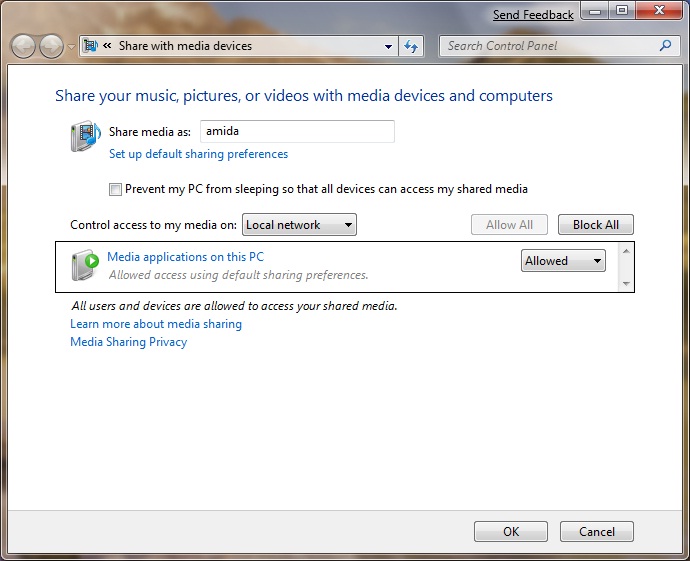
- The media server is ready. You can fine tune the settings here.
Wow, didnt realize it was that easy!