If you have experienced no sound problem for VLC player on Fedora 11 under VirtualBox, you can try the following steps.
If you’re thinking about purchasing a new GPU, we’d greatly appreciate it if you used our Amazon Associate links. The price you pay will be exactly the same, but Amazon provides us with a small commission for each purchase. It’s a simple way to support our site and helps us keep creating useful content for you. Recommended GPUs: RTX 5090, RTX 5080, and RTX 5070. #ad
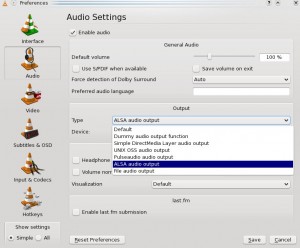
- Click on Tools -> Preferences.
- Click on Audio on the left.
- Under Output section, change the Type to ALSA audio output.
- Close VLC player and invoke it again.
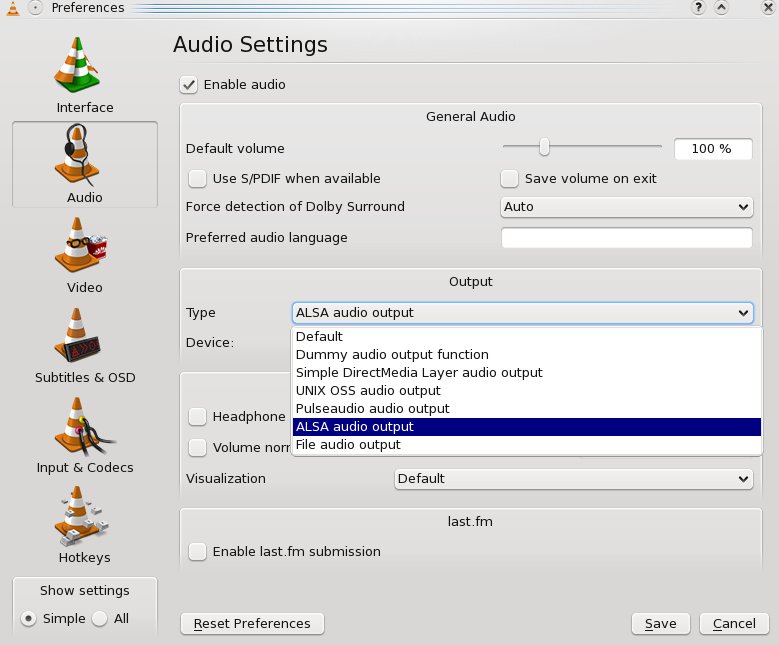
If the sound is still not working, try to select other types of auido output and see if it works.
Leave a Reply