Windows 7 has made sharing media easy. You can streaming your music and videos to other computers or devices on the network. Here are the steps.
If you’re thinking about purchasing a new GPU, we’d greatly appreciate it if you used our Amazon Associate links. The price you pay will be exactly the same, but Amazon provides us with a small commission for each purchase. It’s a simple way to support our site and helps us keep creating useful content for you. Recommended GPUs: RTX 5090, RTX 5080, and RTX 5070. #ad
- Click on Start and type Media Streaming.
- Click on Media Streaming Options under Control Panel.
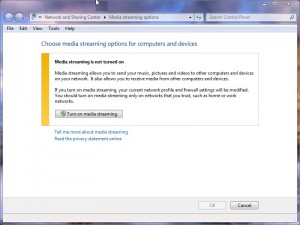
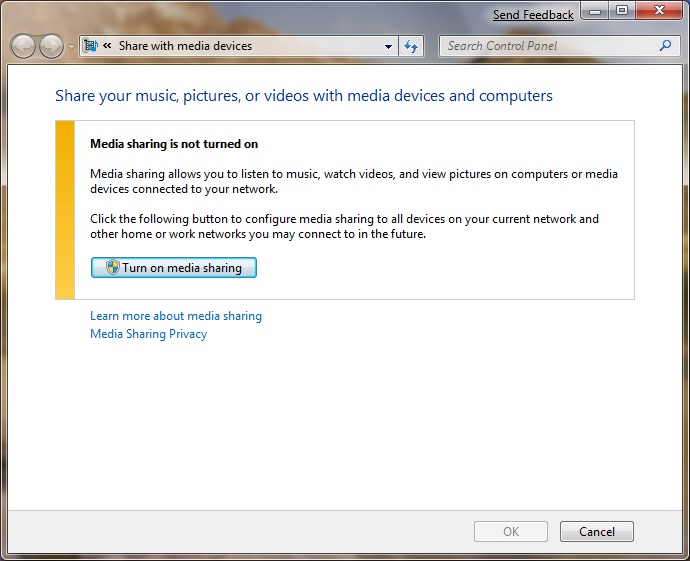
- Click on Turn on media streaming.
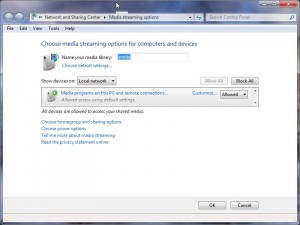
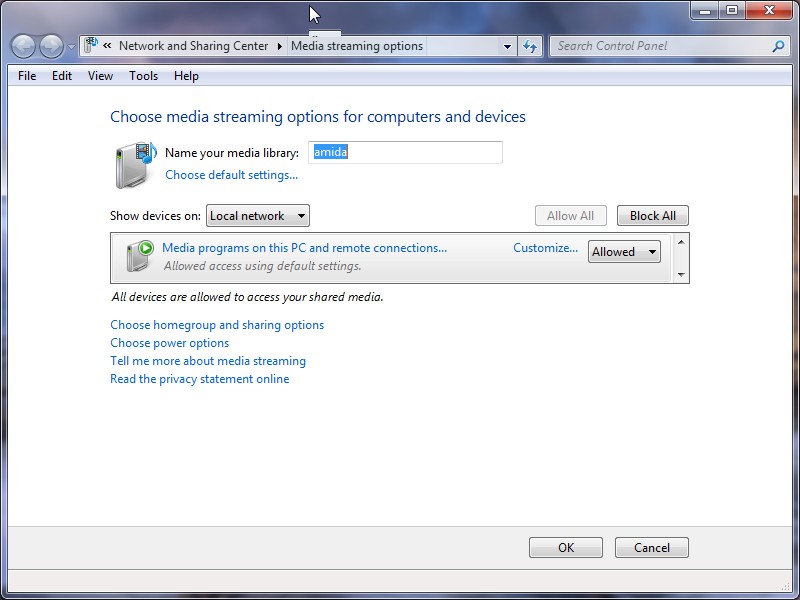
- The media server is ready. You can fine tune the settings here.

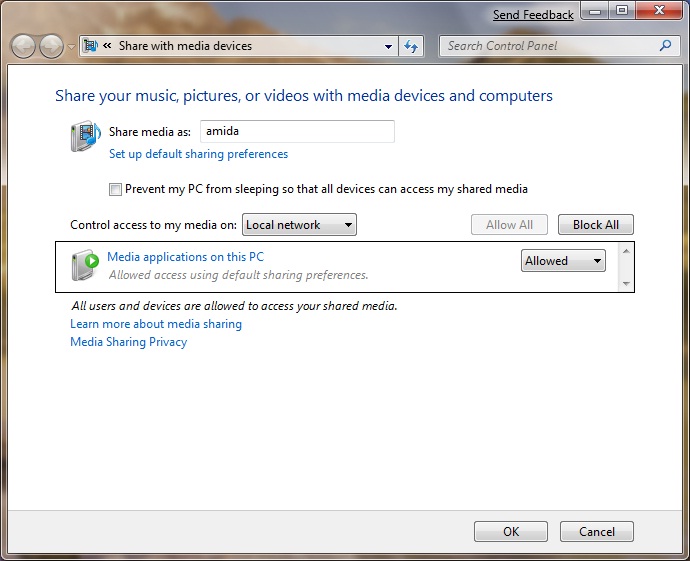
Once you have it turned on, all the DLNA compatible devices like PS3 and XBox 360 on your local network can access the media on your Windows 7 computer.
Leave a Reply