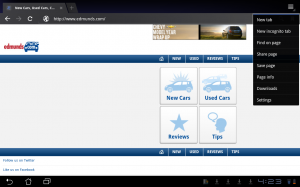
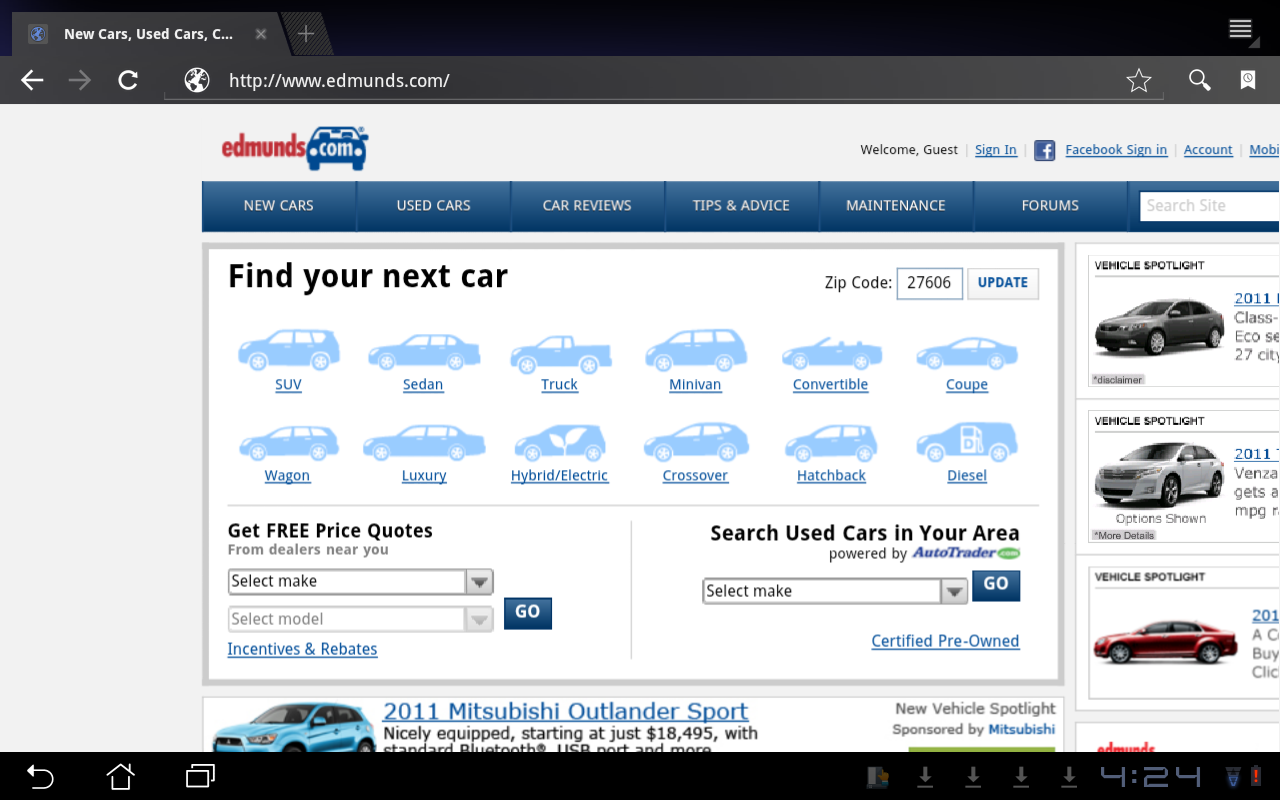
For most Android 3 tablets, the screen resolution is over 1024×768, which is more like a desktop computer. However, when you visit mobile enhanced sites, you can only browse the mobile site, not the full site. Some sites offer you the option to switch to the full site, but some do not.
If you’re thinking about purchasing a new GPU, we’d greatly appreciate it if you used our Amazon Associate links. The price you pay will be exactly the same, but Amazon provides us with a small commission for each purchase. It’s a simple way to support our site and helps us keep creating useful content for you. Recommended GPUs: RTX 5090, RTX 5080, and RTX 5070. #ad
You can follow these steps to change the user agent string on Chrome to view the full site:
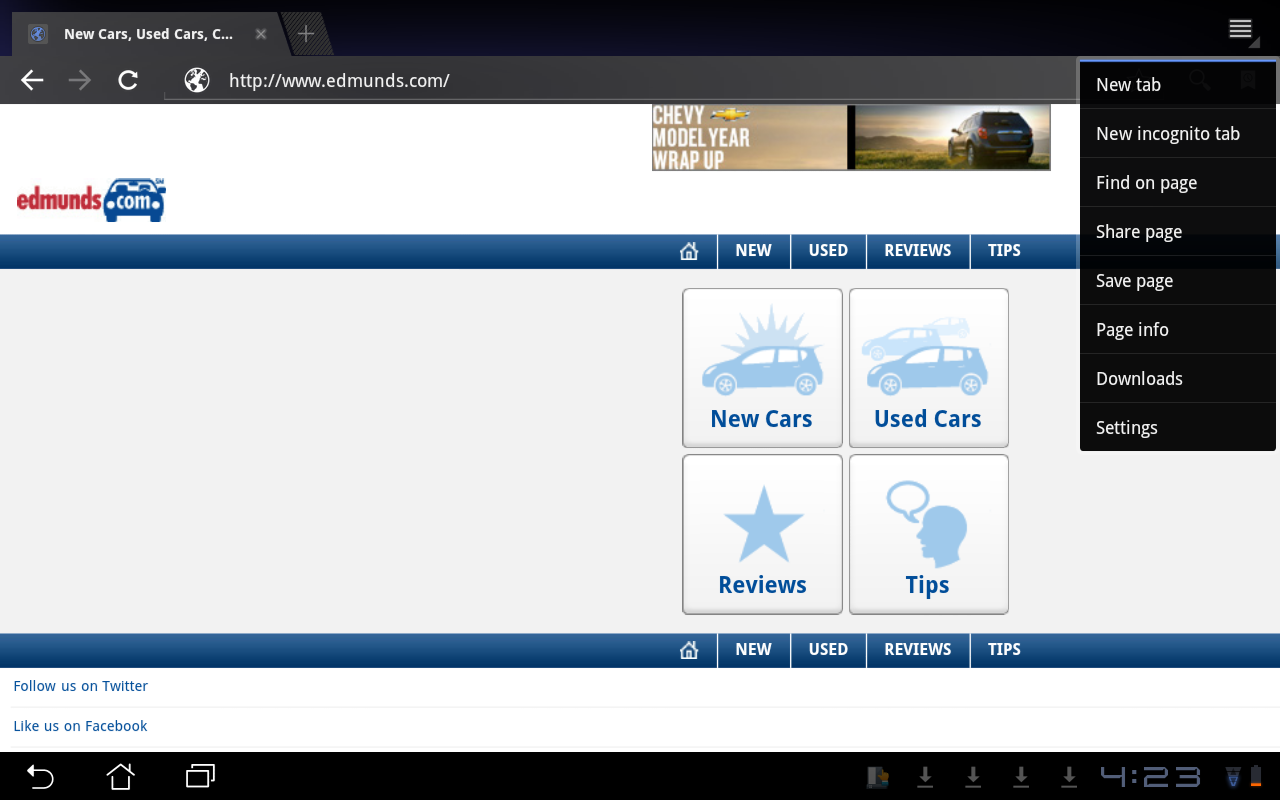
- Tap on the top right icon and then tap on Settings.
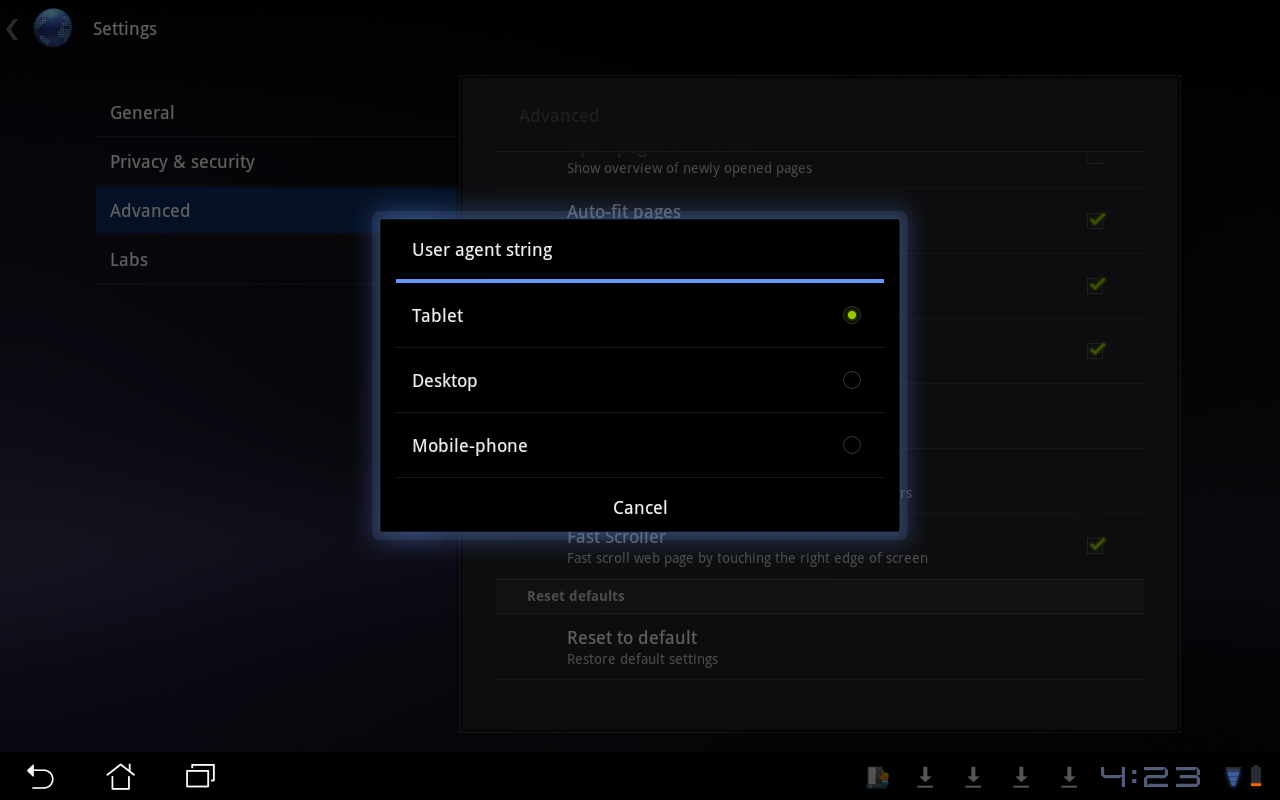
- Tap on Advanced and scroll down to find User Agent String.
- Change it to Desktop.

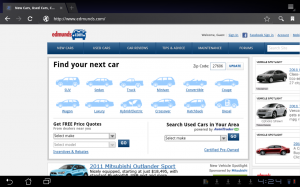
- Refresh the page and you’ll see the site is now the full site instead of the simplified mobile site.
Leave a Reply