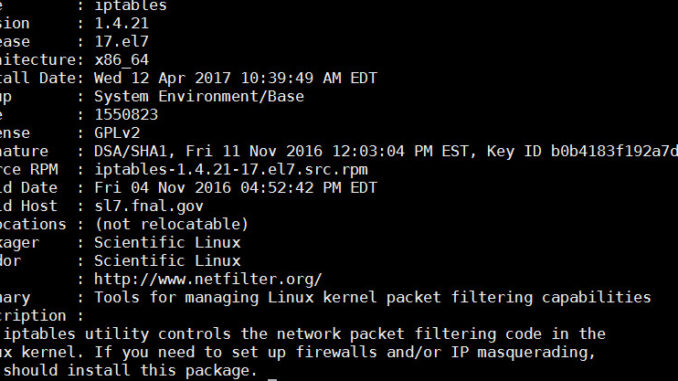
Just helped set up a Red Hat Enterprise Linux 7 server. The firewall is handled by firewalld on rhel 7 by default. To use your old iptables rules, you have to disable firewalld and enable iptables. Here are the steps.
If you’re thinking about purchasing a new GPU, we’d greatly appreciate it if you used our Amazon Associate links. The price you pay will be exactly the same, but Amazon provides us with a small commission for each purchase. It’s a simple way to support our site and helps us keep creating useful content for you. Recommended GPUs: RTX 5090, RTX 5080, and RTX 5070. #ad
- Disable firewalld
systemctl stop firewalld.service
systemctl disable firewalld.service
- Install iptables
yum install iptables iptables-services
- Enable iptables
systemctl start iptables.service
systemctl enable iptables.service
- Apply the iptables rules
- Save the iptables rules
service iptables save
If you use ip6tables, you can enable it as well.
systemctl start ip6tables.service
systemctl enable ip6tables.service
service ip6tables save
Leave a Reply