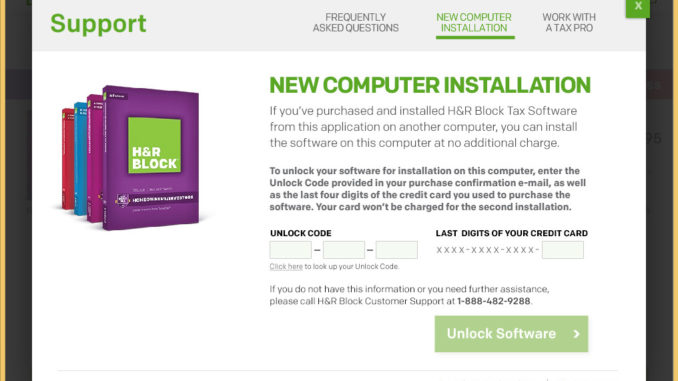
If you bought H&R Block from the CD mailed to you, you might have troubles installing it on a second computer. Follow these easy steps to install it.
If you’re thinking about purchasing a new GPU, we’d greatly appreciate it if you used our Amazon Associate links. The price you pay will be exactly the same, but Amazon provides us with a small commission for each purchase. It’s a simple way to support our site and helps us keep creating useful content for you. Recommended GPUs: RTX 5090, RTX 5080, and RTX 5070. #ad
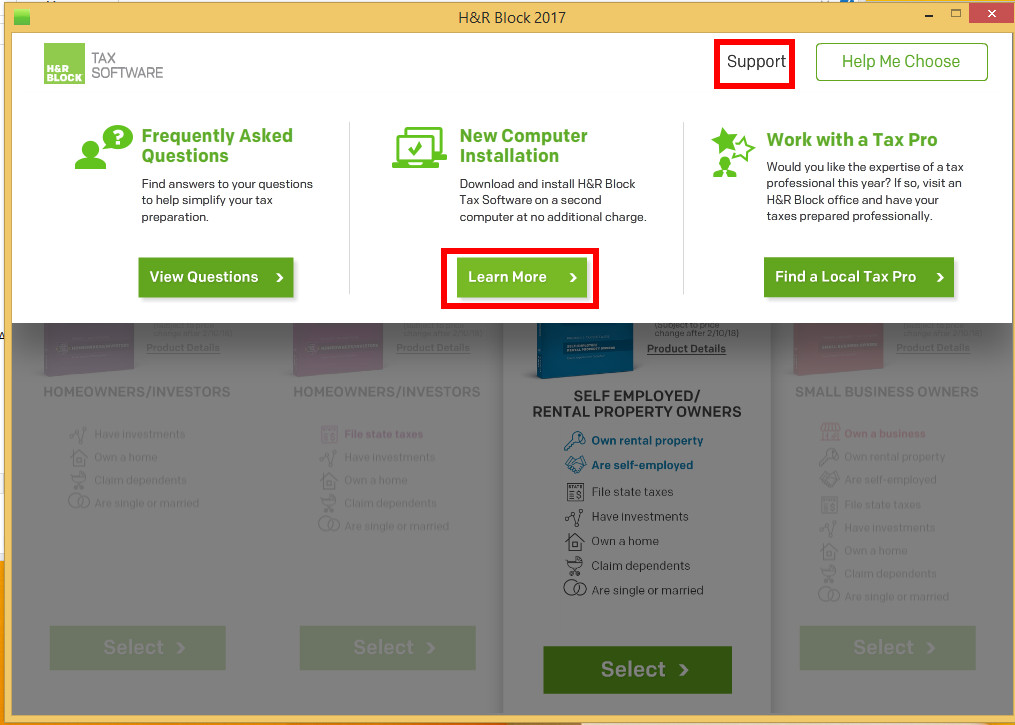
- Click on Start Here, if the wizard is not already running.
- Move the cursor to Support and you will see three options. Click on Learn More under New Computer Installation.

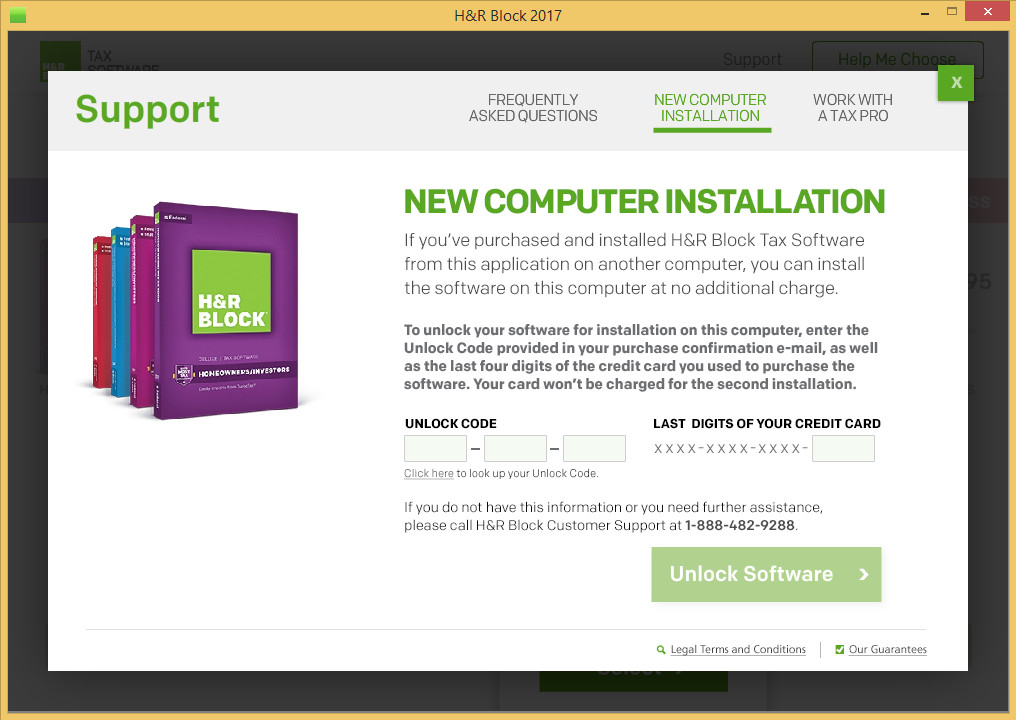
- Enter the unlock code and the last 4 digits of the credit card you used to order it. Click on Unlock Software and follow the wizard to install H&R Block 2017.

Leave a Reply