A new Stable Diffusion model fine tuned on Midjourney v4 images has been published recently. It’s easy to use it on OnnxDiffusersUI, Follow these simple steps:
If you’re thinking about purchasing a new GPU, we’d greatly appreciate it if you used our Amazon Associate links. The price you pay will be exactly the same, but Amazon provides us with a small commission for each purchase. It’s a simple way to support our site and helps us keep creating useful content for you. Recommended GPUs: RTX 5090, RTX 5080, and RTX 5070. #ad
- Open up a command prompt and activate the virtual environment. On my computer, the commands are
cd OnnxDiffusersUI
.\virtualenv\Scripts\activate.bat
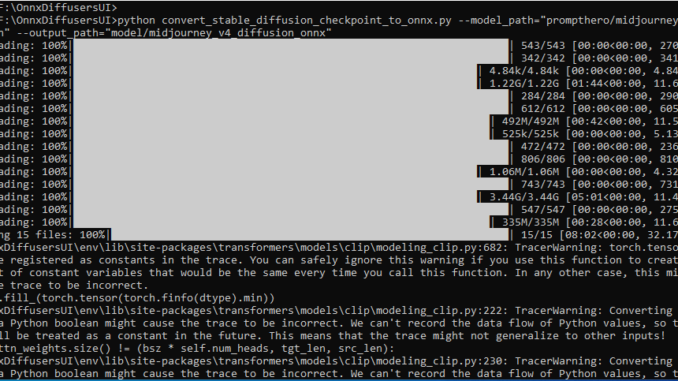
- Download and convert the model. Note that this step takes a while.
python convert_stable_diffusion_checkpoint_to_onnx.py --model_path="prompthero/midjourney-v4-diffusion" --output_path="model/midjourney_v4_diffusion_onnx"
- Run onnxUI.py to use the model
python onnxUI.py --model="model/midjourney_v4_diffusion_onnx"
That’s it. Remember to add “mdjrny-v4 style” in your prompt to use the style.
Here are some examples:

Stable Diffusion 1.5
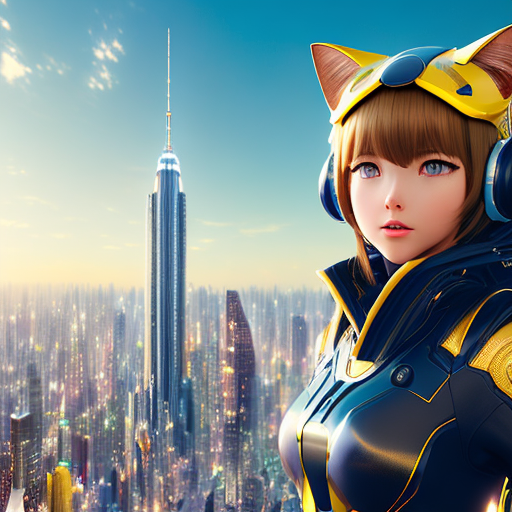
midjourney-v4-diffusion

Stable Diffusion 1.5
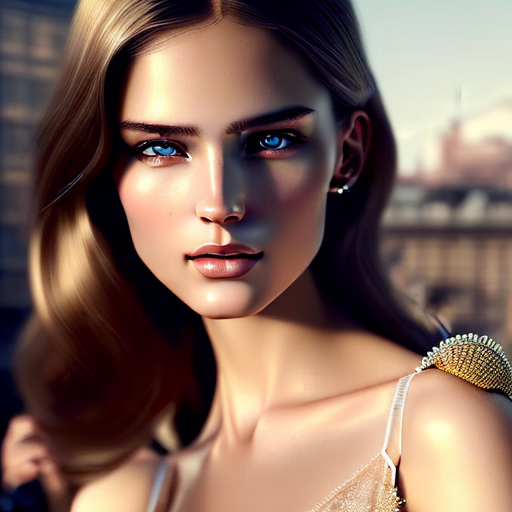
midjourney-v4-diffusion
Leave a Reply