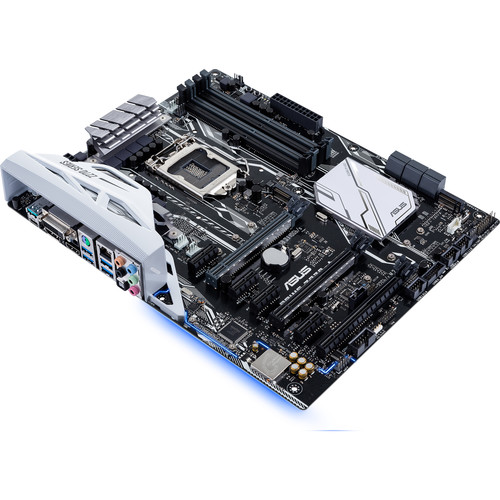
When I first tested my mining rig, I didn’t change the settings for the motherboard. It didn’t go well. The machine was not stable at all and I could not get the motherboard to recognize some of the GPUs. After some research, I found that you have to tweak the motherboard settings for you to connect 6 GPUs. Here are the settings I changed:
If you’re thinking about purchasing a new GPU, we’d greatly appreciate it if you used our Amazon Associate links. The price you pay will be exactly the same, but Amazon provides us with a small commission for each purchase. It’s a simple way to support our site and helps us keep creating useful content for you. Recommended GPUs: RTX 5090, RTX 5080, and RTX 5070. #ad
- Above 4G Decoding [Disabled] -> [Enabled]
- PCIe Spread Spectrum Clocking [Auto] -> [Disabled]
- PCIe Speed [Auto] -> [Gen2]
- PCIEX16_1 Link Speed [Auto] -> [Gen2]
- PCIEX16_2 Link Speed [Auto] -> [Gen2]
- DMI Max Link Speed [Auto] -> [Gen2]
Note that you might not see all the settings available to you. That’s fine. Just change the available options for your motherboard. Also, if changing the speed of to Gen2 does not work for you, you can change them to Gen1.
Leave a Reply