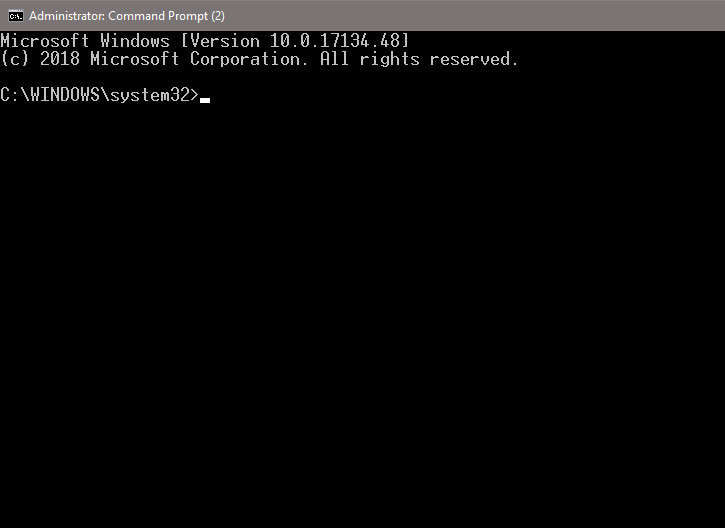
Here are the simple commands to add an admin user on Windows.
If you’re thinking about purchasing a new GPU, we’d greatly appreciate it if you used our Amazon Associate links. The price you pay will be exactly the same, but Amazon provides us with a small commission for each purchase. It’s a simple way to support our site and helps us keep creating useful content for you. Recommended GPUs: RTX 5090, RTX 5080, and RTX 5070. #ad
- Open up an elevated Command Prompt.
- Type this command in the Command Prompt window to create an user.
net user admin_user_name admin_user_password /add
- Type this command in the Command Prompt windows to add the user to the local administrators group.
net localgroup administrators admin_user_name /add
Leave a Reply