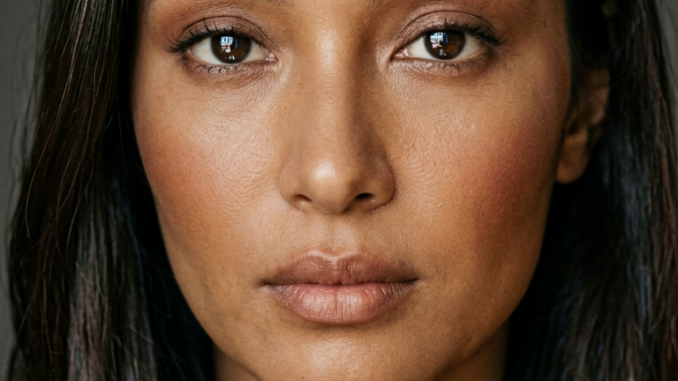
Running high-quality image generation locally used to require powerful GPUs and heavy model setups, but that’s changing quickly. With the release of ERNIE-Image-Turbo and its GGUF format, it’s now possible to achieve fast, efficient image generation even on lower-end hardware.
If you’re thinking about purchasing a new GPU, we’d greatly appreciate it if you used our Amazon Associate links. The price you pay will be exactly the same, but Amazon provides us with a small commission for each purchase. It’s a simple way to support our site and helps us keep creating useful content for you. Recommended GPUs: RTX 5090, RTX 5080, and RTX 5070. #ad
In this guide, we’ll walk through how to use ERNIE-Image-Turbo GGUF inside ComfyUI, a flexible node-based interface that makes it easy to build and customize image generation workflows. You’ll learn how to set up the model, configure the necessary nodes, and generate images with a streamlined pipeline optimized for performance.
Whether you’re experimenting with local AI tools or looking for a lightweight alternative to traditional diffusion models, this setup offers a practical and efficient solution.
Ernie-Image-Turbo GGUF Models
- GGUF Models: You can find the GGUF models here. You only need one model. I have a RTX 5090, and I use the Q8 variant. I downloaded ernie-image-turbo-Q8_0.gguf. If your GPU has less VRAM, consider the Q5 or Q4 variants. Put the GGUF model in ComfyUI\models\unet\ .
- Text Encoder: Download ministral-3-3b.safetensors , ernie-image-prompt-enhancer.safetensors and put them in ComfyUI\models\text_encoders\ . The prompt enhancer is optional.
- VAE: Download flux2-vae.safetensors and put it in ComfyUI\models\vae\ .
Ernie-Image-Turbo GGUF Workflow Installation
- Update your ComfyUI to the latest version if you haven’t already. (Run update\update_comfyui.bat for Windows).
- Download the json file, and open it using ComfyUI.
- Use ComfyUI Manager to install missing nodes.
- Restart ComfyUI.
Nodes
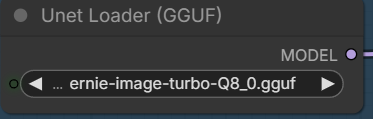
Select the GGUF model you downloaded here.
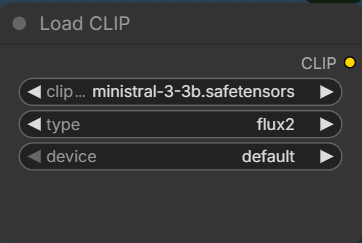
Specify the ministral text encoder here.
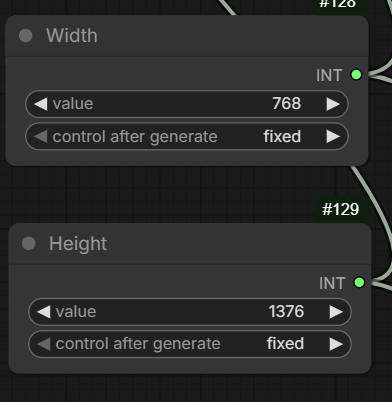
Input the width and height here. For best results, use these resolutions:
- 1024×1024
- 848×1264
- 1264×848
- 768×1376
- 896×1200
- 1376×768
- 1200×896
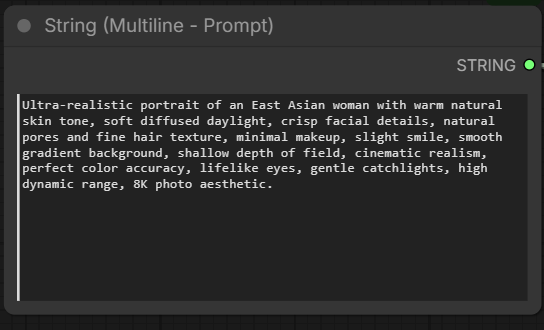
Enter the positive prompt here.
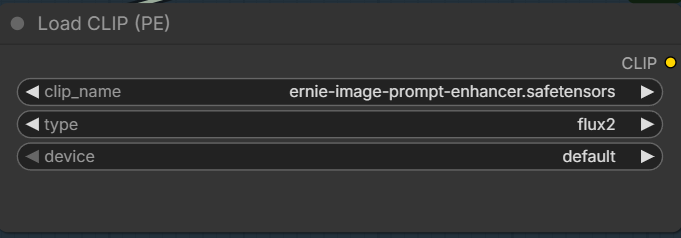
If you want to use prompt enhancement, make sure you select the text encoder.
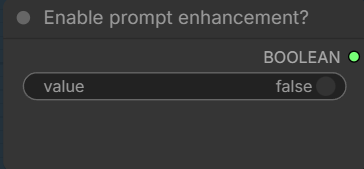
Also, change this to true.
Ernie-Image-Turbo Examples
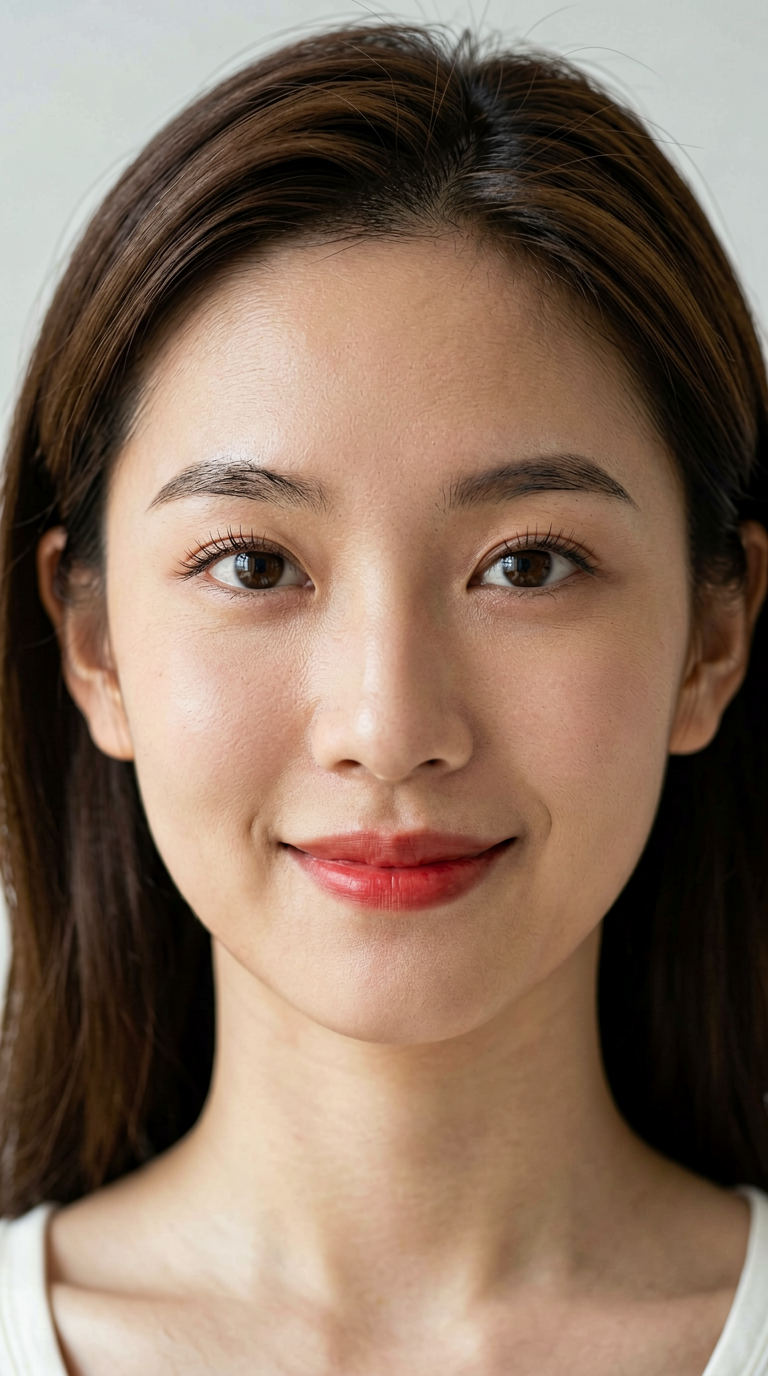
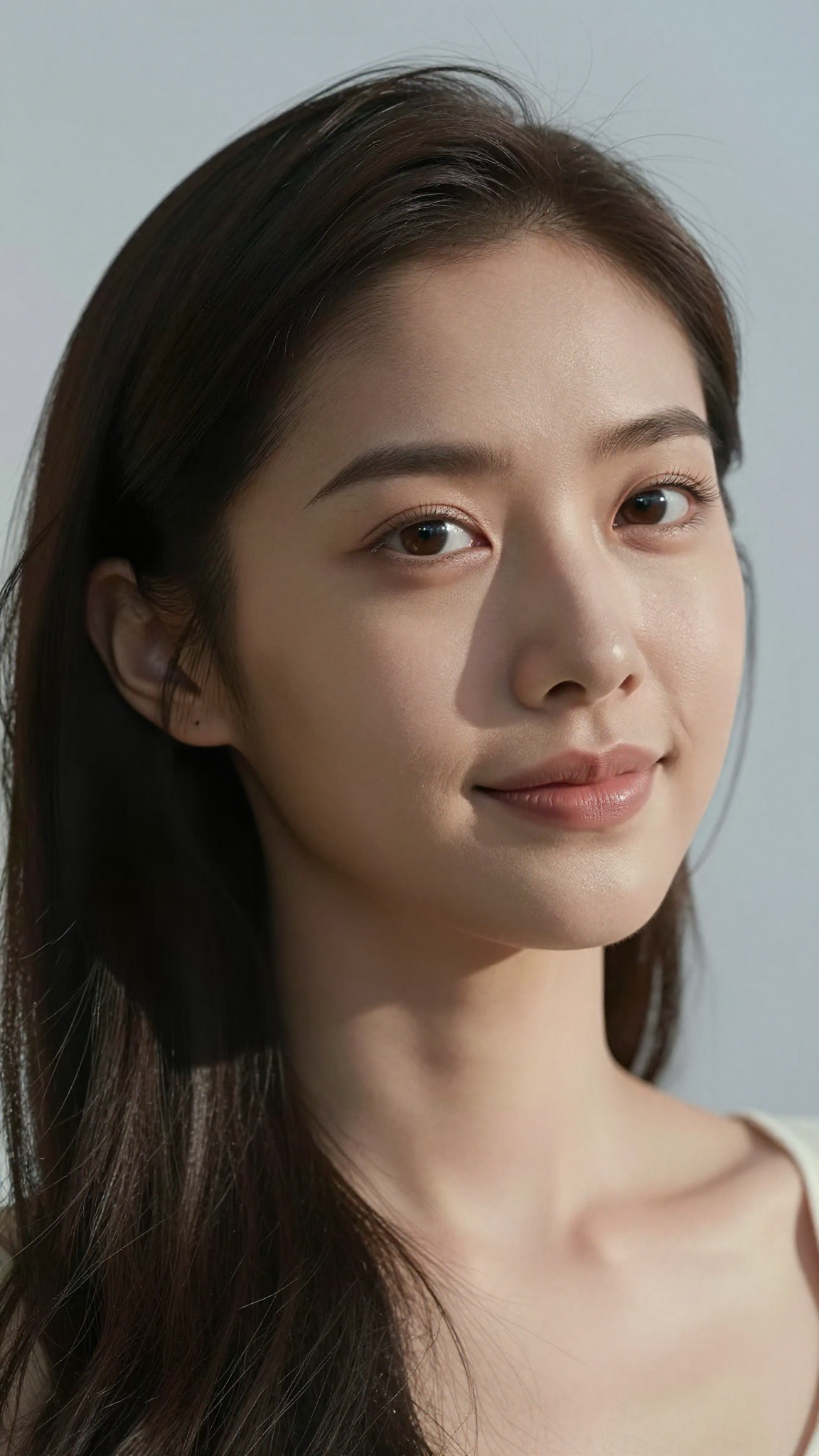
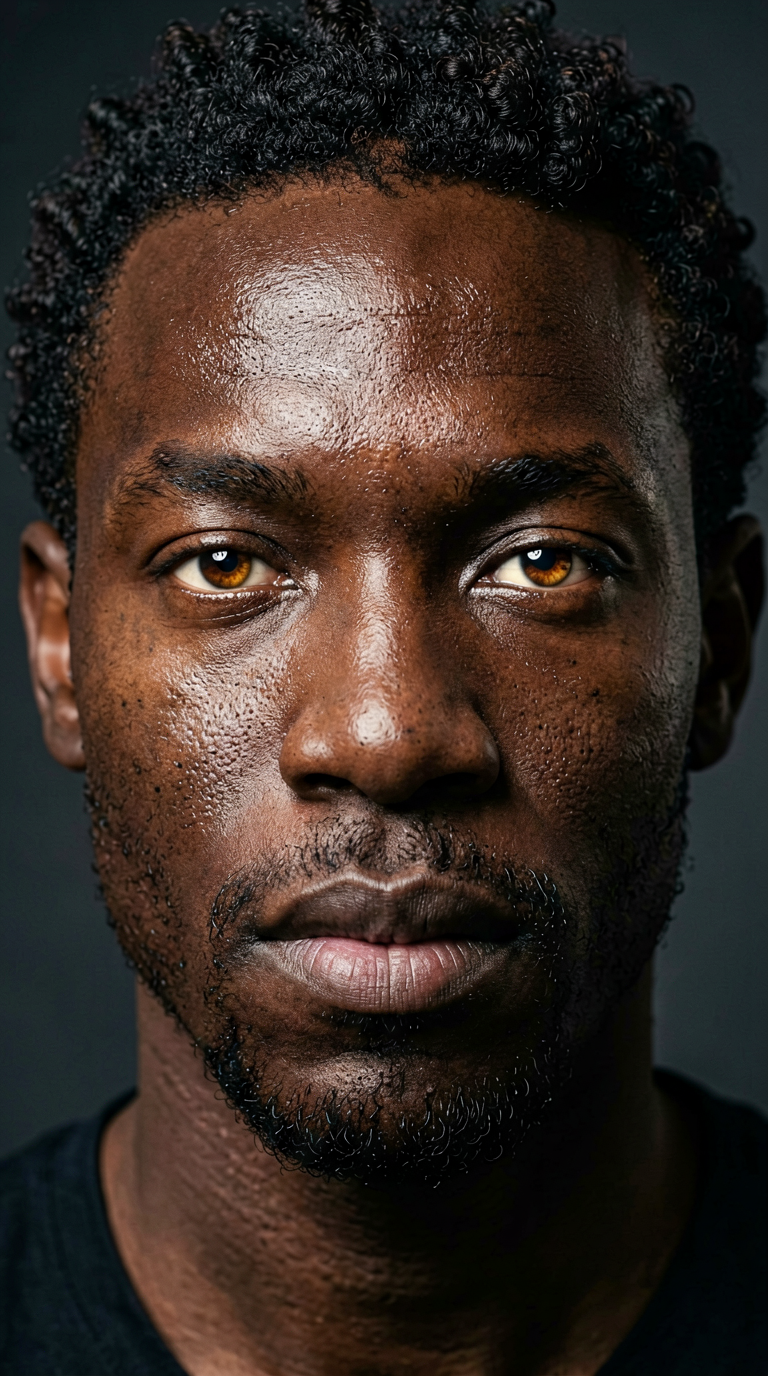
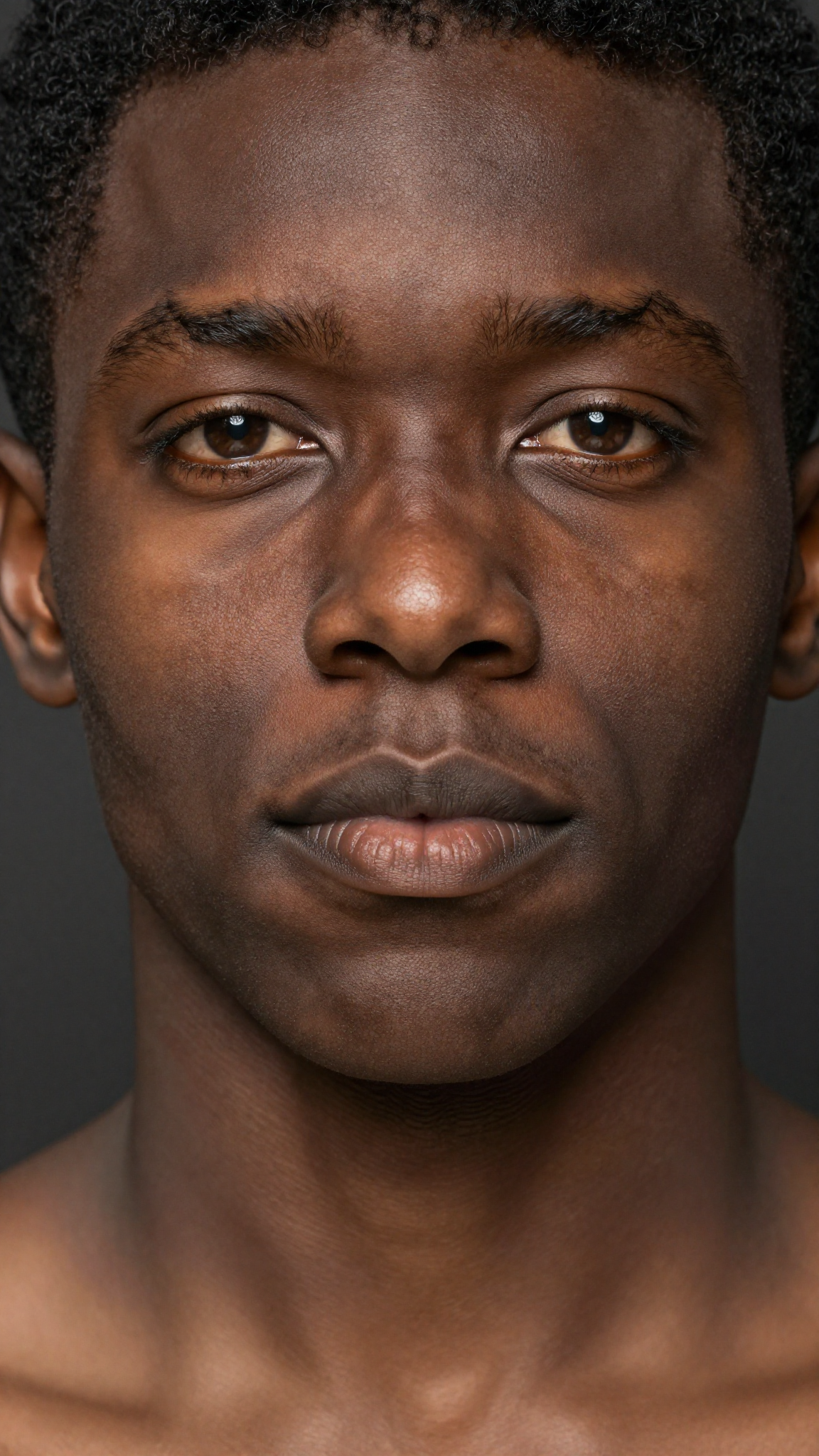
Most of these examples are generated without the prompt enhancement. I only included a few with prompt enhancement. I also included the Z-Image-Turbo images for comparison.
Ultra-realistic portrait of an East Asian woman with warm natural skin tone, soft diffused daylight, crisp facial details, natural pores and fine hair texture, minimal makeup, slight smile, smooth gradient background, shallow depth of field, cinematic realism, perfect color accuracy, lifelike eyes, gentle catchlights, high dynamic range, 8K photo aesthetic.
Ernie-Image-Turbo
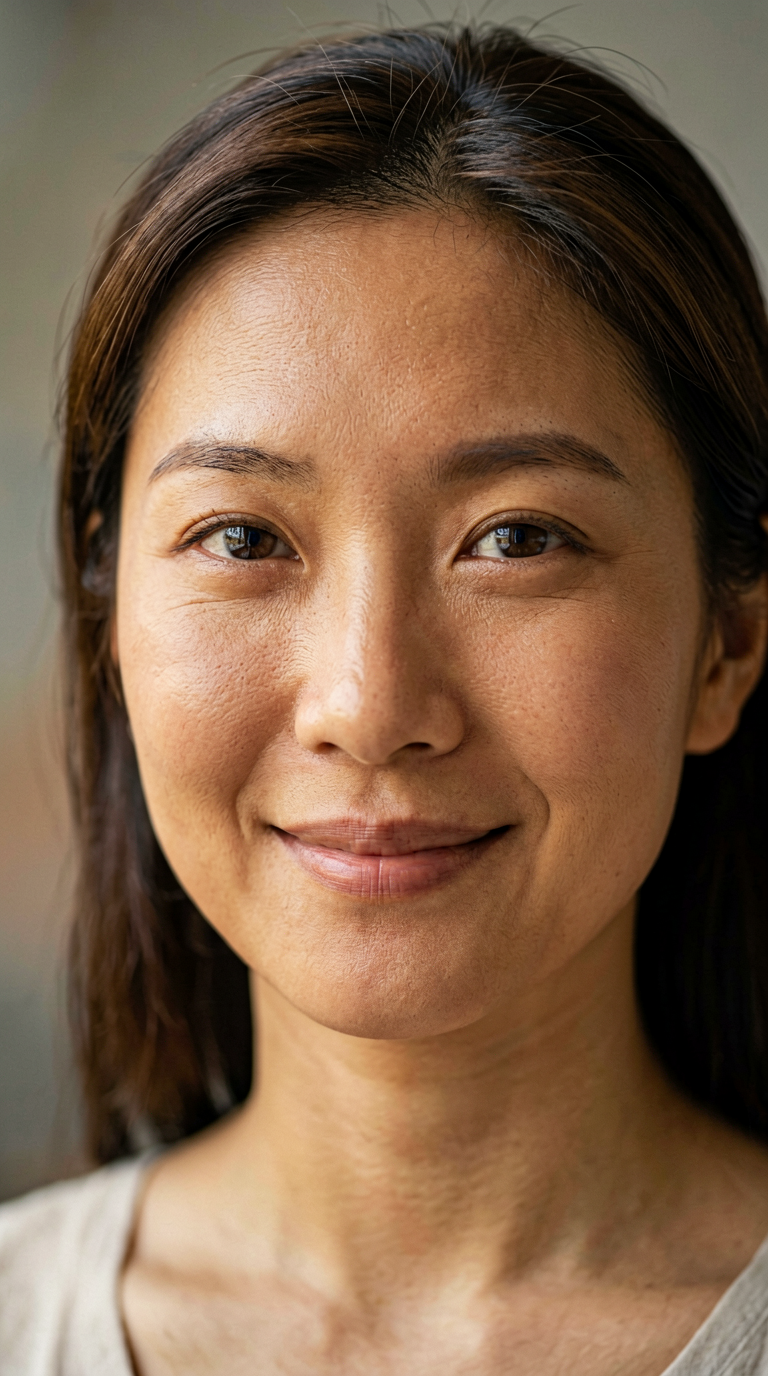
Ernie-Image-Turbo with prompt enhancement
Z-Image-Turbo
Hyper-realistic close-up portrait of a Black man with deep rich skin texture, natural sheen, tight curls, expressive warm eyes, subtle facial hair, precise shadows, Rembrandt lighting, extremely detailed pores, realistic highlights, neutral dark background, professional portrait look, ultra-sharp realism.
Ernie-Image-Turbo
Z-Image-Turbo
Ultra-detailed portrait of a South Asian woman wearing traditional gold earrings, soft warm skin tone, intricate hair strands, authentic facial texture, natural makeup, ambient window light, soft bokeh background, lifelike colors, elegant realism, 8K clarity, professional studio depth of field.
Ernie-Image-Turbo
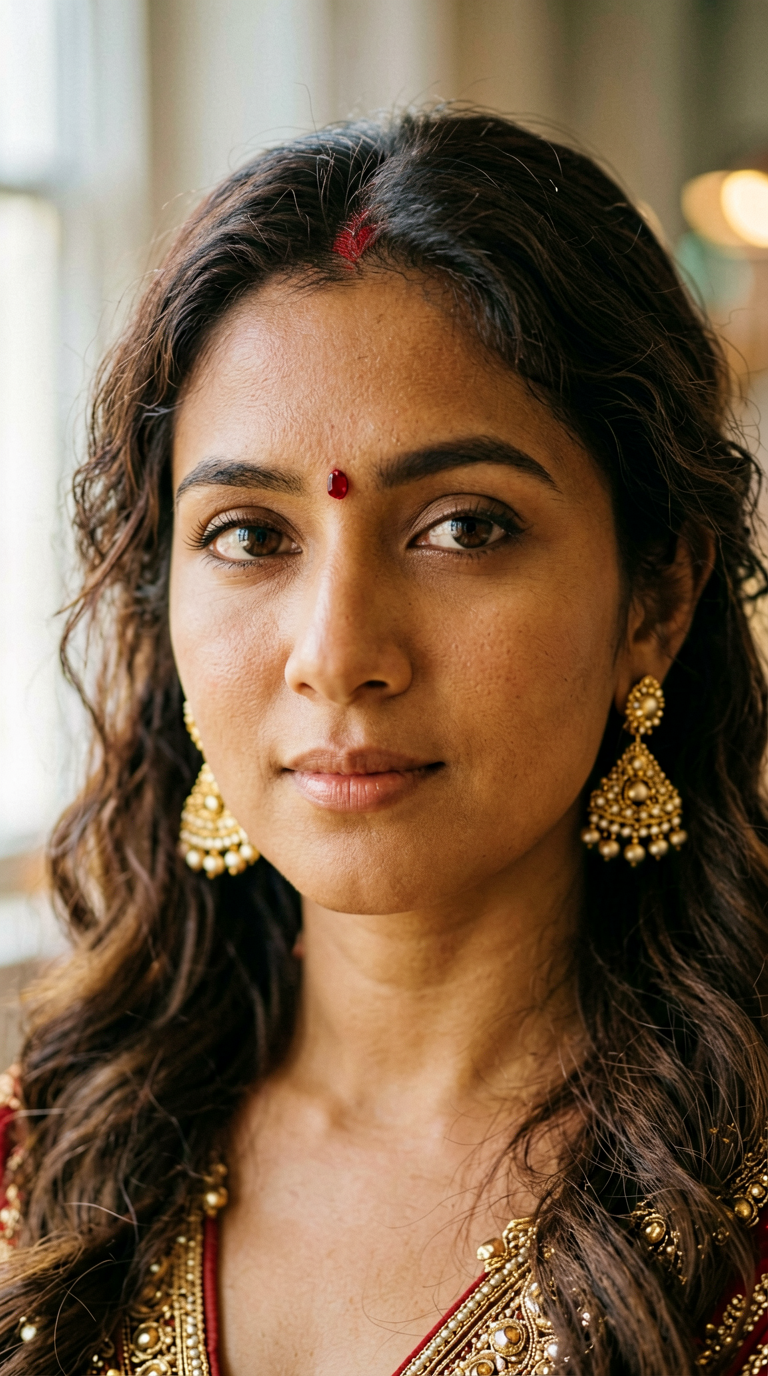
Ernie-Image-Turbo with prompt enhancement
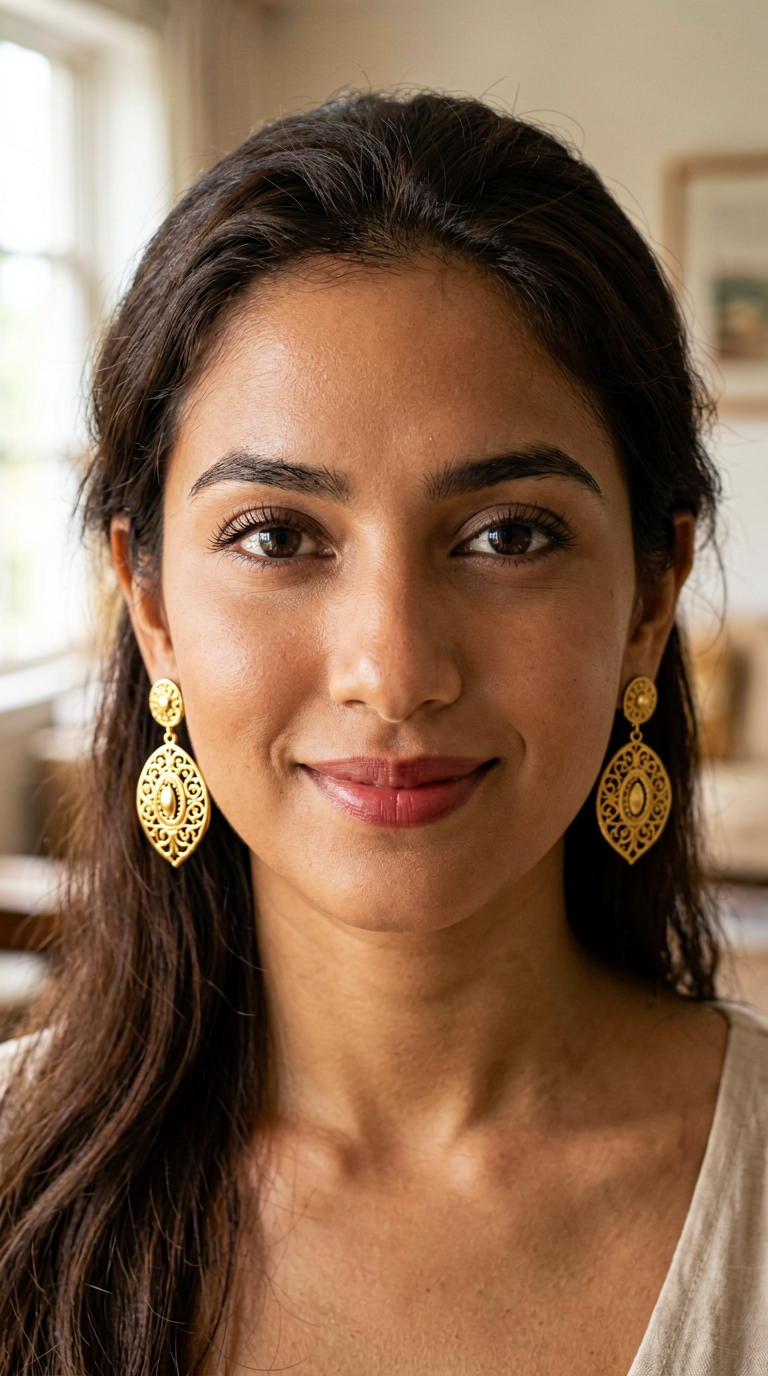
Z-Image-Turbo
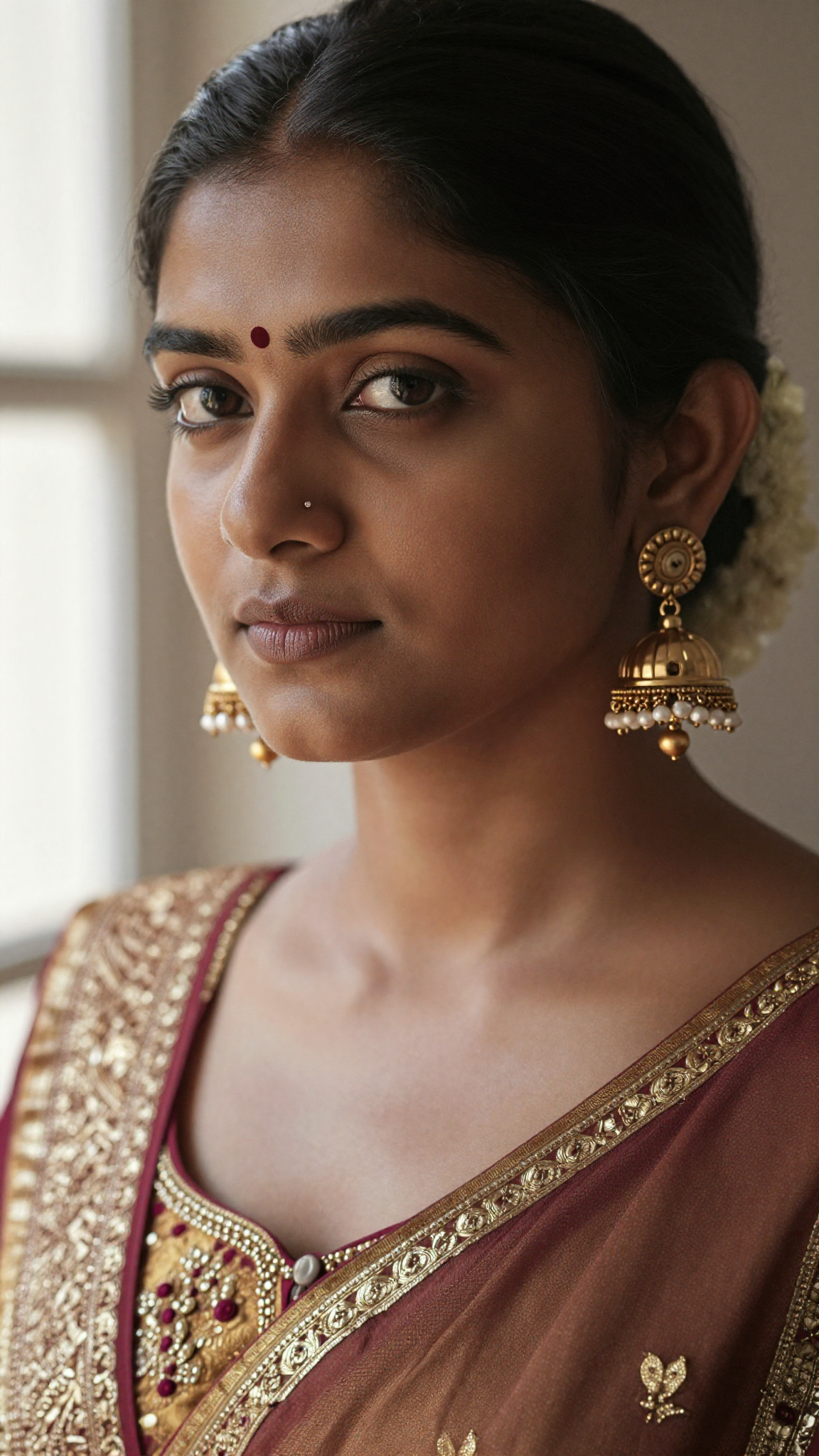
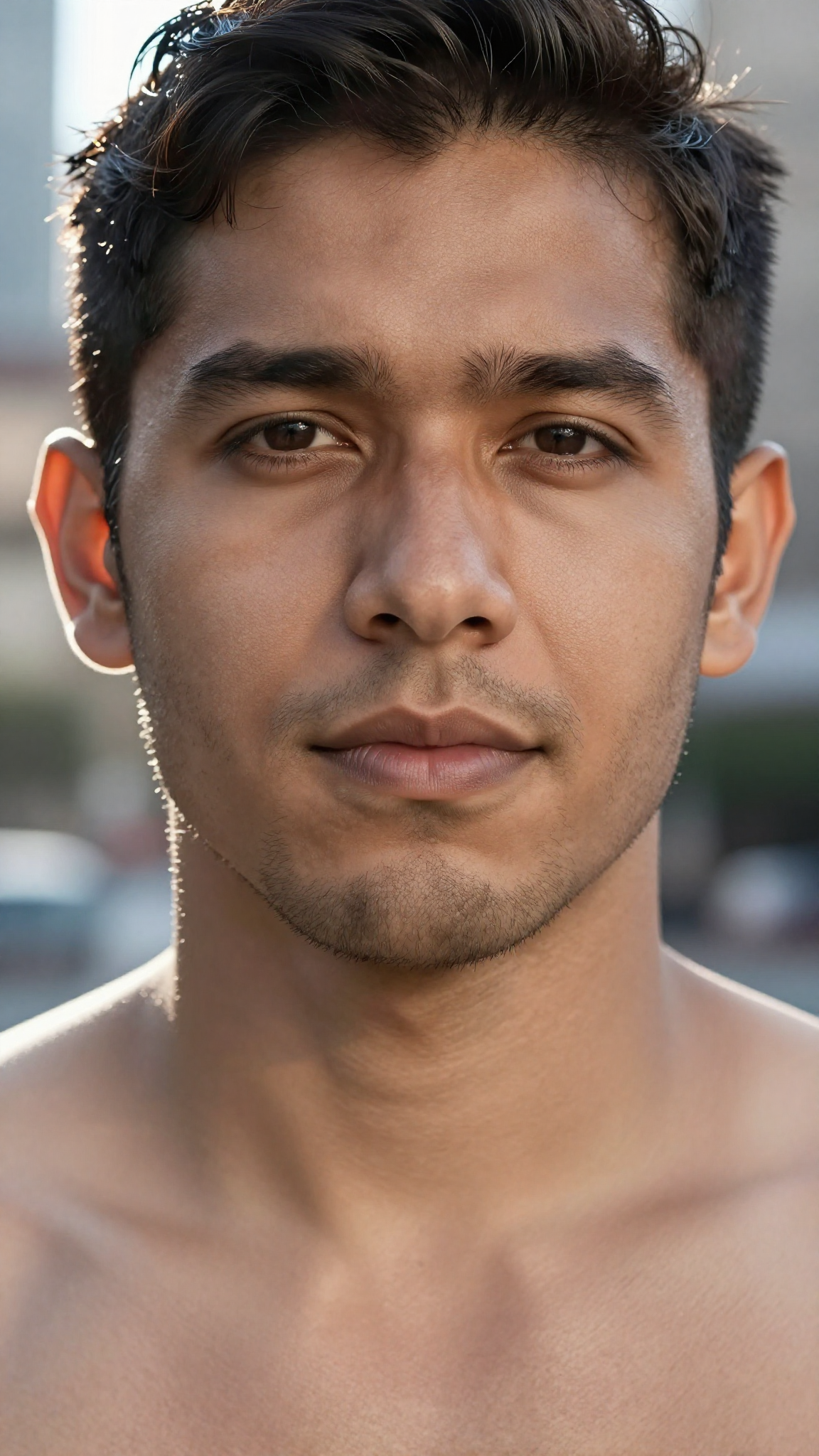
Photorealistic portrait of a Latino man with defined jawline, subtle beard texture, sun-kissed skin, detailed pores, warm directional sunlight, slight backlight rim on hair, soft bokeh city background, crisp sharp focus on the eyes, authentic natural expression, HDR realism.
Ernie-Image-Turbo
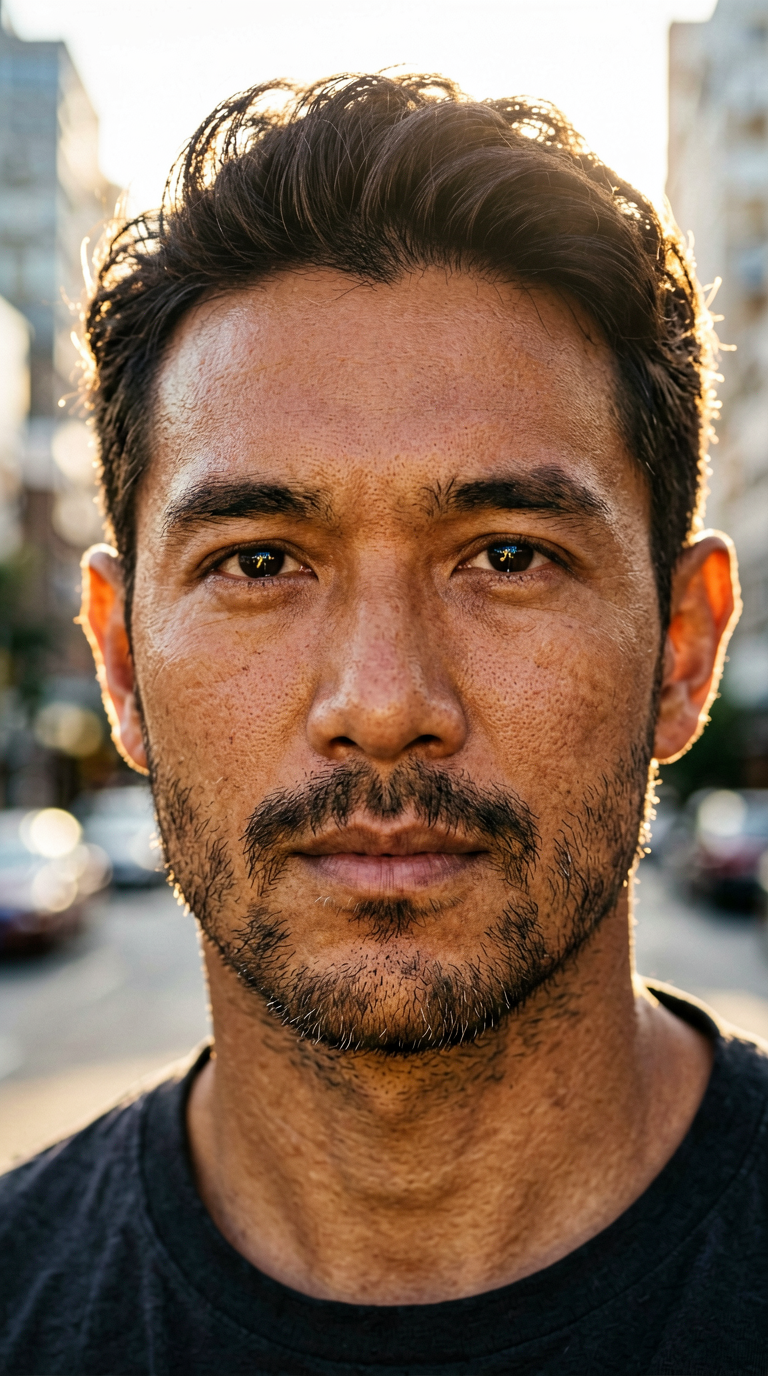
Z-Image-Turbo
Ultra-realistic portrait of a Middle Eastern woman with expressive eyes, long dark hair, smooth warm olive skin tone, subtle makeup, natural reflections in the eyes, fine eyebrow details, high-precision lighting, matte background, strong facial realism, soft cinematic shadows.
Ernie-Image-Turbo
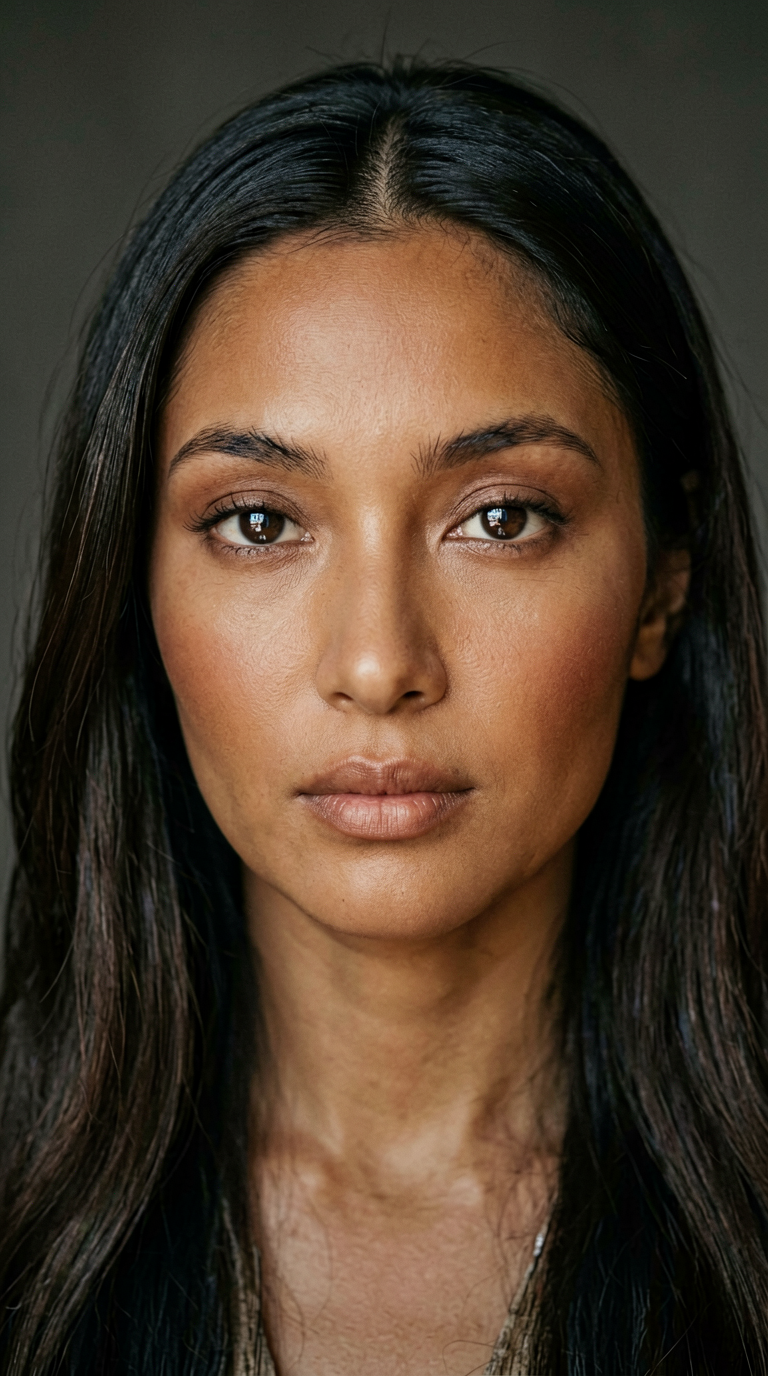
Ernie-Image-Turbo with prompt enhancement
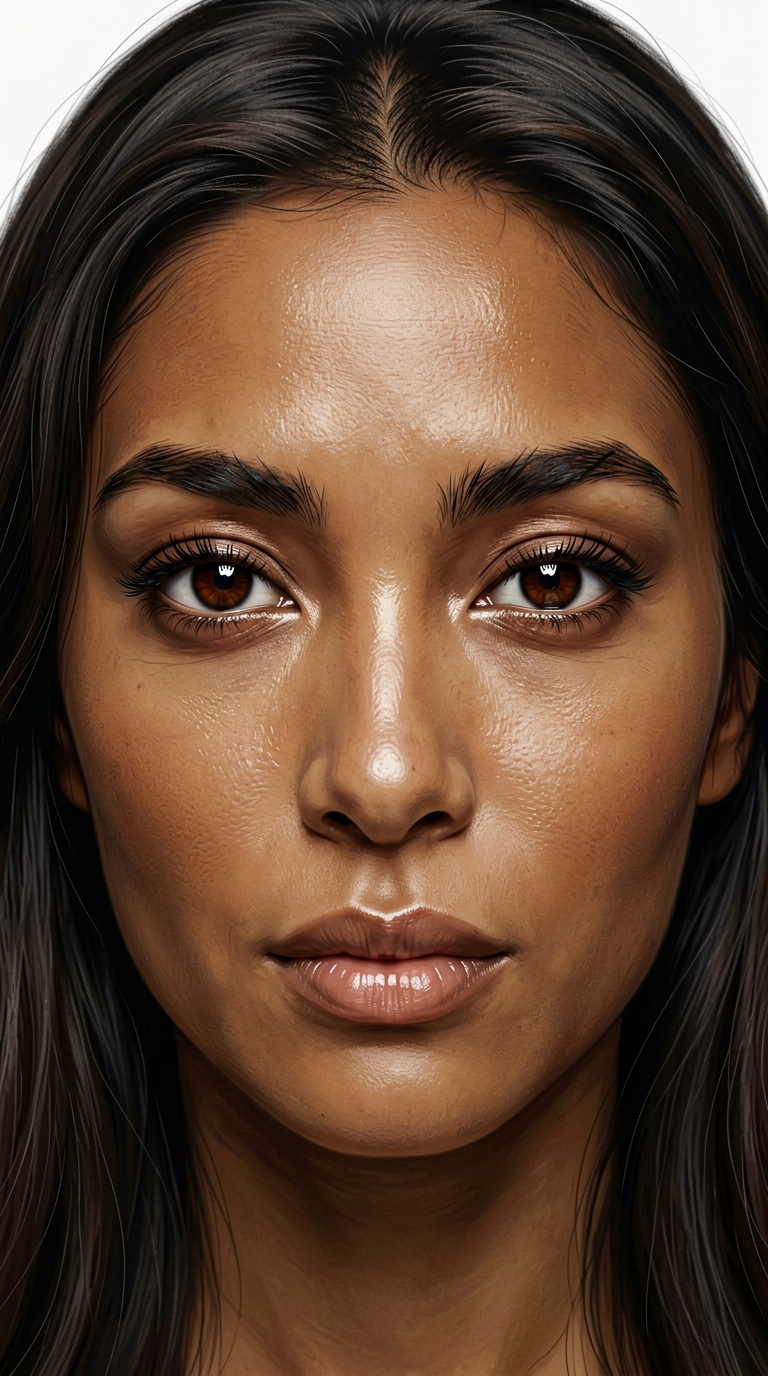
Z-Image-Turbo
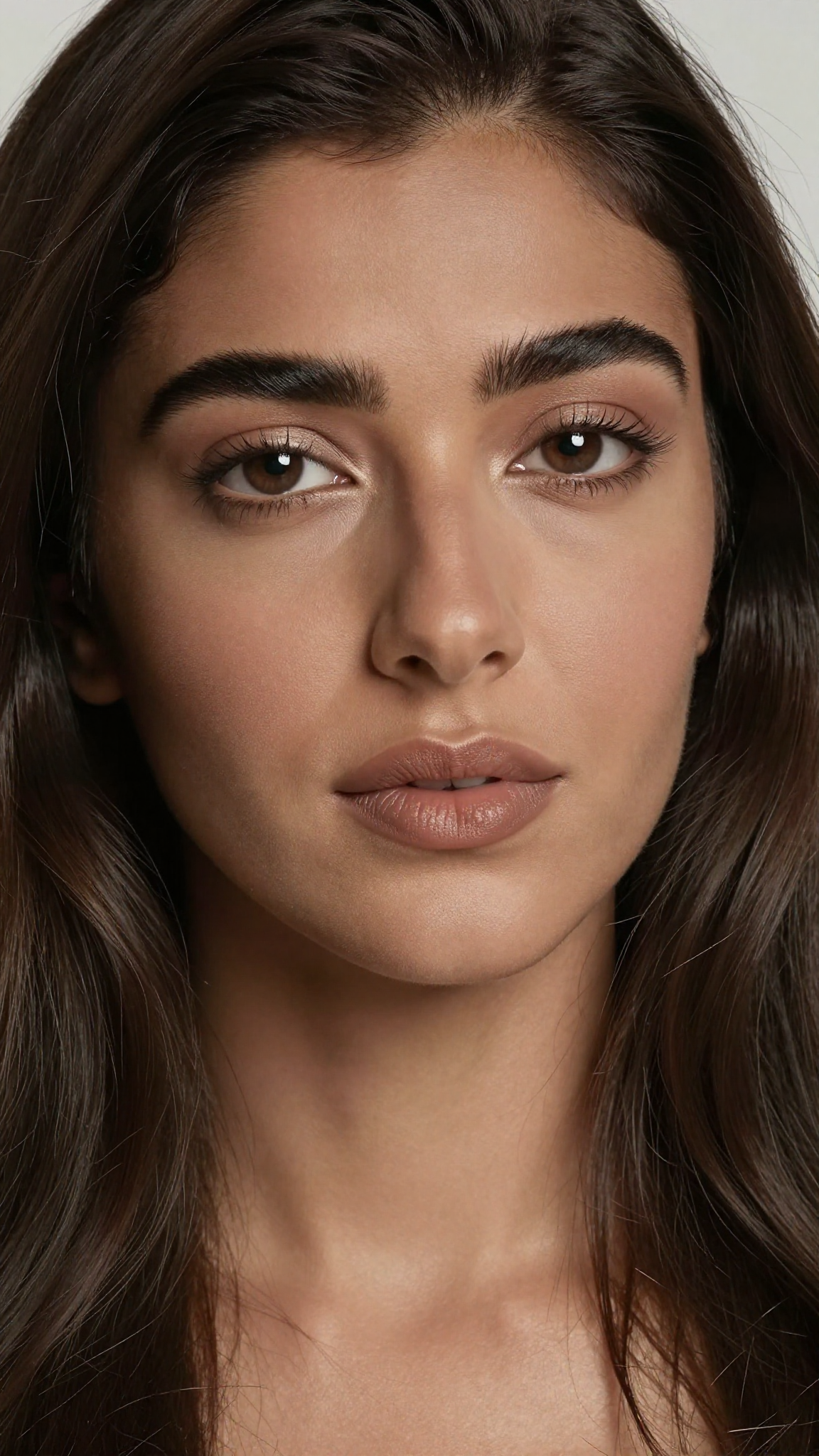
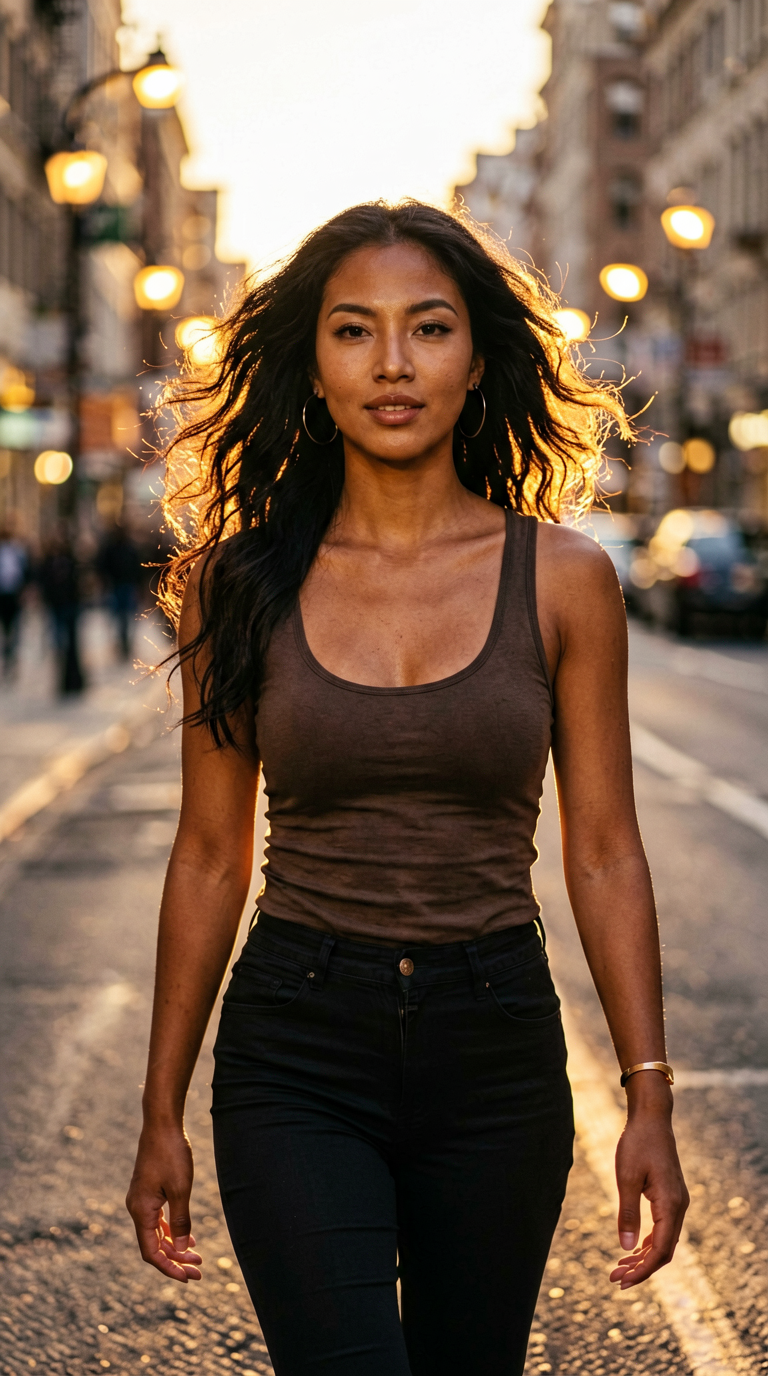
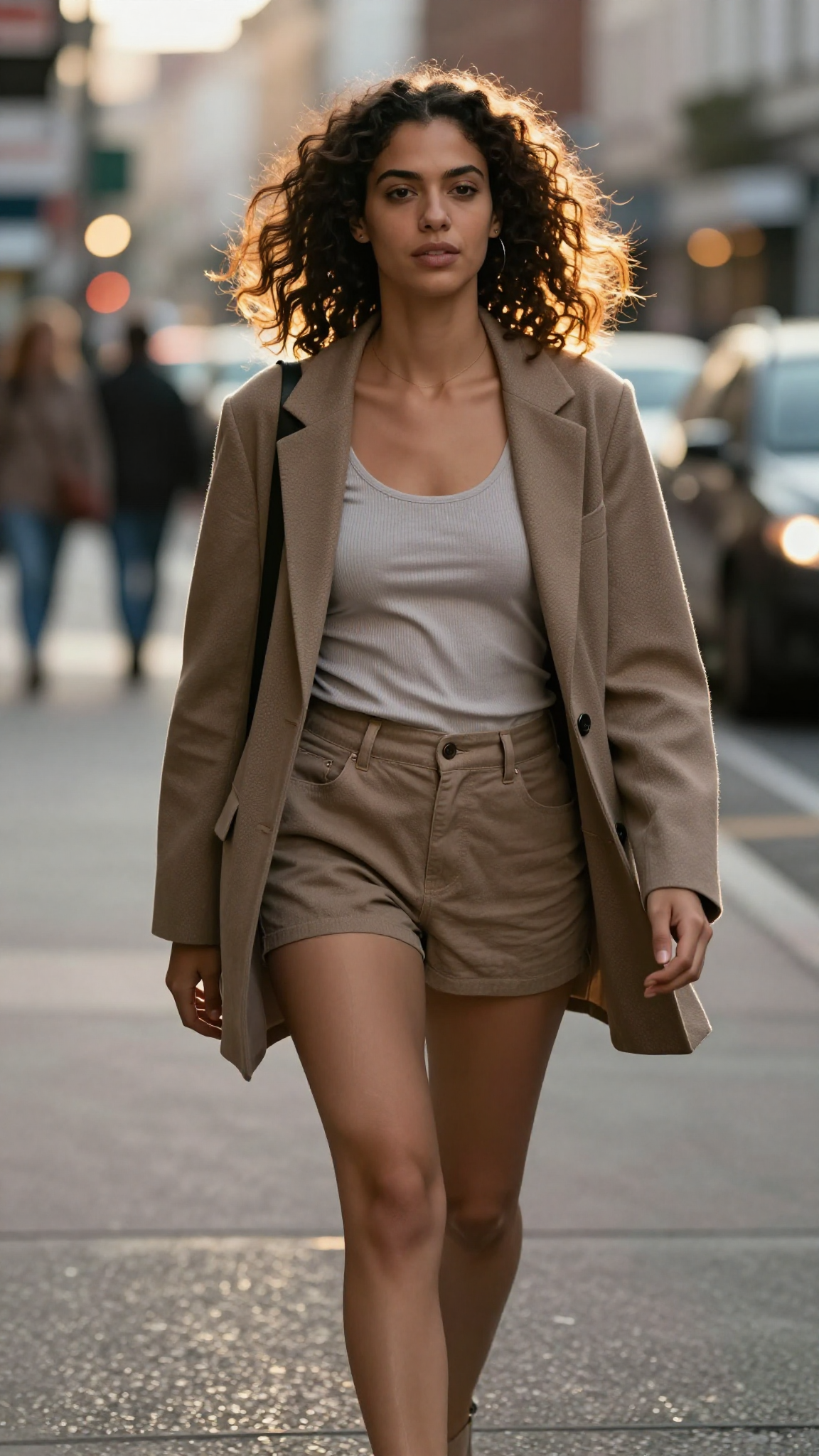
Photorealistic street portrait of a stylish mixed-race woman walking in a city street at golden hour. Natural skin texture, warm highlights, realistic hair movement, soft bokeh from street lights, high contrast rim light, accurate shadows, natural expression, 8K fashion photography feel.
Ernie-Image-Turbo
Z-Image-Turbo
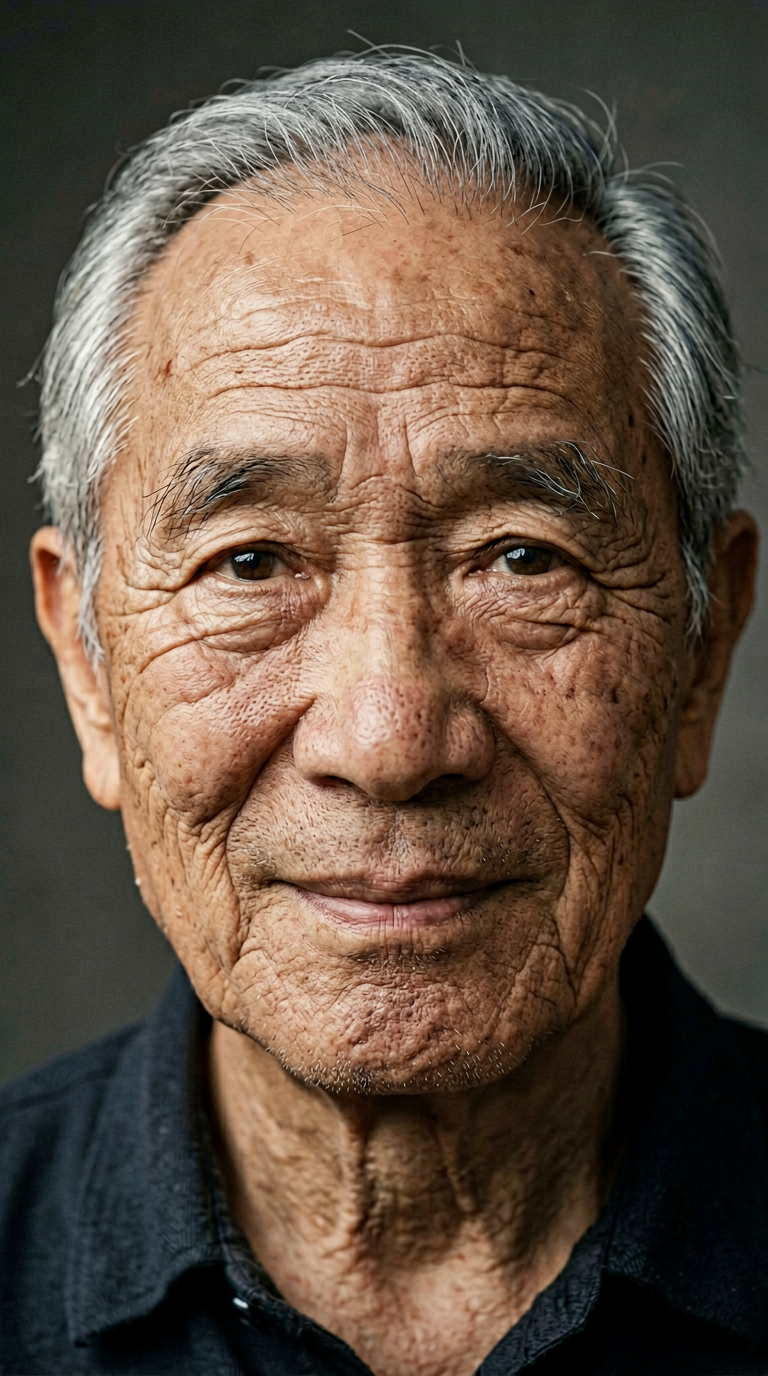
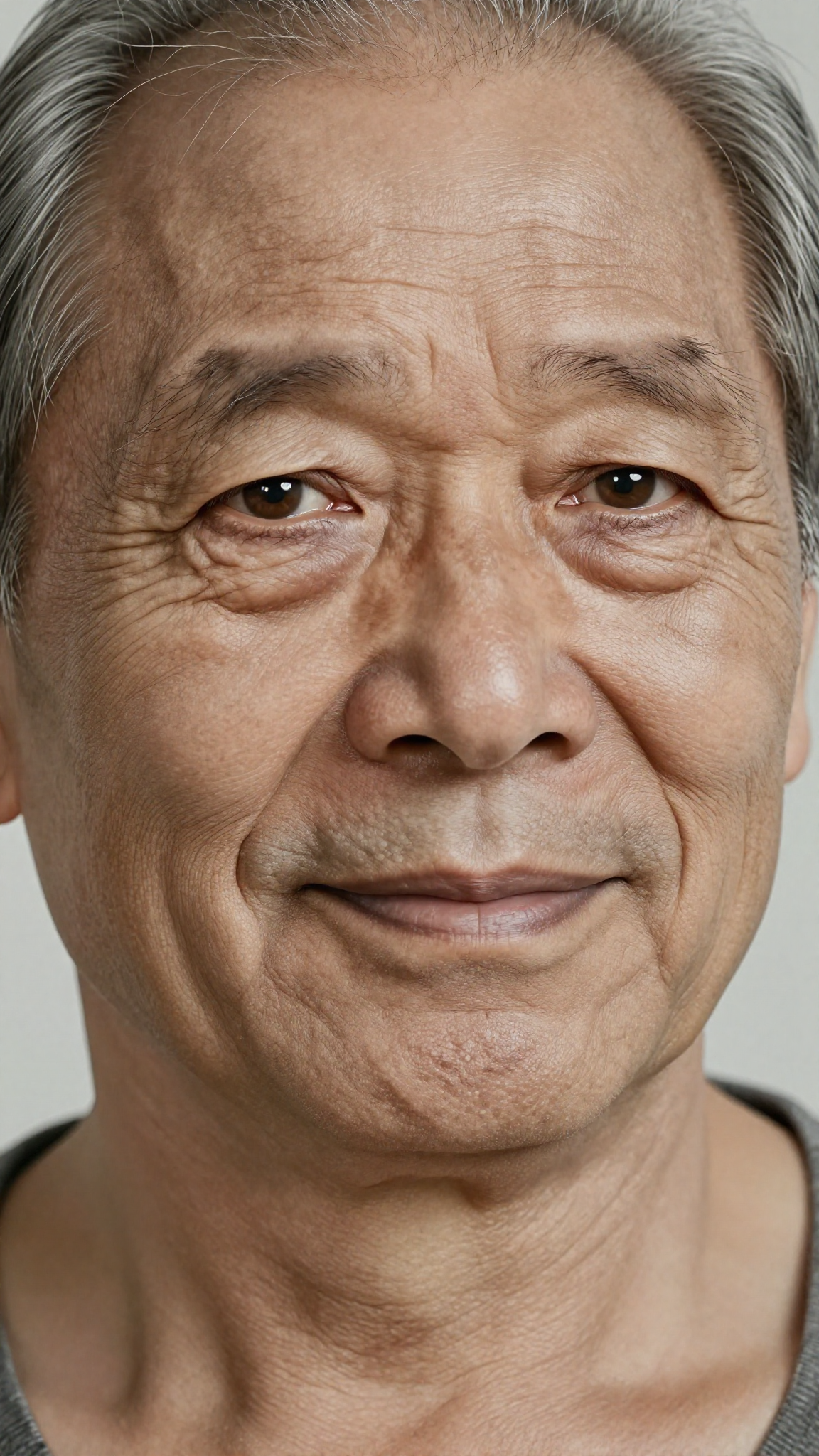
Ultra-realistic portrait of an elderly Asian man with deep wrinkles, expressive eyes, natural skin texture, gray hair strands, soft diffused lighting, high dynamic range, detailed pores and lines, subtle smile, neutral studio background, lifelike realism.
Ernie-Image-Turbo
Z-Image-Turbo
Thoughts on Prompt Enhancement
One of the newer features in ERNIE-Image-Turbo is Prompt Enhancement, which automatically refines your input prompt before generation. In practice, this often results in images with a softer, more polished look—almost like a built-in beauty filter.
While this can be great for producing visually appealing results with minimal effort, it may also reduce some of the raw detail or realism that more precise prompting can achieve. Depending on your use case, this “enhanced” style can either be a benefit or a drawback.
So what do you think? Do you prefer the smoother, beautified output, or do you lean toward a more natural and unfiltered look? Feel free to share your thoughts in the comments—your feedback helps shape future tests and workflows.
Conclusion
Using ERNIE-Image-Turbo GGUF in ComfyUI is a strong step toward more accessible and efficient local image generation. The combination of a lightweight model format and a flexible workflow system allows you to generate high-quality images without relying on high-end hardware or cloud services.
Once your setup is working, you can further refine your workflow by experimenting with prompts, sampling settings, and additional nodes to improve consistency and output quality. As GGUF-based models continue to evolve, they’re likely to become an increasingly important part of the local AI ecosystem.
If you’re looking for a balance between speed, quality, and hardware efficiency, ERNIE-Image-Turbo GGUF is definitely worth adding to your toolkit.
Further Reading
Generate Realistic Images with Z-Image-Turbo GGUF in ComfyUI
Leave a Reply