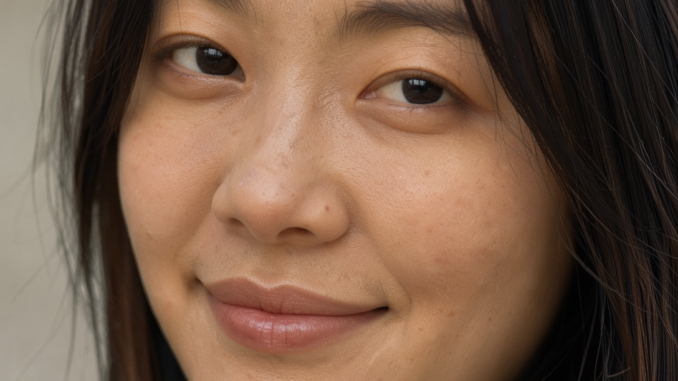
FLUX.3 Klein brings fast, high-quality image generation to local AI workflows. In this tutorial, we’ll look at how to use the FLUX.3 Klein Distilled GGUF model in ComfyUI to generate images from text prompts. Using a GGUF-quantized model makes this workflow an interesting option for users who want to run the model locally with reduced memory requirements.
If you’re thinking about purchasing a new GPU, we’d greatly appreciate it if you used our Amazon Associate links. The price you pay will be exactly the same, but Amazon provides us with a small commission for each purchase. It’s a simple way to support our site and helps us keep creating useful content for you. Recommended GPUs: RTX 5090, RTX 5080, and RTX 5070. #ad
I’ll walk through the text-to-image (T2I) workflow, including the essential model components and settings needed to get started. Whether you’re already familiar with ComfyUI or just beginning to explore local image generation, this guide will help you set up the workflow and start creating images with FLUX.3 Klein.
FLUX.3 Klein Distilled GGUF Models
- GGUF Model: The GGUF models can be found here. I have a RTX 5090, and I used the Q8 variant. I downloaded flux-3-image-klein-Q8_0.gguf. If you have less VRAM, use other variants like Q3 or Q4. Put the GGUF models in ComfyUI\models\unet\ .
- Text Encoders: Visit this page and agree to share your information to download models from this repo. Download qwen3vl_4b_int8_convrot.safetensors; put it in ComfyUI\models\text_encoders\ . There is also an optional model for prompt enhancer. Download qwen3.5_9b_flux3_prompt_upsampler_w4a8.safetensors; and put it in the same text_encoders folder.
- VAE: Download flux2-vae.safetensors; put it in ComfyUI\models\vae\ .
Installation
- Update your ComfyUI to the latest version (> 0.41.2) if you haven’t already done so. (Run update\update_comfyui.bat for Windows).
- Download the json file, and open it using ComfyUI.
- Use ComfyUI Manager to install missing nodes.
- Restart ComfyUI.
FLUX.3 Klein Distilled Nodes
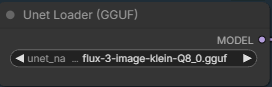
Select the GGUF model you downloaded.
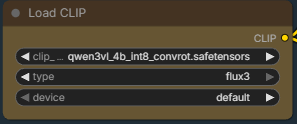
This is the text encoder for FLUX.3 Klein.
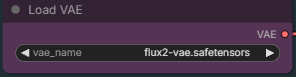
Choose the vae model.
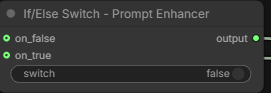
Toggle the switch to true if you want to use the prompt enhancer. Note that the prompt enhancer is very slow.
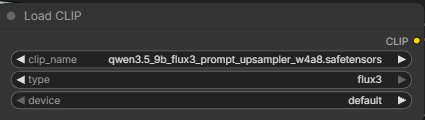
Pick the prompt enhancer model here.
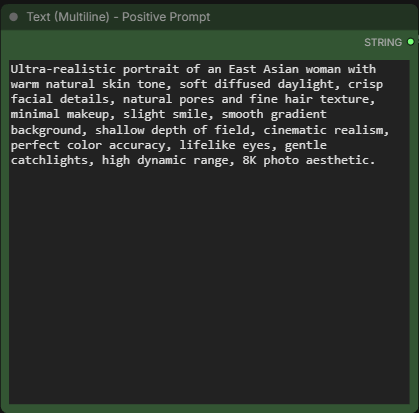
Positive prompt.
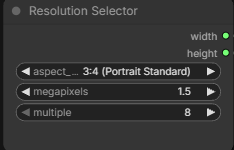
Specify the aspect ratio and megapixels.
Examples
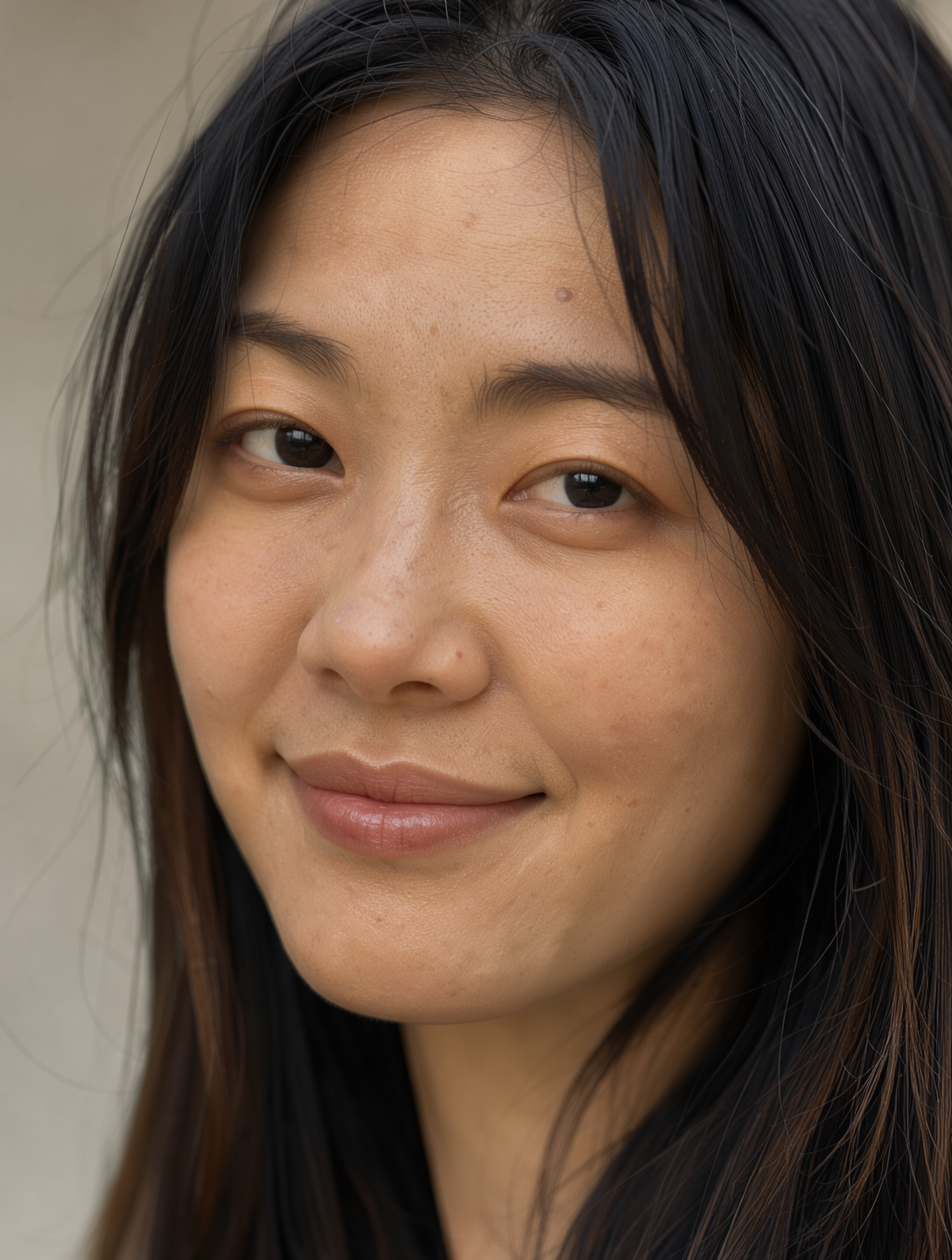
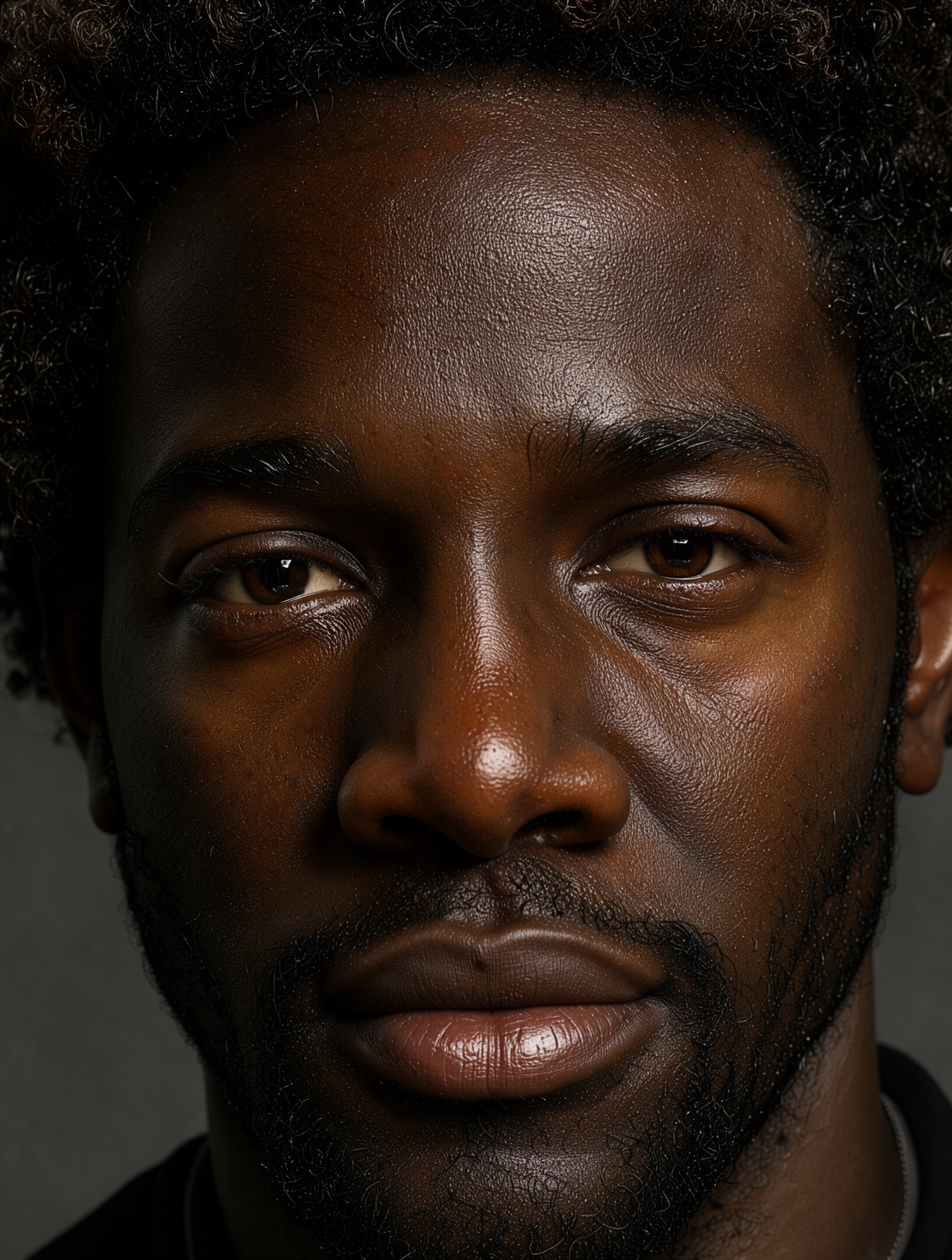
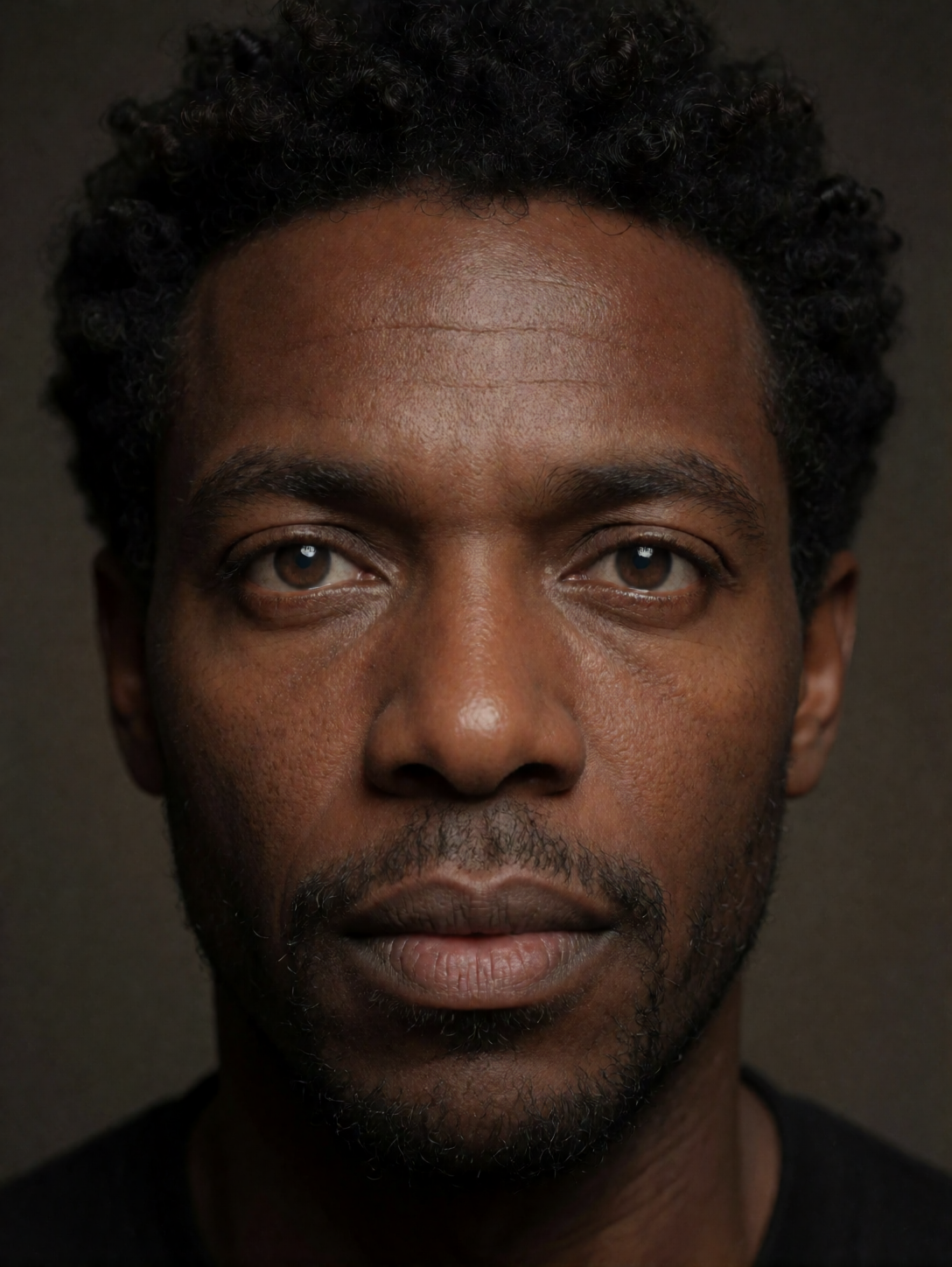
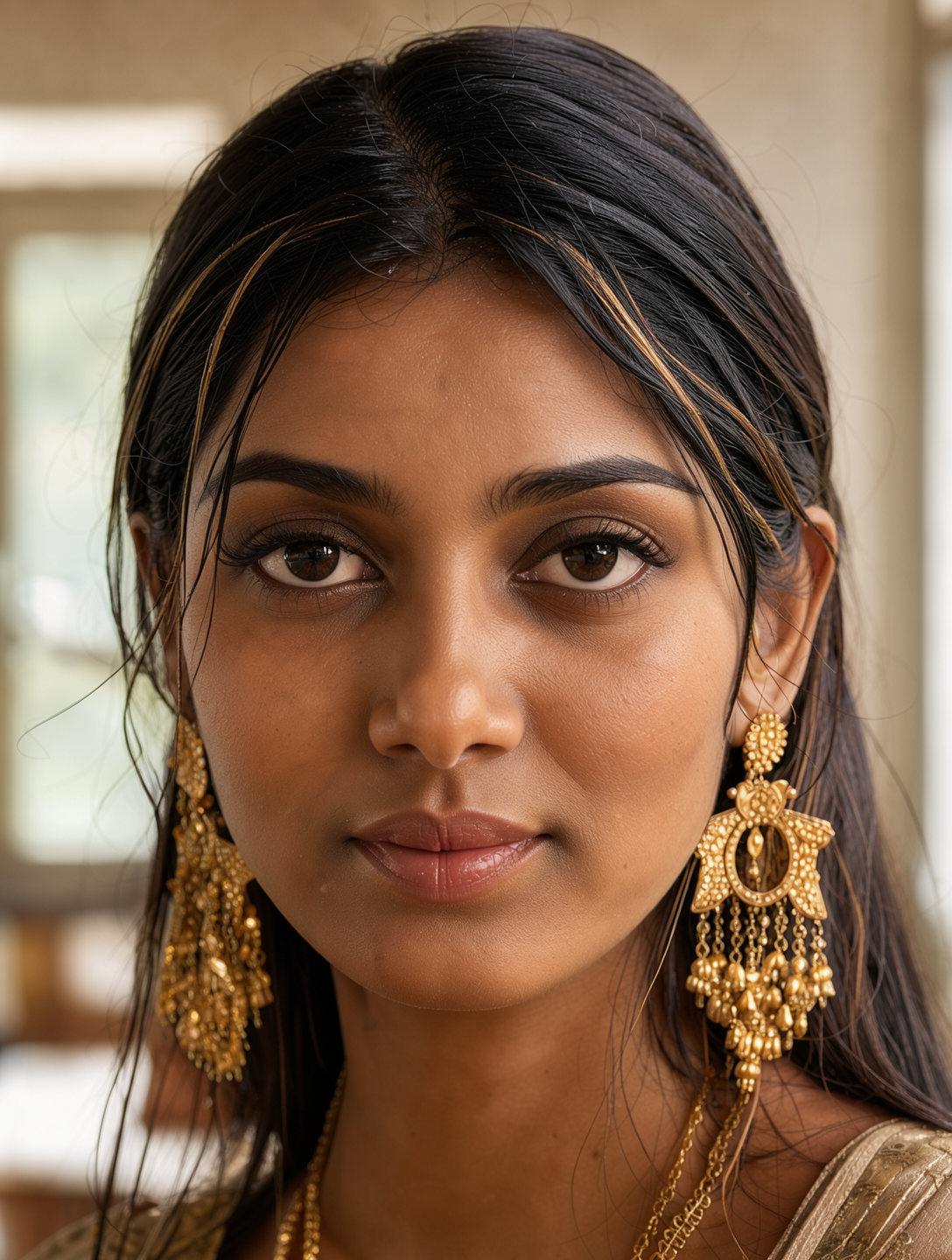
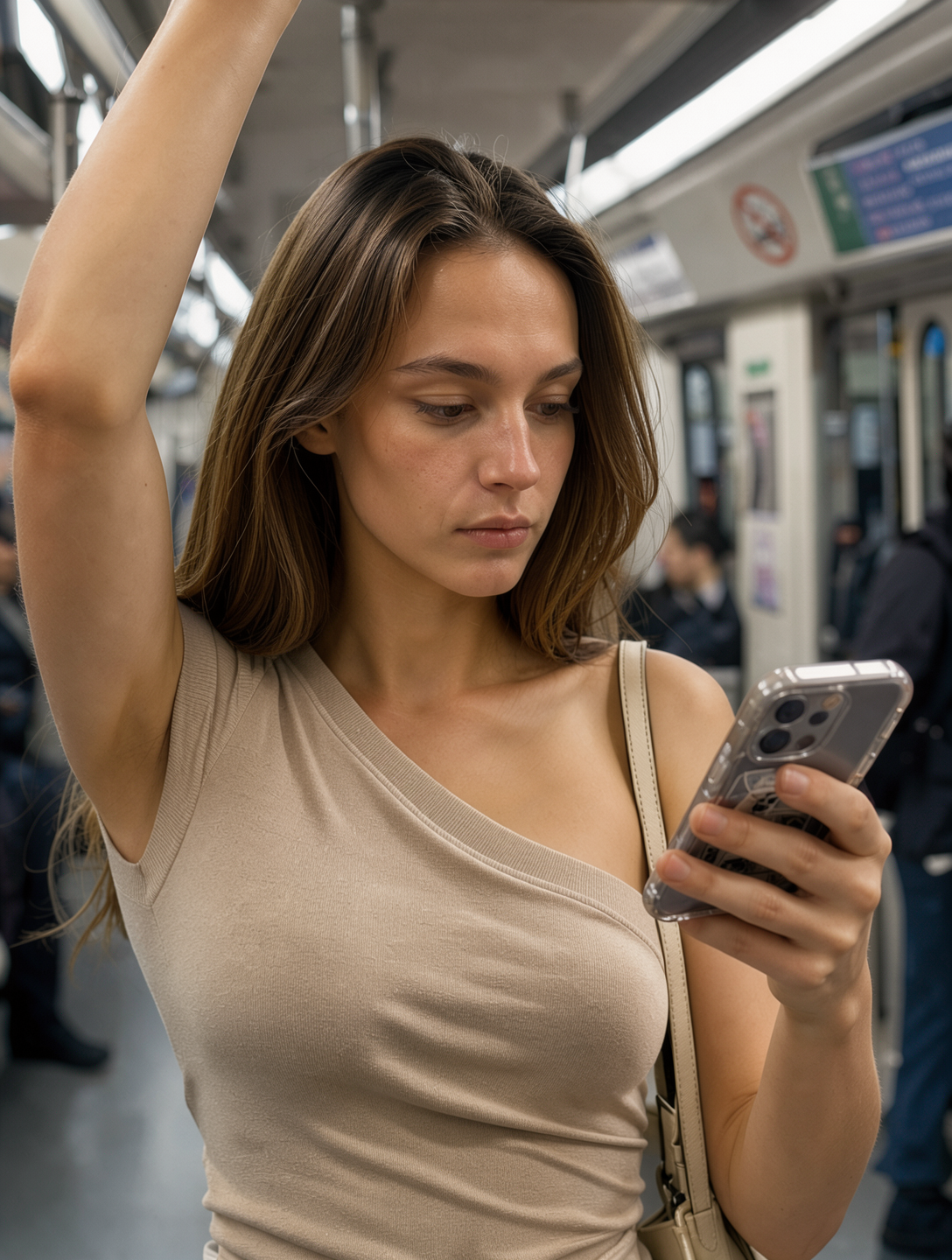
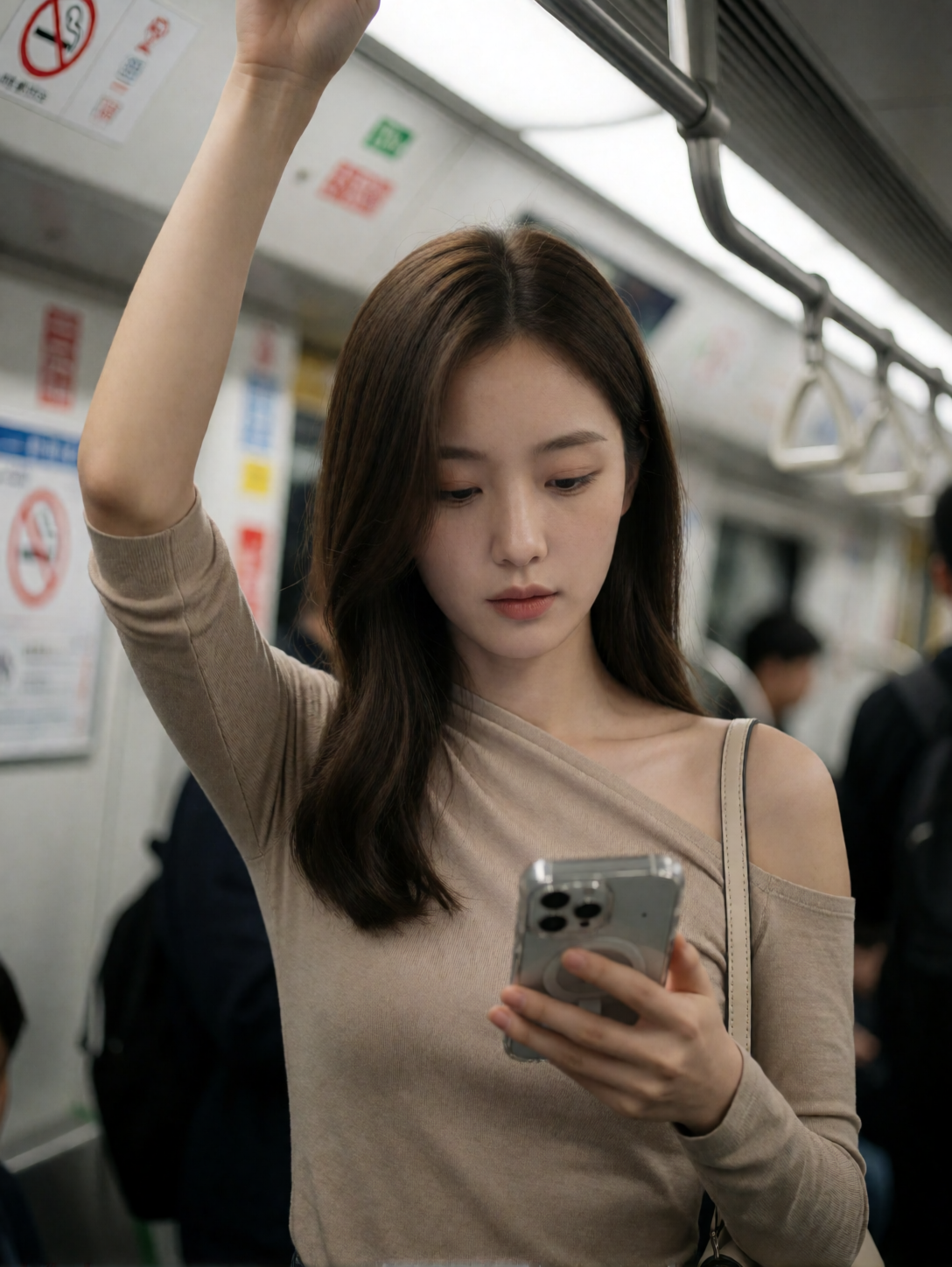
For the following examples, the left image is by FLUX.3 Klein, and the right image is by Krea 2 Turbo.
Ultra-realistic portrait of an East Asian woman with warm natural skin tone, soft diffused daylight, crisp facial details, natural pores and fine hair texture, minimal makeup, slight smile, smooth gradient background, shallow depth of field, cinematic realism, perfect color accuracy, lifelike eyes, gentle catchlights, high dynamic range, 8K photo aesthetic.

Hyper-realistic close-up portrait of a Black man with deep rich skin texture, natural sheen, tight curls, expressive warm eyes, subtle facial hair, precise shadows, Rembrandt lighting, extremely detailed pores, realistic highlights, neutral dark background, professional portrait look, ultra-sharp realism.
Ultra-detailed portrait of a South Asian woman wearing traditional gold earrings, soft warm skin tone, intricate hair strands, authentic facial texture, natural makeup, ambient window light, soft bokeh background, lifelike colors, elegant realism, 8K clarity, professional studio depth of field.

[SUBJECT & COMPOSITION]
Medium close-up, slightly low angle, ~50mm-equivalent perspective with mild compression. The focal point is the young woman’s face and upper torso, centered slightly to the left of the frame’s vertical axis. Her raised right arm creates a strong diagonal leading line that anchors the composition, while her downward gaze directs attention toward the smartphone in her left hand held at mid-chest level. The background is softly blurred with shallow depth of field, isolating the subject from the indistinct interior of a public transit vehicle. Negative space above her head and to her right provides breathing room without distracting from the intimate framing.
[CHARACTER / OBJECT DETAILS]
The young woman appears to be in her late twenties, with smooth, porcelain-like skin and a slender build. Her long, straight brown hair falls in soft waves around her shoulders, partially obscuring one side of her face. She wears a fitted, asymmetrical beige top made of a matte, stretchy knit fabric that drapes across her left shoulder and clings to her torso, revealing the contours of her décolletage. Her right arm is raised high, gripping an overhead handrail; the forearm shows subtle muscle definition under smooth skin. In her left hand, she holds a smartphone with a transparent case showing internal components, its screen angled downward as she looks at it. A thin beige strap from a shoulder bag rests over her left shoulder.
[ENVIRONMENT & BACKGROUND]
The setting is clearly inside a modern subway or train car, identifiable by the metallic handrails, blurred signage on the walls (including a circular “no smoking” symbol), and the faint outlines of other passengers in dark clothing. The background is heavily out of focus, suggesting motion and depth, with hints of fluorescent lighting fixtures overhead casting even illumination. The environment feels enclosed yet transient — a moment captured within the anonymous flow of urban transit.
[LIGHTING & ATMOSPHERE]
The scene is lit by diffused, neutral-toned artificial light from above, likely fluorescent panels common in public transport interiors. The key light source appears to be directly overhead and slightly front-facing, creating soft highlights on her forehead and cheekbones while casting gentle shadows under her jawline and along the contours of her neck. There are no strong directional shadows or dramatic contrasts — the lighting is even and clinical, contributing to a calm, observational mood that feels both candid and composed.
[TECHNICAL STYLE & RENDERING]
This appears to be a high-resolution digital photograph taken with a smartphone camera, likely using an aperture setting around f/1.8–f/2.0 for shallow depth of field. The image exhibits minimal grain or noise, with clean focus on the subject’s face and upper body while smoothly blurring the background. Color grading is subtle — skin tones are rendered in warm, natural hues without heavy saturation, and shadows retain detail without crushing blacks. The overall rendering style is polished yet unpretentious, resembling a candid portrait captured by an enthusiast photographer.
[KEYWORDS]
Asymmetrical Draped Silhouette, Matte Beige Knit Texture, Urban Transit Still Life, Soft Overhead Diffusion, Cinematic Candid Framing, Minimalist Public Space, Porcelain Skin Tone Rendering, Transparent Smartphone Case Detail, Subtle Shoulder Strap Accent, Neutral Fluorescent Ambient Light, Midday Commuter Vibe, 8k Resolution Masterpiece
Conclusion
The FLUX.3 Klein Distilled GGUF workflow provides a straightforward way to experiment with text-to-image generation in ComfyUI. Once the model is configured correctly and the workflow is running, you can focus on refining prompts and adjusting generation settings to explore different styles and compositions.
GGUF quantization can make local inference more accessible, although the results and performance will depend on the quantization level, hardware, and workflow configuration. If you’re looking for another local image-generation model to add to your ComfyUI setup, FLUX.3 Klein Distilled is worth exploring.
Leave a Reply