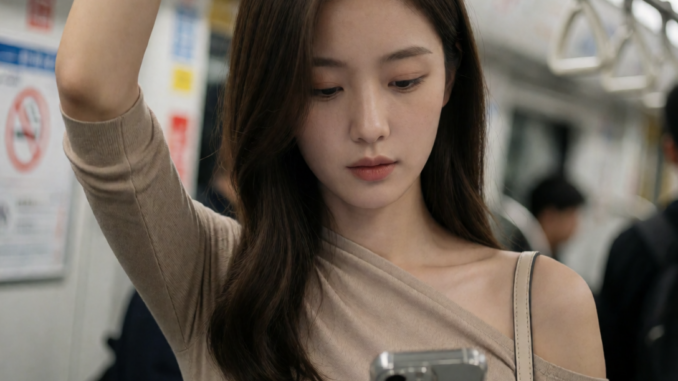
Krea AI has officially released Krea-2-Turbo, a distilled version of its new 12B image generation model designed for fast, high-quality image creation. Thanks to GGUF quantization, you can now run Krea-2-Turbo locally in ComfyUI with significantly lower VRAM requirements while maintaining impressive image quality. The model is optimized for approximately 8 inference steps, making it one of the fastest large image models currently available.
If you’re thinking about purchasing a new GPU, we’d greatly appreciate it if you used our Amazon Associate links. The price you pay will be exactly the same, but Amazon provides us with a small commission for each purchase. It’s a simple way to support our site and helps us keep creating useful content for you. Recommended GPUs: RTX 5090, RTX 5080, and RTX 5070. #ad
If you’re looking for a lightweight workflow that works well on consumer GPUs, this guide will show you how to get started.
What is Krea-2-Turbo GGUF?
Krea-2-Turbo is the inference-optimized version of the Krea 2 open-weight model. Unlike Krea-2-Raw, which is intended primarily for LoRA training and experimentation, Turbo is distilled specifically for fast image generation.
Using the GGUF version provides several benefits:
- Lower VRAM usage
- Faster model loading
- Reduced memory consumption
- Nearly identical image quality compared to larger checkpoints
- Easier deployment on consumer GPUs
According to Krea, the recommended workflow is to train LoRAs using Krea-2-Raw and perform inference with Krea-2-Turbo.
Requirements
Before opening the workflow, make sure you have:
- Latest version of ComfyUI (0.26.0 or newer recommended)
- ComfyUI-GGUF support installed
- Krea-2-Turbo GGUF model
- Qwen3-VL text encoder: regular, abliterated. See section below to learn about an abliterated text encoder.
- Qwen Image VAE
- Workflow JSON: kombitz_krea2_turbo_GGUF_t2i
Place the models in the appropriate folders:
ComfyUI/
├── models/
│   ├── unet/
│   │   └── krea2_turbo-*.gguf
│   ├── text_encoders/
│   │   └── qwen3vl_4b_fp8_scaled.safetensors
│   └── vae/
│       └── qwen_image_vae.safetensors
What is an Abliterated Text Encoder
An abliterated text encoder is a version of a text encoder that has had some of its built-in safety alignment removed. This allows it to interpret prompts more literally and generate a wider range of outputs that might otherwise be filtered or weakened by the original model.
For image generation, an abliterated text encoder can:
- Better preserve the intent of complex prompts.
- Produce more accurate results for artistic, fictional, or mature themes.
- Reduce cases where the model ignores or rewrites parts of a prompt due to alignment restrictions.
However, because some safety mechanisms have been removed, it should be used responsibly and only for lawful and appropriate content.
For Krea-2, some community workflows use an abliterated version of the Qwen3-VL text encoder to maximize prompt fidelity, although the official Krea release does not require it.
Loading the Workflow
After downloading the workflow:
- Launch ComfyUI.
- Drag the workflow JSON onto the canvas.
- Verify that all required models load successfully. If not, use ComfyUI Manager to install the missing custom nodes.
- If any nodes appear in red, confirm that the models are located in the correct directories.
Nodes
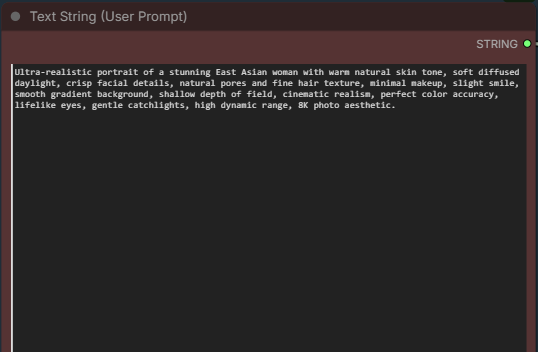
This is where you enter positive prompt. There is no negative prompt in this workflow because cfg is set to 1.
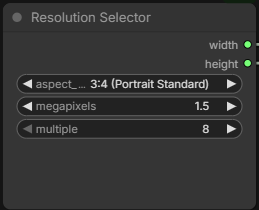
Select the aspect ratio and megappixels you want, the width and height will be generate automatically.
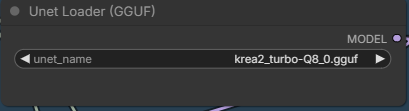
Set the GGUF you downloaded.
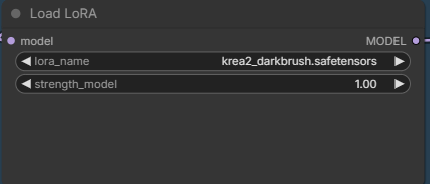
If you want to use a lora model, select it here. Remember to set the switch to true for it to work.
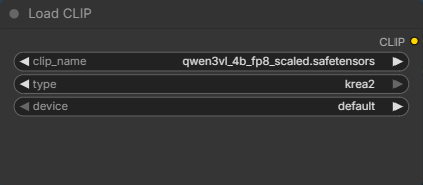
Select the text encoder here. If you downloaded the abliterated one, change it here.
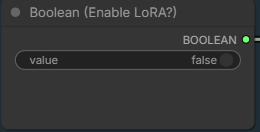
Set this to true if you want to use a lora model.
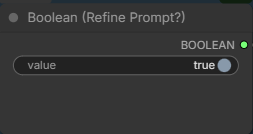
Set this to false if you don’t want to use an enhanced prompt. Note that it takes a long time to enhance your prompt.
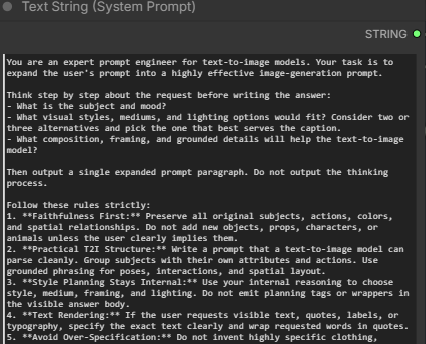
This is the system prompt used to enhance the prompt. You can modify this for your need. The original system prompt has a bug, and it generated the thinking process as part of the prompt. I have changed it so that it does not output the thinking process.
Krea 2 Turbo GGUF Examples
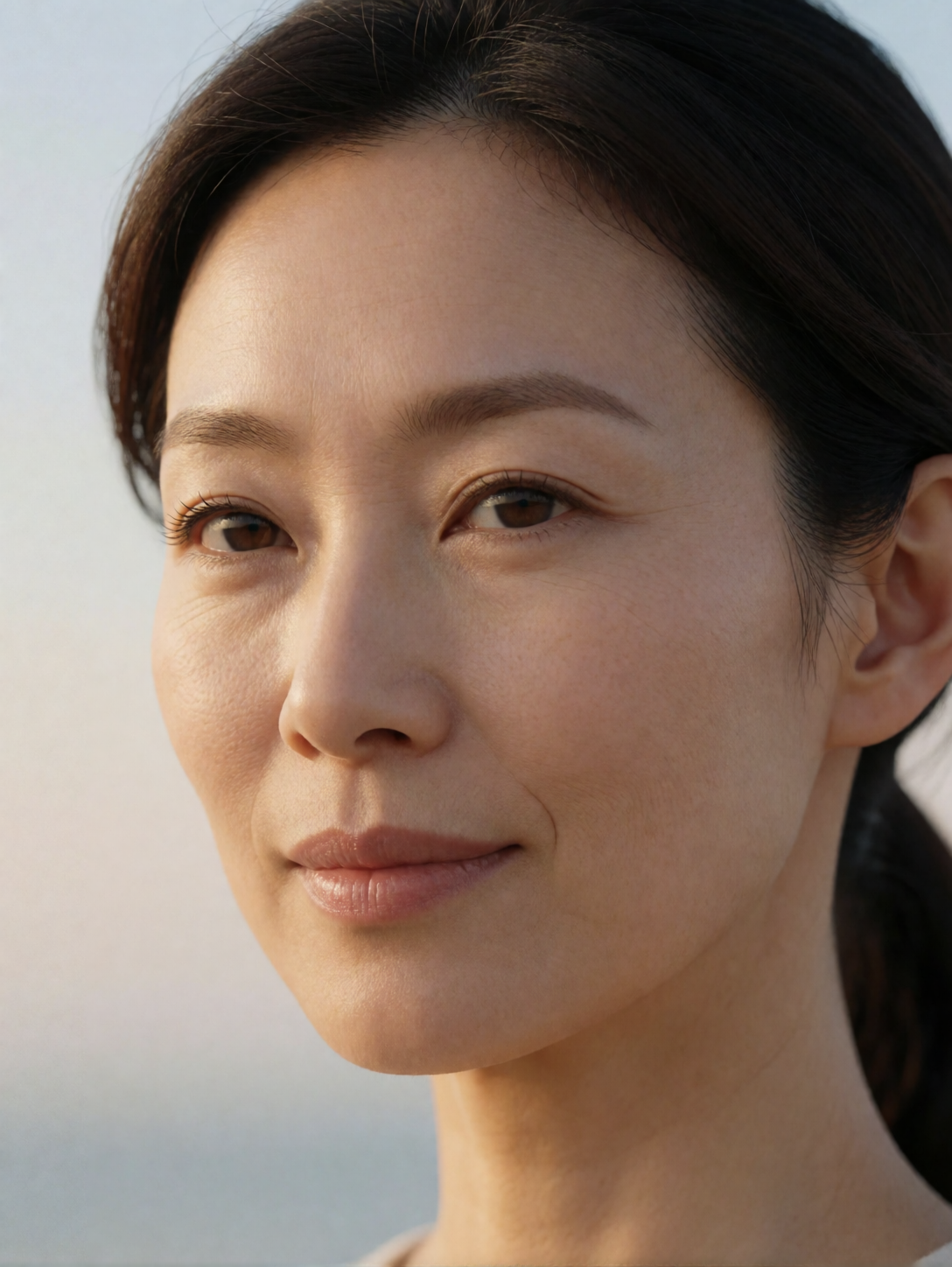
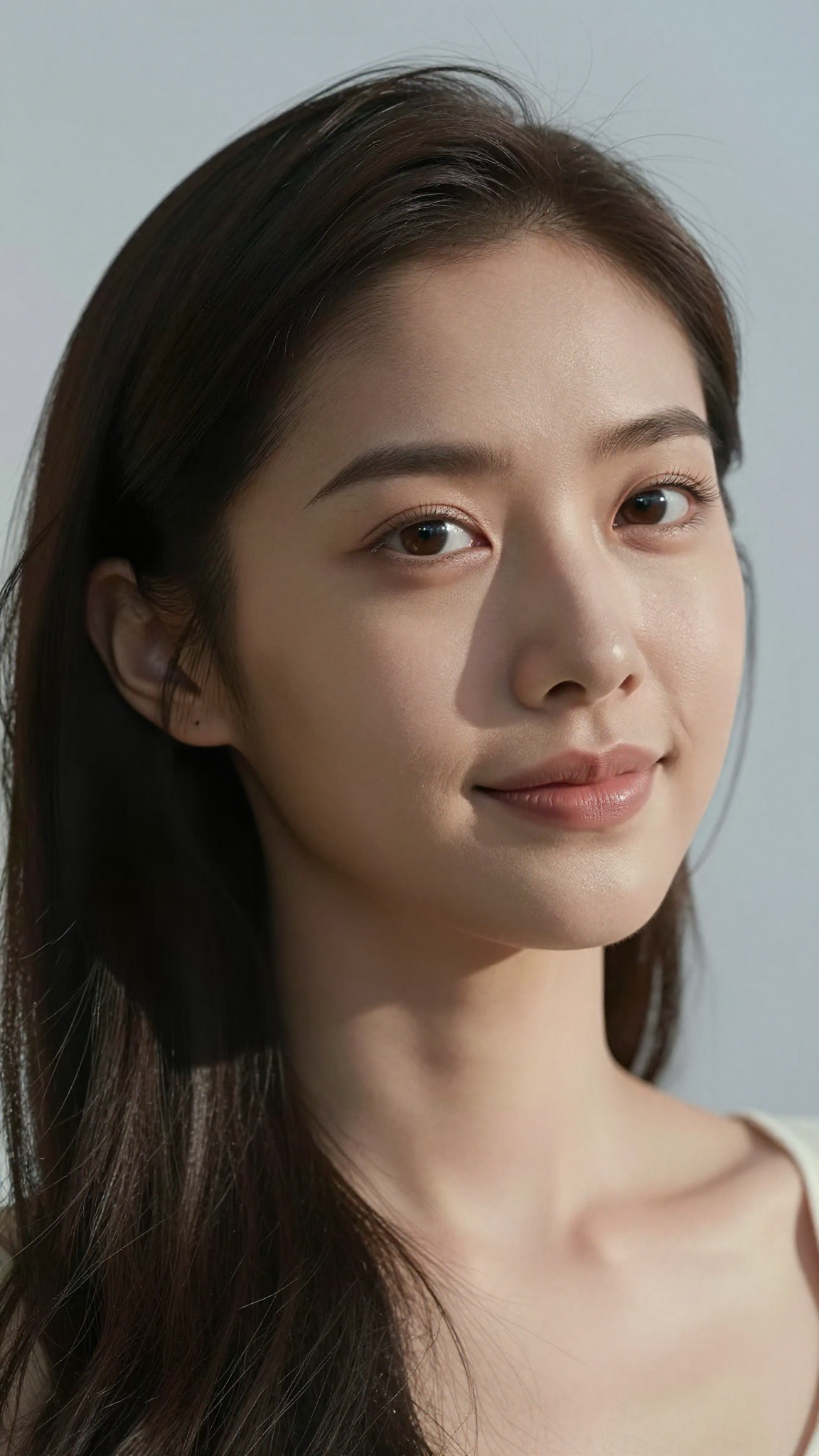
Ultra-realistic portrait of an East Asian woman with warm natural skin tone, soft diffused daylight, crisp facial details, natural pores and fine hair texture, minimal makeup, slight smile, smooth gradient background, shallow depth of field, cinematic realism, perfect color accuracy, lifelike eyes, gentle catchlights, high dynamic range, 8K photo aesthetic.
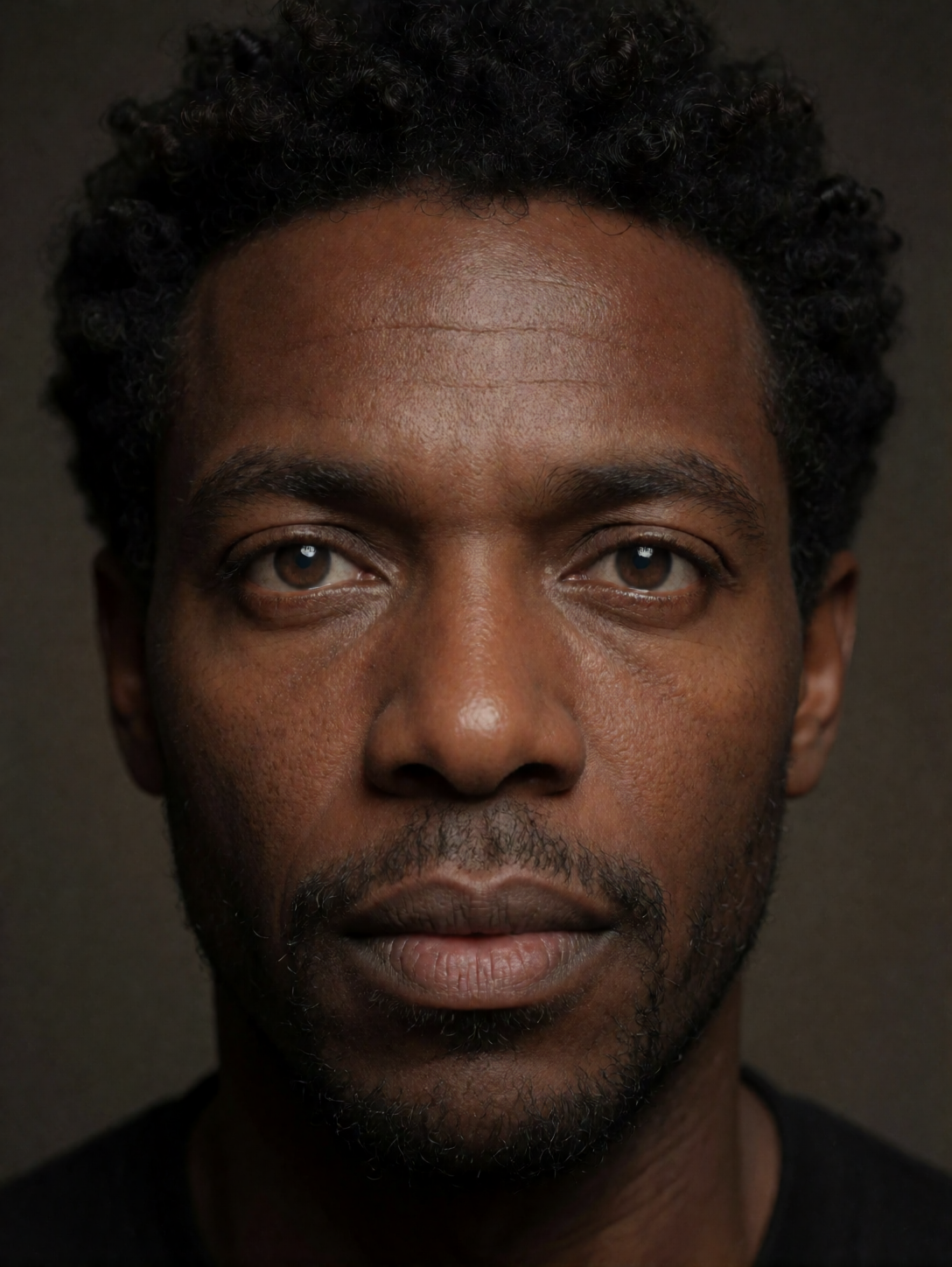
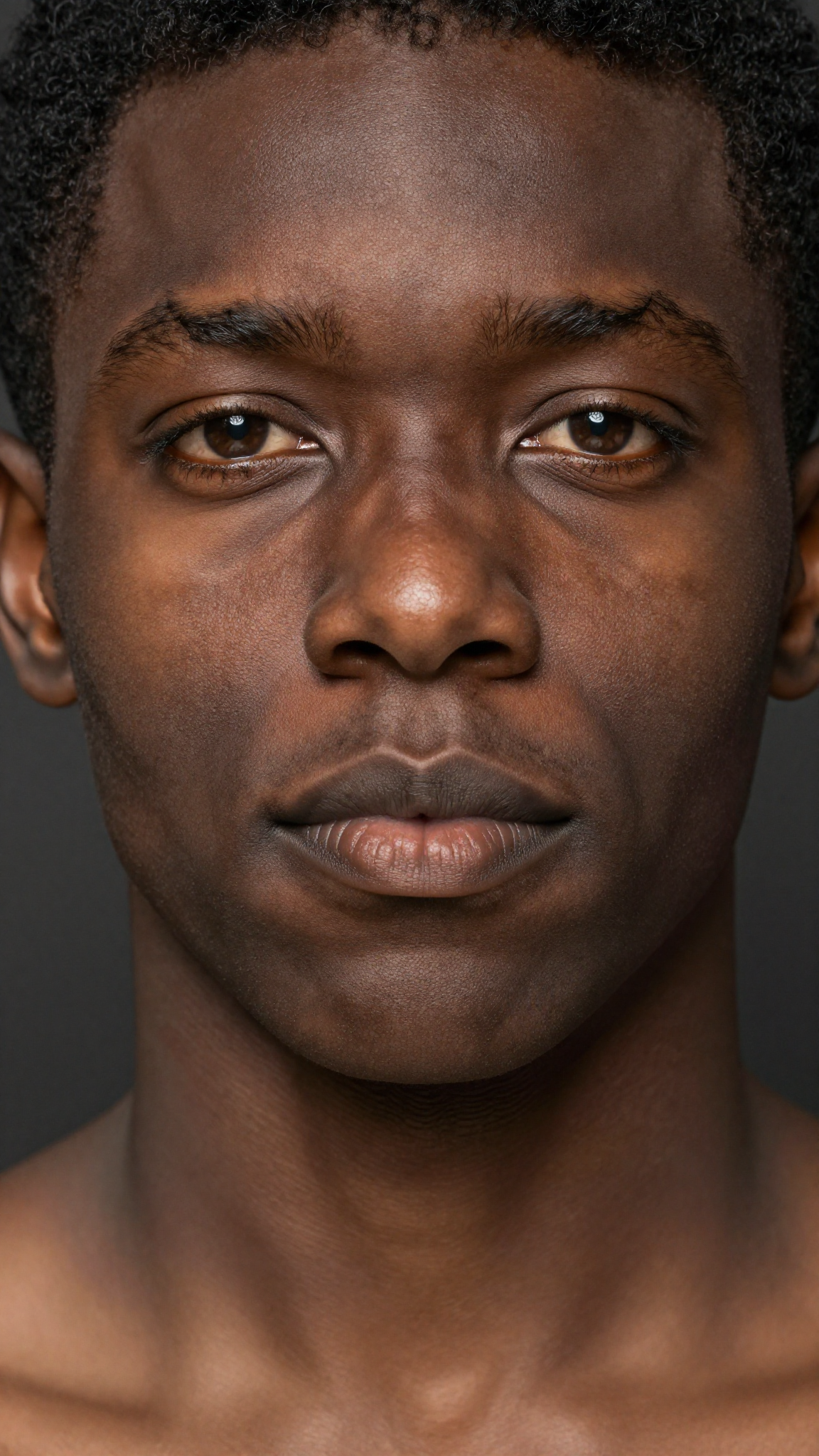
Hyper-realistic close-up portrait of a Black man with deep rich skin texture, natural sheen, tight curls, expressive warm eyes, subtle facial hair, precise shadows, Rembrandt lighting, extremely detailed pores, realistic highlights, neutral dark background, professional portrait look, ultra-sharp realism.
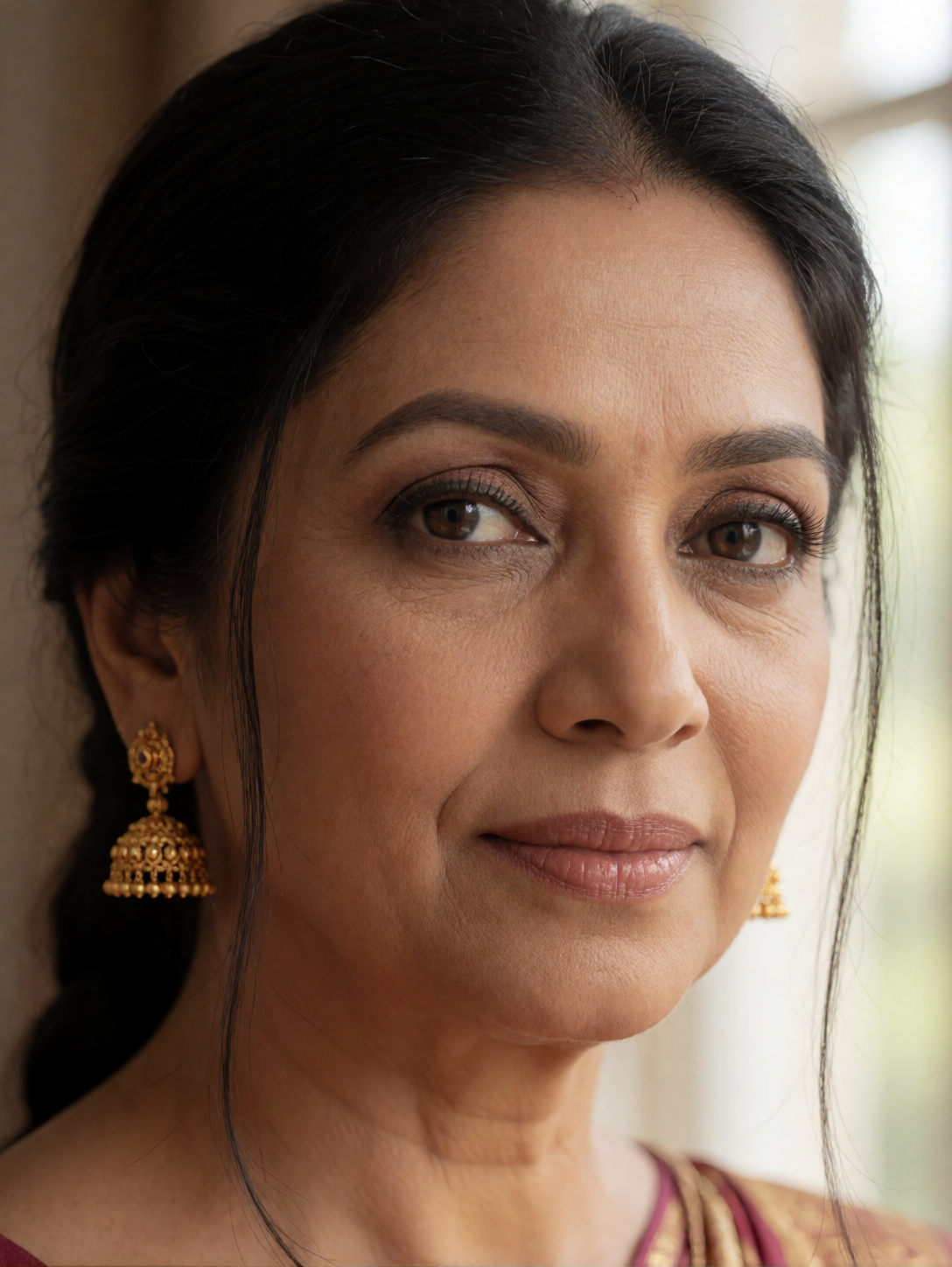
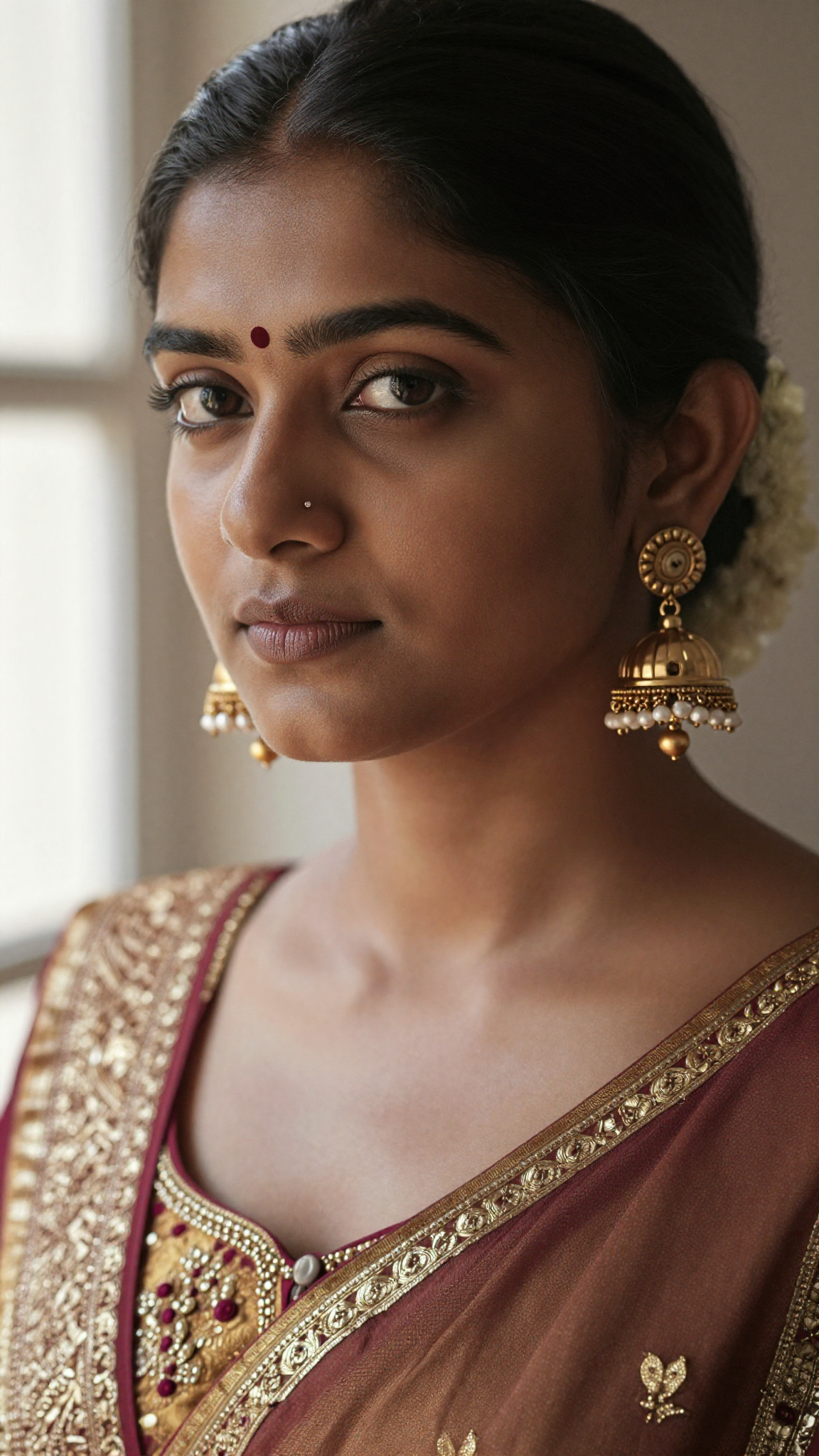
Ultra-detailed portrait of a South Asian woman wearing traditional gold earrings, soft warm skin tone, intricate hair strands, authentic facial texture, natural makeup, ambient window light, soft bokeh background, lifelike colors, elegant realism, 8K clarity, professional studio depth of field.
[SUBJECT & COMPOSITION]
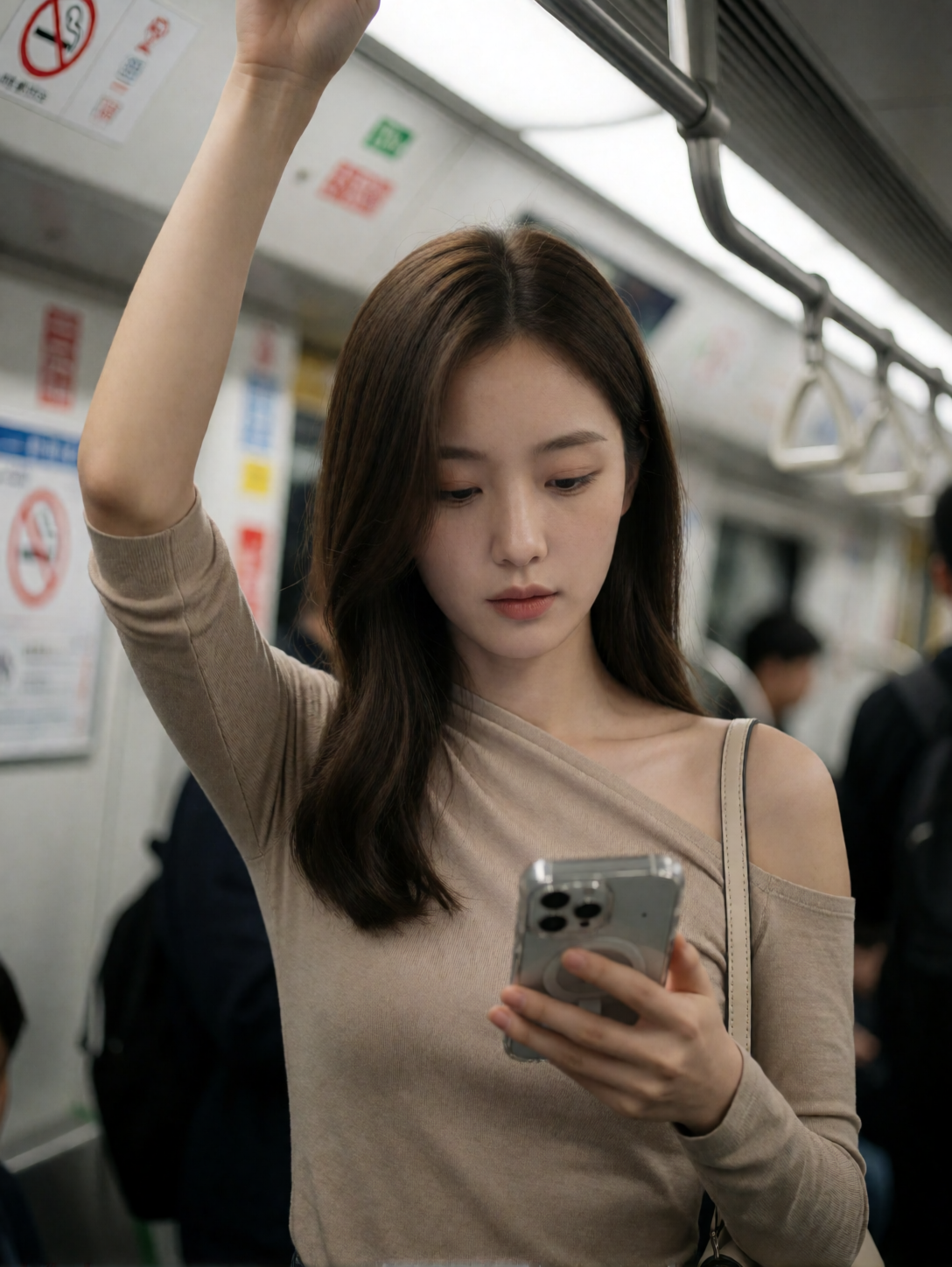
Medium close-up, slightly low angle, ~50mm-equivalent perspective with mild compression. The focal point is the young woman’s face and upper torso, centered slightly to the left of the frame’s vertical axis. Her raised right arm creates a strong diagonal leading line that anchors the composition, while her downward gaze directs attention toward the smartphone in her left hand held at mid-chest level. The background is softly blurred with shallow depth of field, isolating the subject from the indistinct interior of a public transit vehicle. Negative space above her head and to her right provides breathing room without distracting from the intimate framing.
[CHARACTER / OBJECT DETAILS]
The young woman appears to be in her late twenties, with smooth, porcelain-like skin and a slender build. Her long, straight brown hair falls in soft waves around her shoulders, partially obscuring one side of her face. She wears a fitted, asymmetrical beige top made of a matte, stretchy knit fabric that drapes across her left shoulder and clings to her torso, revealing the contours of her décolletage. Her right arm is raised high, gripping an overhead handrail; the forearm shows subtle muscle definition under smooth skin. In her left hand, she holds a smartphone with a transparent case showing internal components, its screen angled downward as she looks at it. A thin beige strap from a shoulder bag rests over her left shoulder.
[ENVIRONMENT & BACKGROUND]
The setting is clearly inside a modern subway or train car, identifiable by the metallic handrails, blurred signage on the walls (including a circular “no smoking” symbol), and the faint outlines of other passengers in dark clothing. The background is heavily out of focus, suggesting motion and depth, with hints of fluorescent lighting fixtures overhead casting even illumination. The environment feels enclosed yet transient — a moment captured within the anonymous flow of urban transit.
[LIGHTING & ATMOSPHERE]
The scene is lit by diffused, neutral-toned artificial light from above, likely fluorescent panels common in public transport interiors. The key light source appears to be directly overhead and slightly front-facing, creating soft highlights on her forehead and cheekbones while casting gentle shadows under her jawline and along the contours of her neck. There are no strong directional shadows or dramatic contrasts — the lighting is even and clinical, contributing to a calm, observational mood that feels both candid and composed.
[TECHNICAL STYLE & RENDERING]
This appears to be a high-resolution digital photograph taken with a smartphone camera, likely using an aperture setting around f/1.8–f/2.0 for shallow depth of field. The image exhibits minimal grain or noise, with clean focus on the subject’s face and upper body while smoothly blurring the background. Color grading is subtle — skin tones are rendered in warm, natural hues without heavy saturation, and shadows retain detail without crushing blacks. The overall rendering style is polished yet unpretentious, resembling a candid portrait captured by an enthusiast photographer.
[KEYWORDS]
Asymmetrical Draped Silhouette, Matte Beige Knit Texture, Urban Transit Still Life, Soft Overhead Diffusion, Cinematic Candid Framing, Minimalist Public Space, Porcelain Skin Tone Rendering, Transparent Smartphone Case Detail, Subtle Shoulder Strap Accent, Neutral Fluorescent Ambient Light, Midday Commuter Vibe, 8k Resolution Masterpiece
Recommended Settings
Krea-2-Turbo is designed to generate high-quality images with very few steps.
Recommended starting values:
| Setting | Recommended Value |
|---|---|
| Steps | 8 |
| CFG | 1 |
| Resolution | 1024×1024 |
| Sampler | Workflow default |
| Seed | Random or fixed for reproducibility |
Unlike many diffusion models, increasing the number of steps usually provides little benefit because Turbo has already been distilled for low-step inference.
Prompting Tips
Krea-2 responds well to descriptive prompts.
Instead of:
beautiful girl
Try:
A confident young woman wearing a white summer dress, walking through a narrow European street during golden hour, cinematic lighting, realistic skin texture, natural smile, shallow depth of field, highly detailed photography
Longer prompts generally produce more consistent and higher-quality results. Krea specifically recommends using detailed prompts to take advantage of the model’s prompt understanding.
Performance
One of the biggest advantages of the GGUF version is improved efficiency.
Typical benefits include:
- Faster startup time
- Lower VRAM usage
- Ability to run on GPUs with less memory
- Excellent image quality in only 8 steps
Users with high-end GPUs such as the RTX 5090 can generate images extremely quickly, while even lower-memory GPUs can often run smaller GGUF quantizations successfully. Community reports have demonstrated operation on hardware with as little as 8 GB VRAM using appropriate quantization levels, though generation speed varies considerably.
Tips for Better Results
For the best images:
- Use detailed natural-language prompts.
- Keep inference around 8 steps.
- Generate at native resolution before upscaling.
- Use fixed seeds when comparing prompts.
- Experiment with different GGUF quantization levels to balance speed and image quality.
Final Thoughts
Krea-2-Turbo GGUF brings one of the newest open-weight image models to local ComfyUI workflows without requiring enterprise-level hardware. The combination of fast inference, low VRAM usage, and excellent prompt adherence makes it an attractive option for creators who want high-quality results while keeping generation times short.
If you’re already using ComfyUI, Krea-2-Turbo GGUF is definitely worth adding to your workflow collection.
Leave a Reply