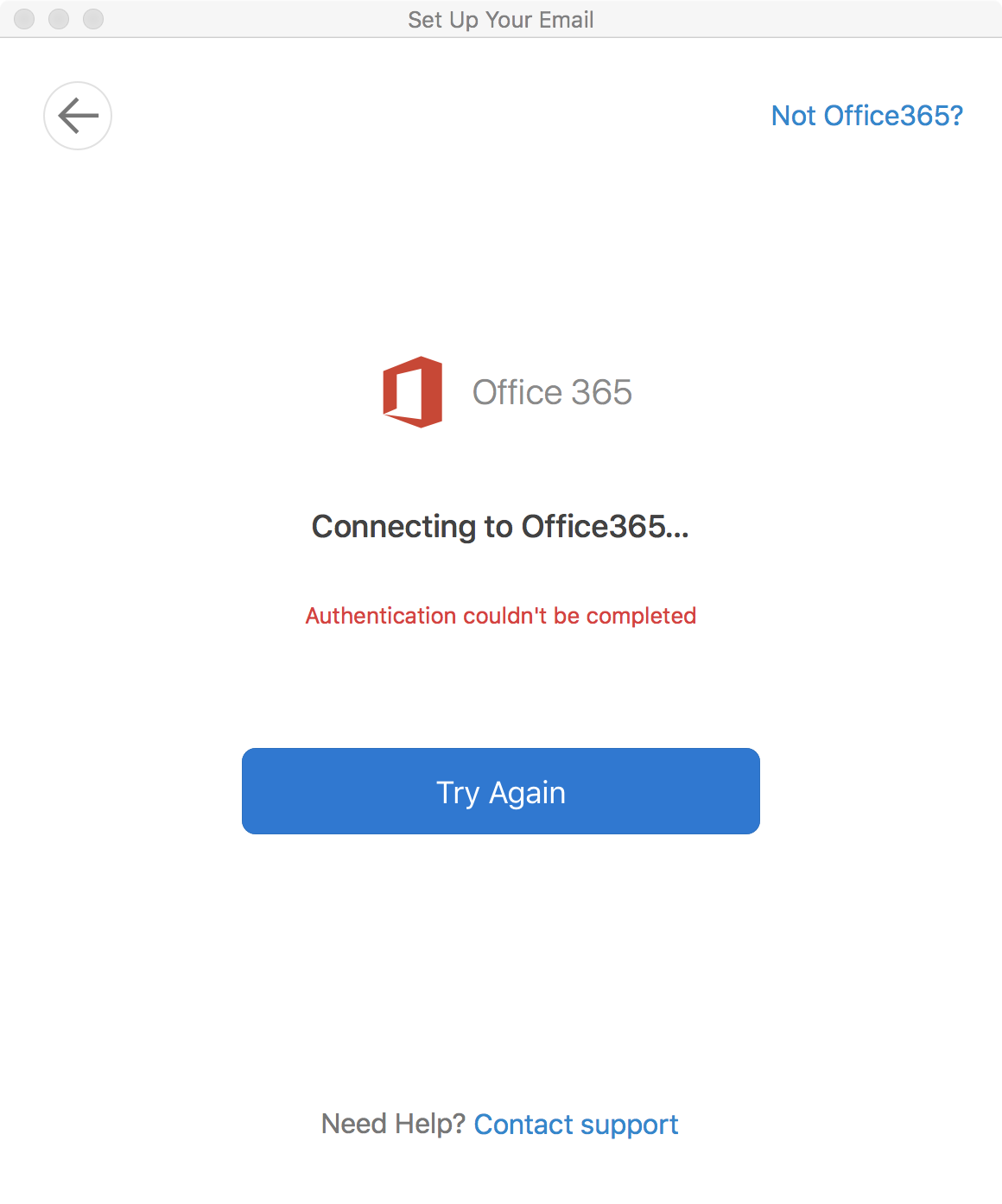
When I tried to open Outlook on my Macbook Pro, I noticed that the folders are not synced. I checked the account settings and there is a yellow dot by my account. I tried to delete the account and set it up again and I got this error message:
If you’re thinking about purchasing a new GPU, we’d greatly appreciate it if you used our Amazon Associate links. The price you pay will be exactly the same, but Amazon provides us with a small commission for each purchase. It’s a simple way to support our site and helps us keep creating useful content for you. Recommended GPUs: RTX 5090, RTX 5080, and RTX 5070. #ad
Authentication couldn’t be completed.
Tried re-install Outlook did not fix it. Finally found out how to fix this problem. Here are what I did:
- Quit Outlook.
- Open up Finder.
- Browse to ~/Library/Containers
- Find these two folders and move them to trash. (You might not have the profilemanager folder)
com.microsoft.Outlook
com.microsoft.outlook.profilemanager - Open Outlook and try add the account.
Leave a Reply