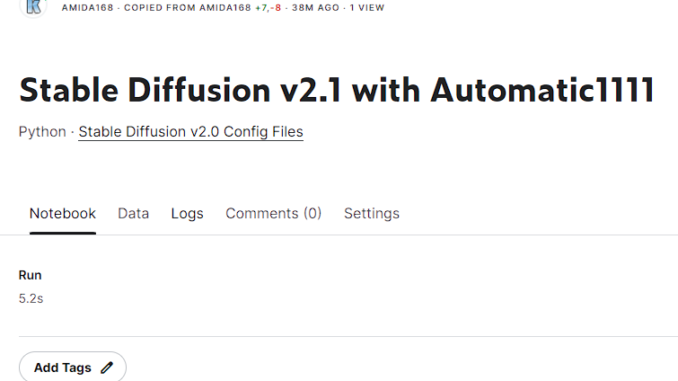
This is an undate to my previous post about trying out Stable Diffusion Version 2.0 using a Kaggle notebook. The new notebook is here.
If you’re thinking about purchasing a new GPU, we’d greatly appreciate it if you used our Amazon Associate links. The price you pay will be exactly the same, but Amazon provides us with a small commission for each purchase. It’s a simple way to support our site and helps us keep creating useful content for you. Recommended GPUs: RTX 5090, RTX 5080, and RTX 5070. #ad
https://www.kaggle.com/amida168/stable-diffusion-v2-1-with-automatic1111
If you are not familiar with Kaggle, please refer to my previous post This notebook supports both 768×768 and 512×512 models. However, you cannot load both models at the same time. The default model is the 768 model. If you want to use the 512 model, just comment out the two lines related to the 768 model and uncomment the two line related to 512 model. It seems like the network traffic to and from hugginface is congested now. This is usual for any new releases. If you see a read error while running the notebook, please try it later.
Leave a Reply