
How to Use FLUX.2-dev Turbo LoRA in ComfyUI with GGUF Models
FLUX.2-dev Turbo brings a major speed upgrade to the FLUX ecosystem, making high-quality image generation possible in dramatically fewer steps. Released as a Turbo LoRA […]
FLUX.2-dev Turbo brings a major speed upgrade to the FLUX ecosystem, making high-quality image generation possible in dramatically fewer steps. Released as a Turbo LoRA […]

Qwen-Image-Edit-2511 is the latest release in the Qwen Image Edit series, built on top of the powerful Qwen-Image foundation model. This update focuses on improving […]

A new open‑source AI model called SCAIL has emerged as a promising advance in AI‑based character animation, offering studio‑grade motion transfer and pose consistency that […]
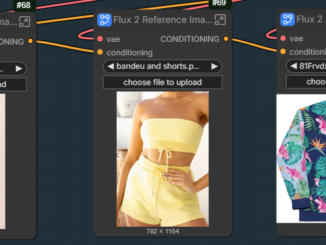
Flux.2-dev has evolved quickly, but the original workflow is very VRAM-intensive. In my case, it often caused out-of-memory errors, even on an RTX 5090 GPU. […]

Image-to-image generation with Z-Image-Turbo GGUF in ComfyUI builds directly on the same workflow used for text-to-image. The model, sampler, and prompt setup remain largely unchanged. […]

Upscaling AI-generated images and videos is an essential step for creators who want clean details and higher resolution output. FlashVSR is a new high-performance upscaler […]

Z-Image-Turbo is a fast and lightweight 6B-parameter image generation model designed for ultra-realistic results. With the GGUF version, you can run it directly inside ComfyUI […]

Black Forest Labs recently released FLUX.2-dev, an upgraded image-generation model with noticeably better quality, consistency, and prompt understanding. The availability of a GGUF version makes […]
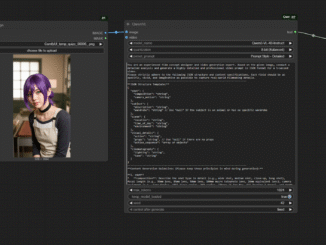
If you’ve ever spent too much time crafting detailed video prompts in ComfyUI, you’ll appreciate what Qwen3-VL can do. Thanks to the ComfyUI-QwenVL extension from […]

With the rapid progress of AI image generation, it’s now possible to reproduce the distinct look of mobile phone photography — crisp lighting, vivid tones, […]
Copyright © 2026 | WordPress Theme by MH Themes
Social Widgets powered by AB-WebLog.com.