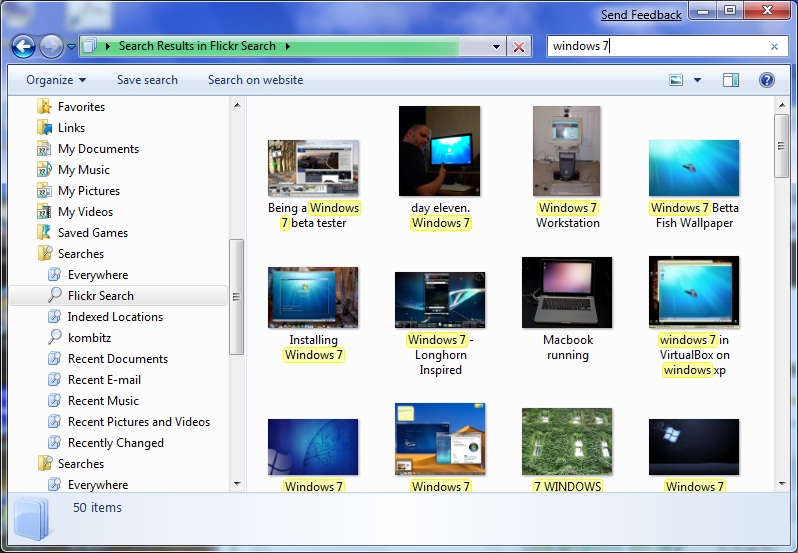
A new feature of Windows 7 lets you search remote sites directly from Windows Explorer. To use it, just download the search connector files (*.osdx) to your computer. Double click on the search connector file to install it. Once it’s installed, a new link is created under Favorites. Here is a screenshot for searching “Windows 7” pictures via a flickr search connector.
I was wondering if I could create a connector for my site. It turns out it’s also very easy to create one if you are fine with using search engine for servicing out the results for your site.
Here is an example of a search connector for my site using msn.com search engine. The reason that I use msn.com is that Windows 7 expects the results in RSS format which google doesn’t support.

Download the kombitz search connector here. To customize it for your site, just search kombitz and kombitz.com and replace them with your site name and address.
This post may contain affiliated links. When you click on the link and purchase a product, we receive a small commision to keep us running. Thanks.

Leave a Reply