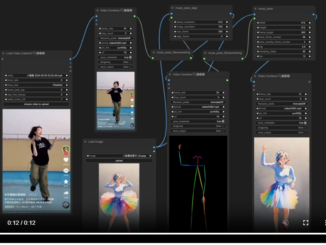
How to Install Comfyui-MusePose on Windows
According to the MusePose readme on github: MusePose is an image-to-video generation framework for virtual human under control signal such as pose. The current released model […]
According to the MusePose readme on github: MusePose is an image-to-video generation framework for virtual human under control signal such as pose. The current released model […]

A user requested installing R 4.4.1 on our Ubuntu 22.04 server. It turns out to be non-trivial because of the missing libraries. Took me several […]

Stability AI has just made Stable Diffusion 3 available for download today. When I tried to run it using ComfyUI, I encountered this error: “Error […]

A while ago, I published a Comfy UI workflow to upscale and increase the frame rate of a video. When you have a lot of […]
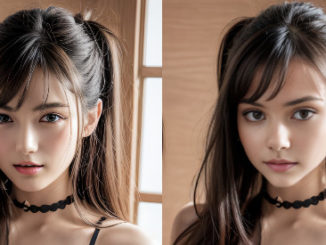
A while ago, I posted about the roop extension to do face swap for stable diffusion. That extension is no longer updated. Another extention called […]

animatediff-cli is a command line tool to help you generate animation using Stable Diffusion models. animatediff-cli-prompt-travel adds prompt travel feature to make it even more […]

I have been experimenting with AI videos lately. I often reduce the size of the video and the frames per second to speed up the […]
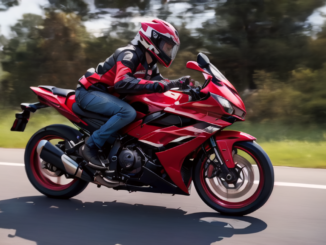
A few days ago, I tried to install a stand alone Stability Video Diffusion (SVD) streamlit app on Windows. The process is complicated and not […]

Stability AI has introduced a groundbreaking advancement with the release of Stable Video Diffusion. This state-of-the-art generative video model builds upon the success of its […]

Welcome to the world of cutting-edge AI innovation! In this guide, we will walk you through the process of installing SDXL Turbo, the latest breakthrough […]
Copyright © 2024 | WordPress Theme by MH Themes
Social Widgets powered by AB-WebLog.com.